
How to schedule spa rooms and therapists
Schedule a spa appointment only when the therapist and the required room or equipment can both support the service. In Shapzo, configure branch resources, link resource types to services, and review staff and room calendars together. Resources require Growth or Pro.
By Shapzo editorial team. Reviewed .
Define what limits your capacity
List the therapists, rooms and equipment each treatment needs. A massage may need a therapist and a massage room; another treatment may also require a machine. Set realistic service duration and extra processing time instead of treating every appointment as interchangeable.
Resources belong to a branch. Use a resource type to describe the kind of room or equipment and a resource record for each actual bookable item. Keep one room per record when you need to know exactly which room is occupied.
Configure capacity and link services
Turn on Book rooms and equipment in Scheduling settings. Create the resources, choose their branch and capacity limit, and link the required resource type on each service. A private treatment room can use one appointment at a time; a shared facility needs a capacity chosen for its actual use.
Required resources are part of the booking workflow. If you never link the room type to the service, a staff calendar alone cannot describe the treatment’s resource requirements.
Review the appointment from both views
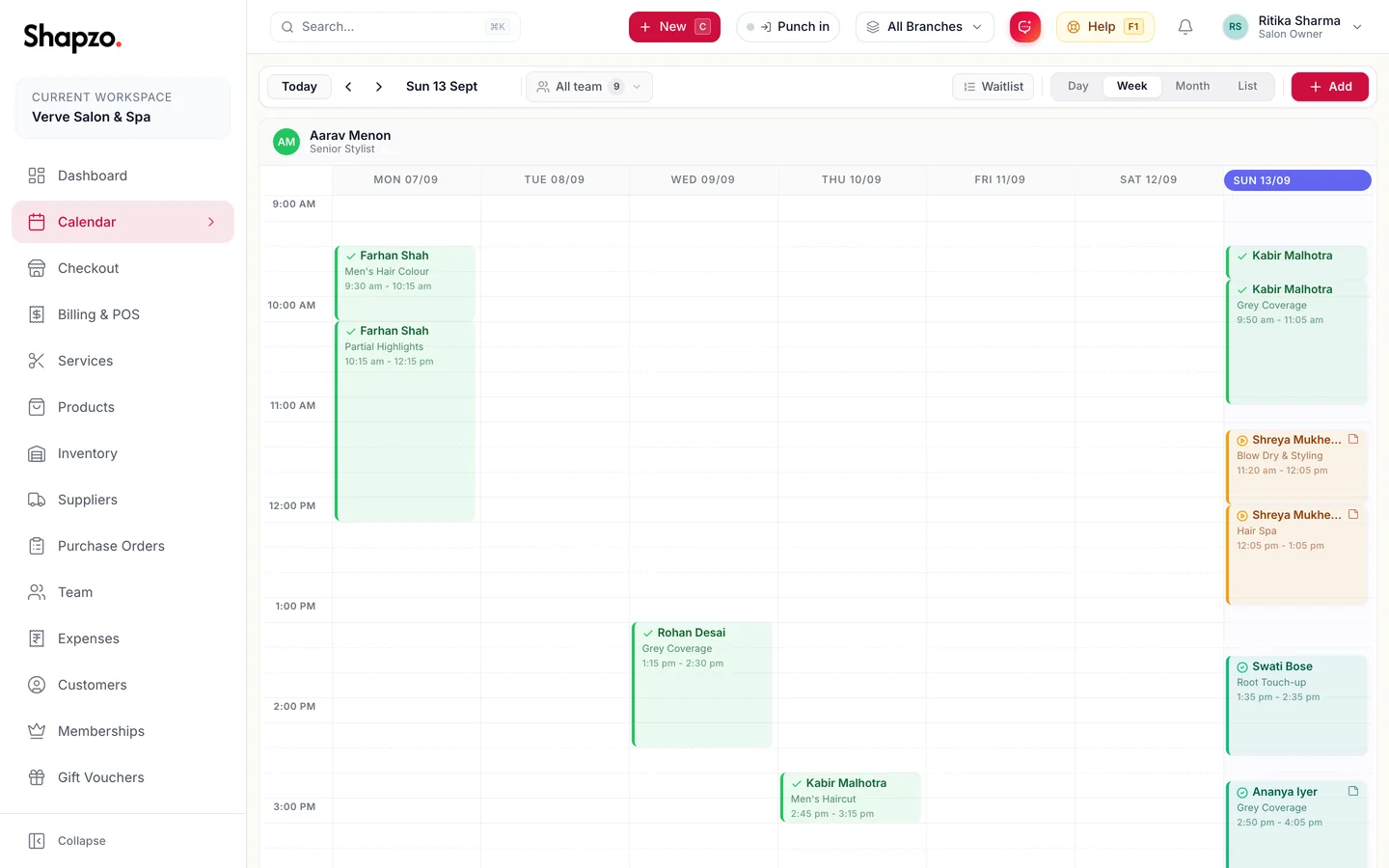
Use By staff to review therapist commitments and By room to review resource use. Assign the provider and required room to the service. Check the conflict messages when a time overlaps an existing commitment.
For example, a spa with two private massage rooms cannot serve three simultaneous massages just because three therapists are available. Test this situation in the trial and confirm that the configured room limits match how your reception team books appointments. This is a workflow example, not a measured customer result.
Connect the next visit
After service, redeem any applicable membership benefit at checkout and review the remaining sessions. For repeat visits, use the documented recurring appointment workflow and check room availability for the series.
Before subscribing, compare your trial configuration with plan limits. Starter does not include bookable resources or session memberships; Growth and Pro do. Shapzo manages scheduling and business operations, not clinical records.