
Adjust line items
Add a bonus, overtime, other earnings, other deductions or TDS to one member's line while the run is still a draft.
Steps
On the web
-
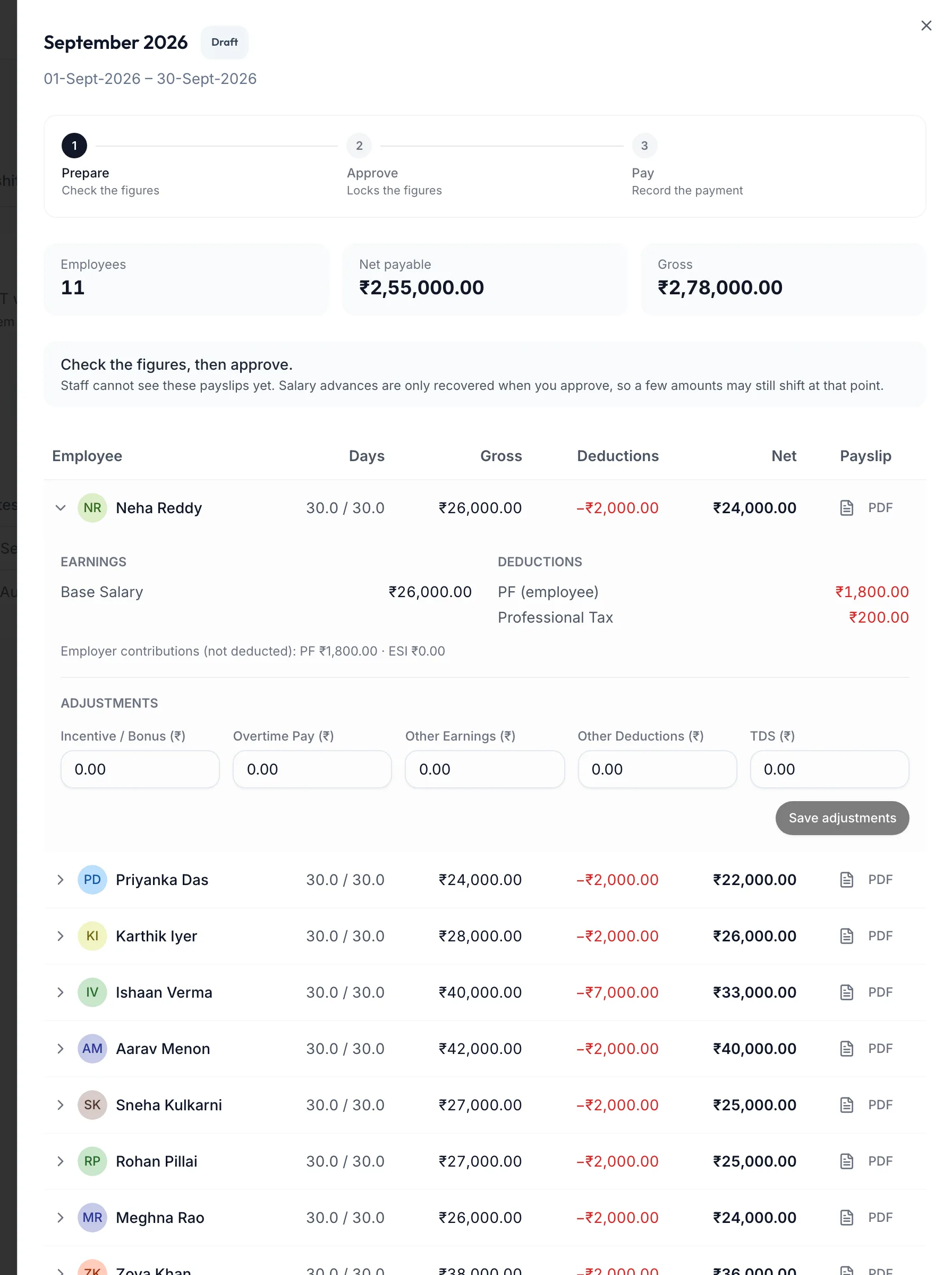
Open the draft pay run and expand a member's line.
A pay run line item expanded -
Read the Earnings (base, commission, tips) and Deductions (PF, ESI, PT, advance recovery; None if nothing applies). Days of leave without pay show as ({{days}} LWP).
-
Under Adjustments, enter any of Incentive / Bonus, Overtime Pay, Other Earnings, Other Deductions and TDS, each in rupees.
-
Click Save adjustments.
The line's Net and the run's Net payable update at once. PDF previews the payslip as it will look.
Employer contributions (not deducted): PF shows the employer's share for your records; it is not taken from the member.
In the app
-
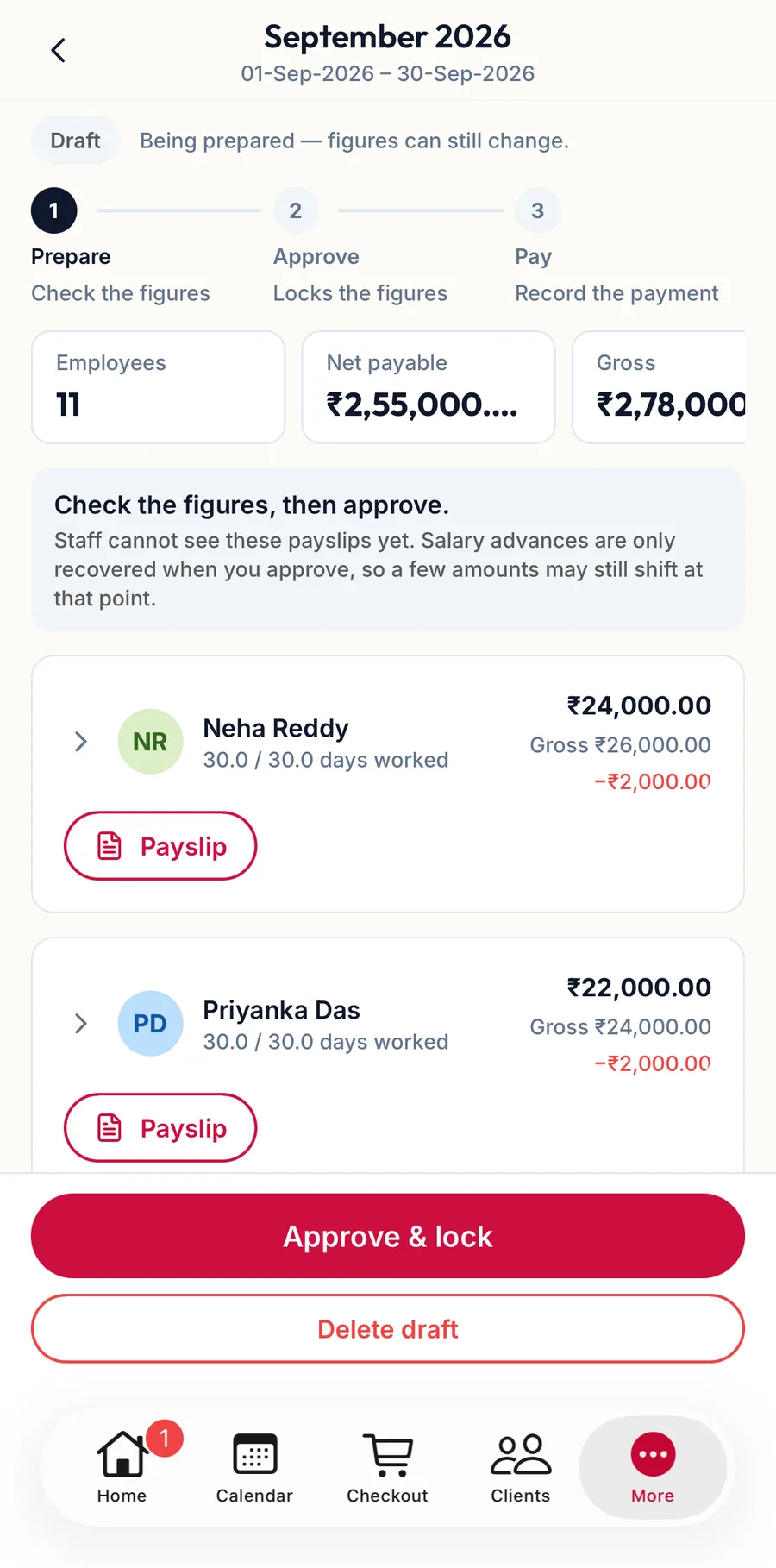
Open the draft pay run and tap a member's card to expand it.
A pay run line expanded in the app -
Read the Earnings and Deductions, then under Adjustments enter any bonus, overtime, other earnings, other deductions or TDS.
-
Tap Save adjustments.
Related articles
- Create a pay run · Pay runs
- How a pay run works · Pay runs