
How a pay run works
The monthly salary cycle from draft to paid, what gets calculated for you, and where the statutory rules come from.
A pay run is one period's salaries for everyone, worked out from each member's Salary & Pay settings, their commission, tips, leave without pay and any approved advances. Monthly salaries with PF, ESI and PT worked out for you is the promise on the tab.
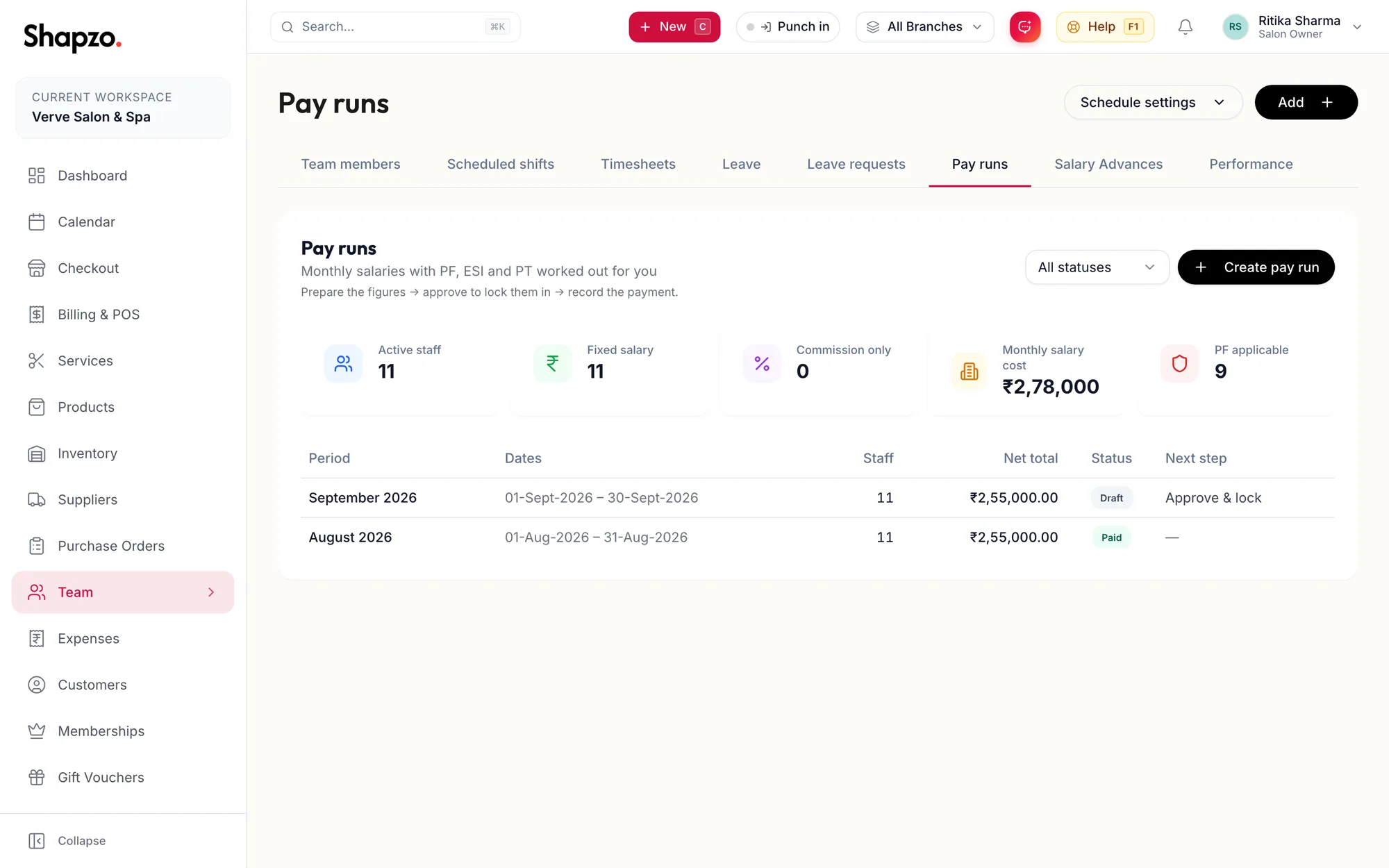
The cycle
The tab shows the workflow: Prepare the figures → approve to lock them in → record the payment. Businesses that want a second pair of eyes turn on a review step in the payroll settings, and the workflow becomes Prepare the figures → submit for approval → approve → record the payment.
| Status | Meaning | Next step |
|---|---|---|
| Draft | Being prepared — figures can still change. | Approve & lock, or Submit for approval |
| Awaiting approval | Checked and waiting for approval before salaries are locked in. | Approve & lock |
| Approved | Figures are locked and staff can see their payslips. Pay the salaries, then record the payment here. | Record payment |
| Paid | Salaries disbursed. Nothing further to do for this period. | |
| Cancelled | Reversed — any advances it recovered were returned, and this period can be run again. |
What is calculated
For each member: base salary pro-rated by days, commission for the period, tips, then deductions for PF, ESI and PT where they apply to that person, and recovery of approved advances. TDS and one-off items are entered by hand; see Adjust line items.
The rules used
Each pay run keeps a snapshot under Statutory rules used: Provident Fund, ESI and Professional Tax with their Employee rate, Employer rate, Wage ceiling and Assessed on, plus the TDS mode and whether Unpaid leave reduces statutory wages. Later changes to the settings do not alter a run already created.
Related articles
- Create a pay run · Pay runs
- Approve, record payment, cancel · Pay runs
- Salary, bank and statutory details · Team