
Payslips and what staff see
Download a payslip PDF for any line, and what a team member sees on their own Salary tab once a run is approved.
For managers
On a pay run's line, Payslip or PDF downloads that member's payslip; the toast reads Payslip downloaded. It shows the period, earnings by type, each statutory deduction, advance recovery, adjustments, the net amount and the bank details on file.
For staff
On the web
Once the run is Approved, a member with a login opens My Account, Salary, and sees under Payslips one row per period with Earned, Deductions, Take-home, Status and a PDF button. Until the payment is recorded the status reads Awaiting payment. A cancelled run shows Reversed — this payslip was cancelled and does not count towards your pay.
The same tab has Commission by month and Salary advances; see My Salary: payslips, commission, advances.
In the app
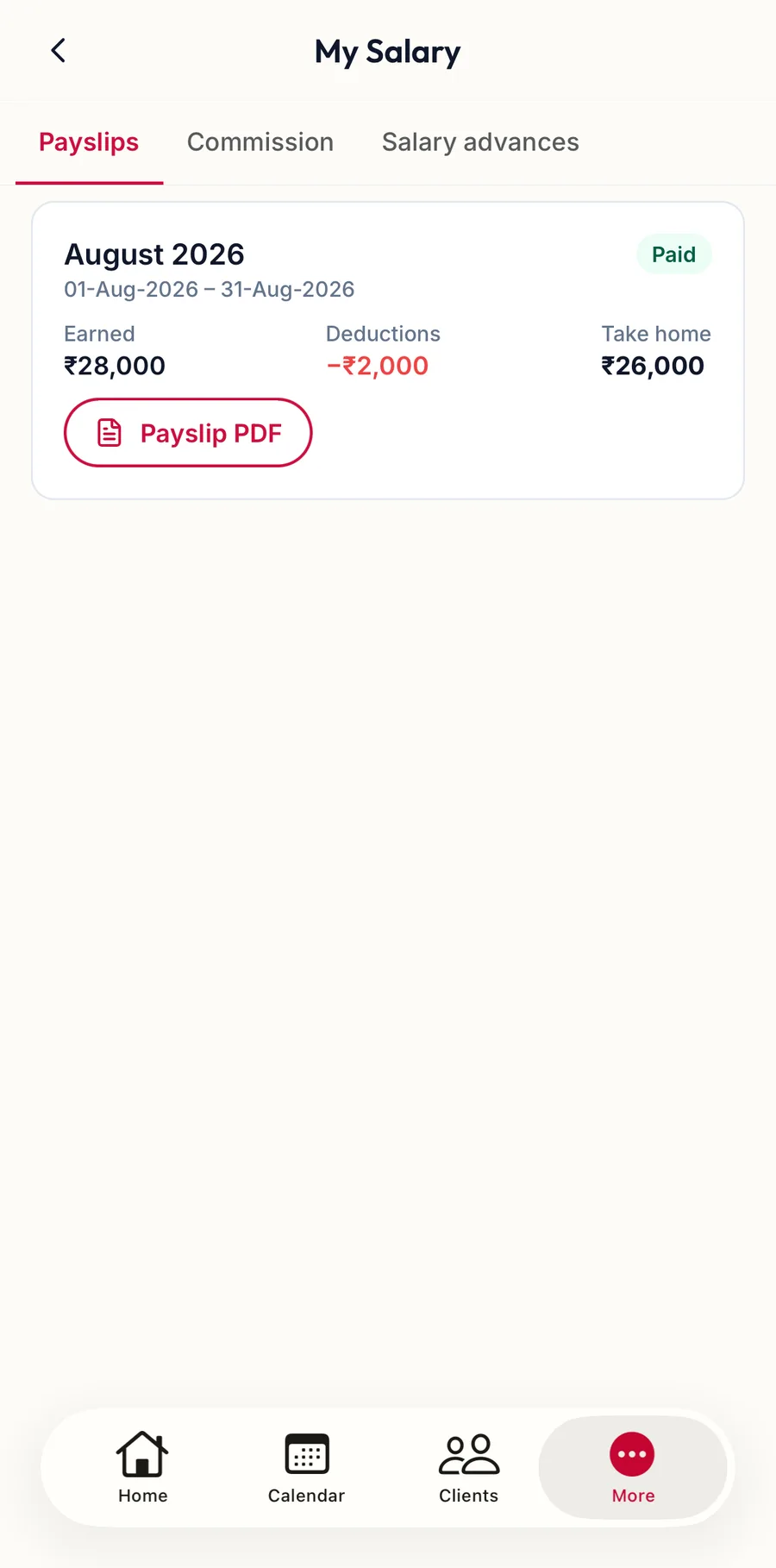
Once the run is approved, a member opens More, then My Salary; the Payslips tab lists each period with Payslip PDF to download or share it.
Related articles
- My Salary: payslips, commission and advances · Your account
- Approve, record payment, cancel · Pay runs