
Create a pay run
Start a period's salaries with a label and dates; every employee working in the period gets a line with deductions worked out.
Before you start
- Every member's Salary & Pay section is filled in; see Salary, bank and statutory details.
- Leave for the period is approved and any advances for the period are approved.
- The previous period is Paid or Cancelled; two open runs for the same dates are not allowed.
Steps
On the web
-
Open Team, Pay runs, and click Create pay run.
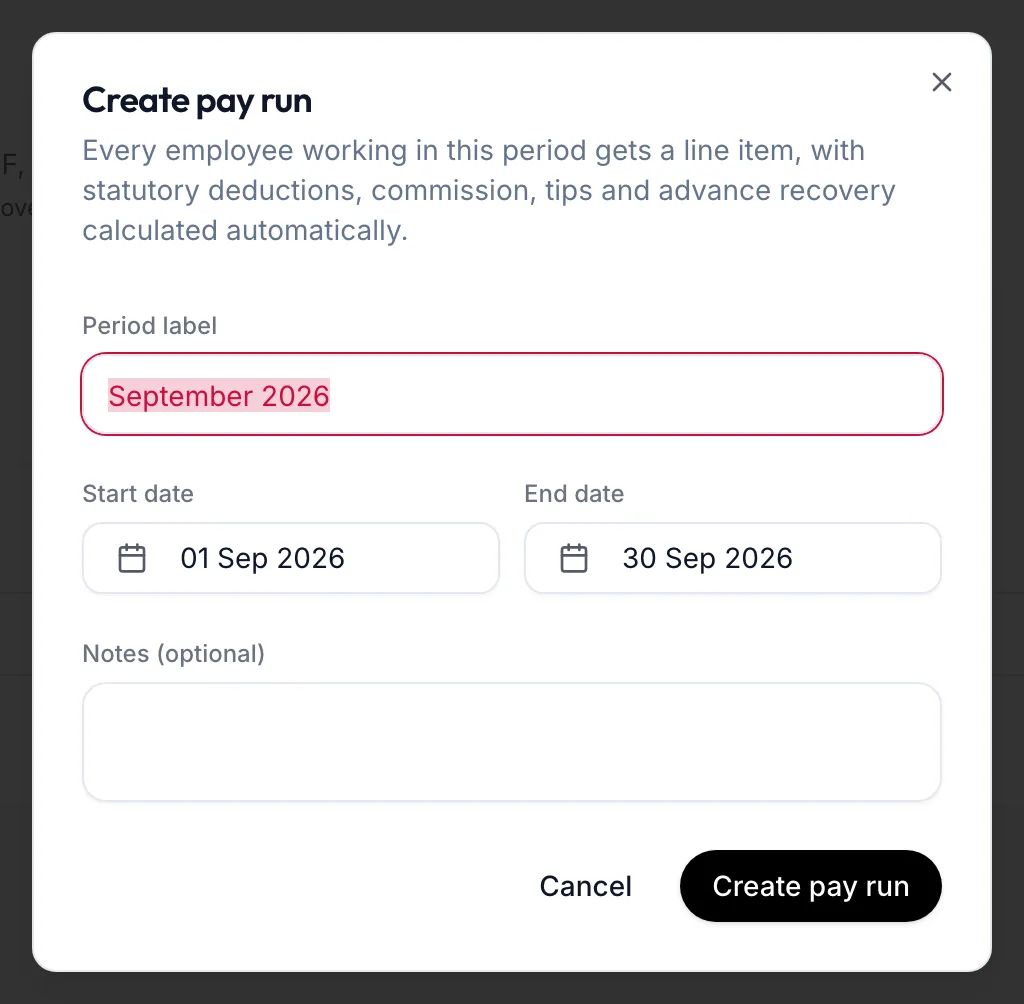
The Create pay run dialog -
Enter the Period label (for example September 2026), the Start date and End date, and Notes (optional).
-
Click Create pay run.
The dialog explains: Every employee working in this period gets a line item, with statutory deductions, commission, tips and advance recovery calculated automatically. The run opens in Draft.
In the app
-
Tap More, then Team, then the Pay runs tab and the + button.
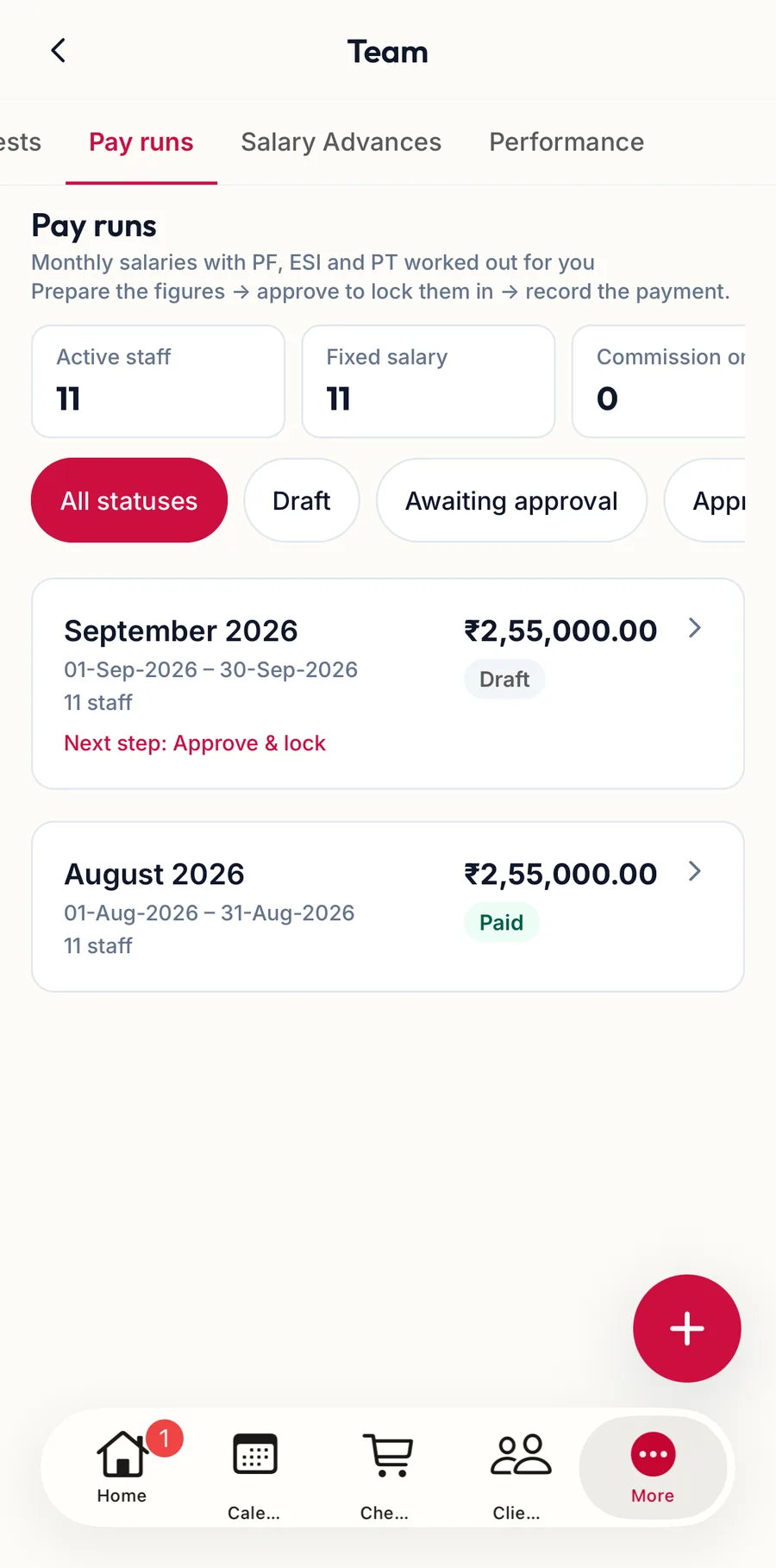
The Pay runs tab in the app -
Enter the Period label, the Start date and End date, and Notes (optional).
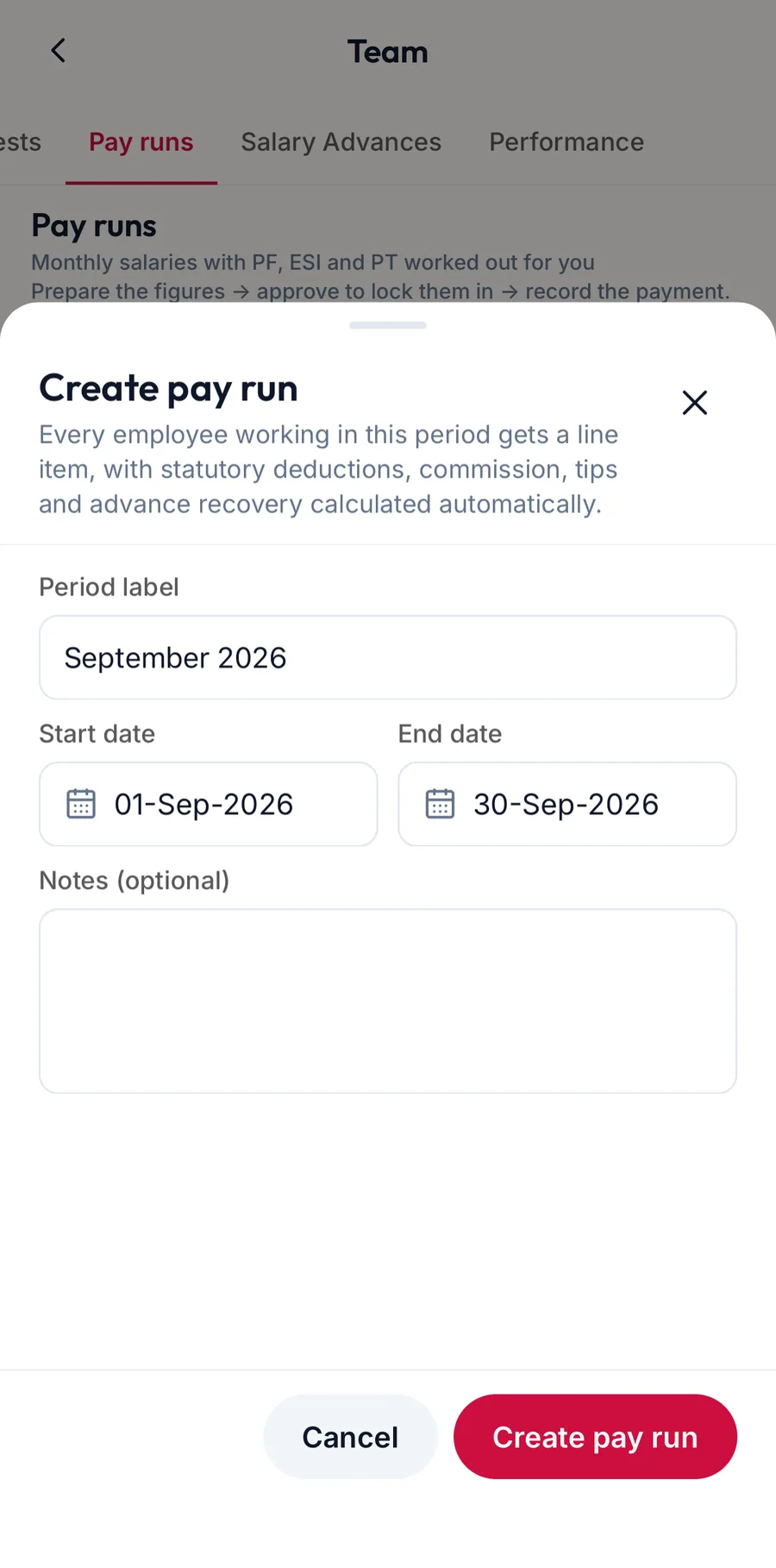
The Create pay run sheet in the app -
Tap Create pay run.
Read the run
On the web
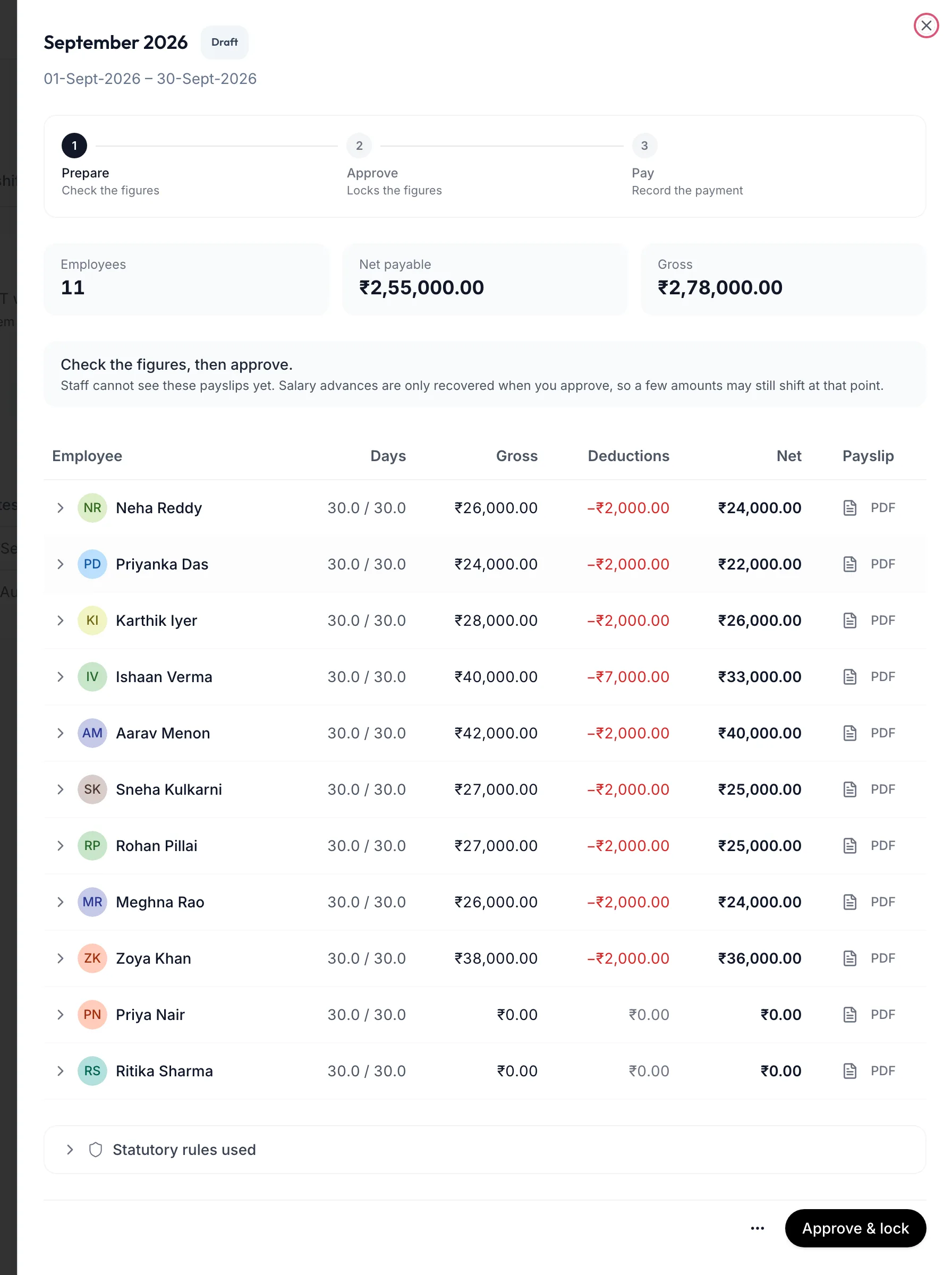
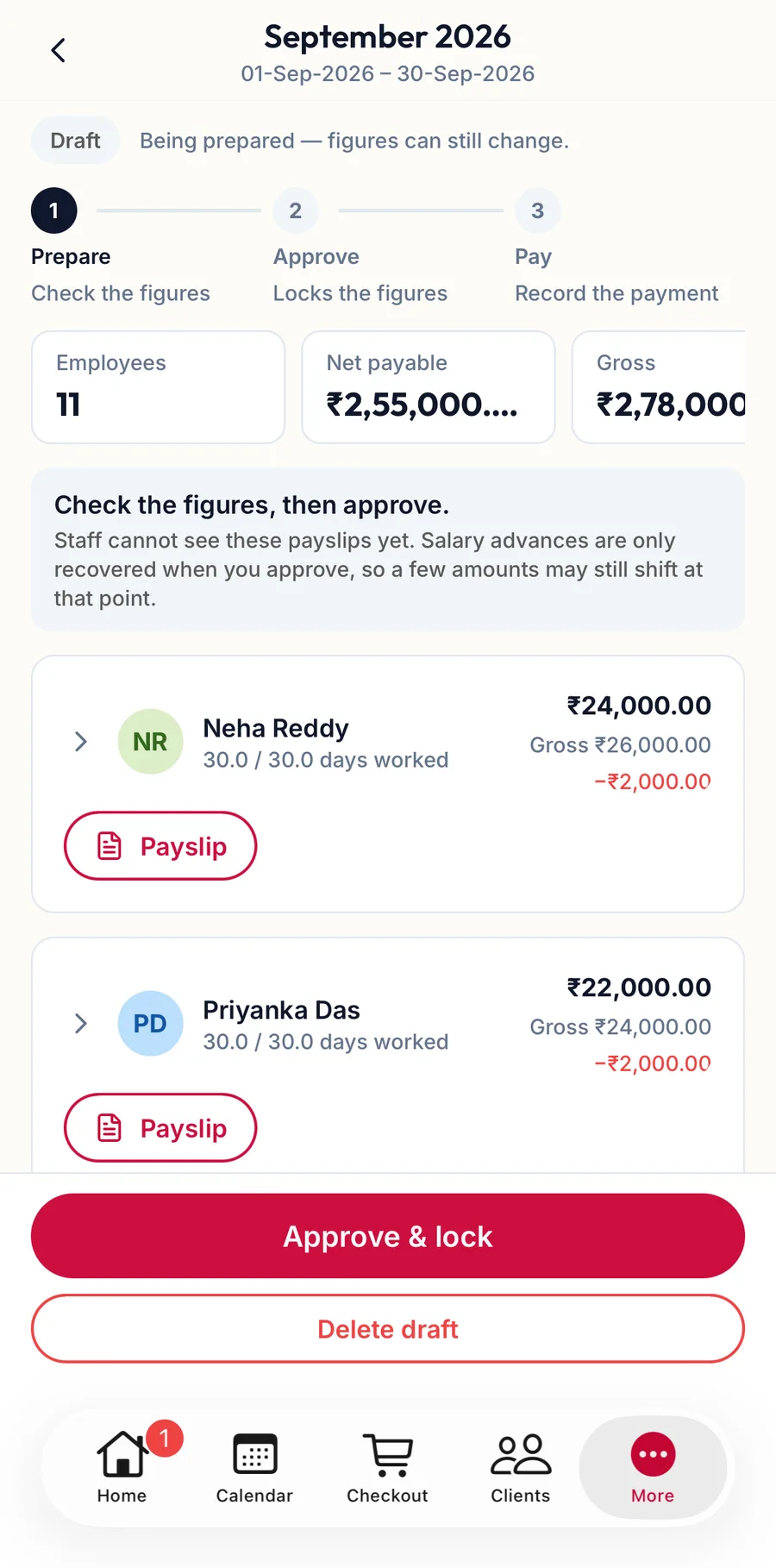
The tiles show Employees, Net payable and Gross. Each line has Days, Gross, Deductions, Net and a Payslip button. The note under the tiles reads Staff cannot see these payslips yet. Salary advances are only recovered when you approve, so a few amounts may still shift at that point.
The tab's tiles above the list are worth a glance too: Active staff, Fixed salary, Commission only, Monthly salary cost and PF applicable.
In the app
Tap the run. The tiles show Employees, Net payable and Gross; each member's card has the days, gross, deductions and net, with Payslip to download it.
Related articles
- How a pay run works · Pay runs
- Adjust line items · Pay runs
- Approve, record payment, cancel · Pay runs