
The report library and Recommended for you
Eighty-seven reports grouped by area, a search box, and a Recommended tab that changes with your role.
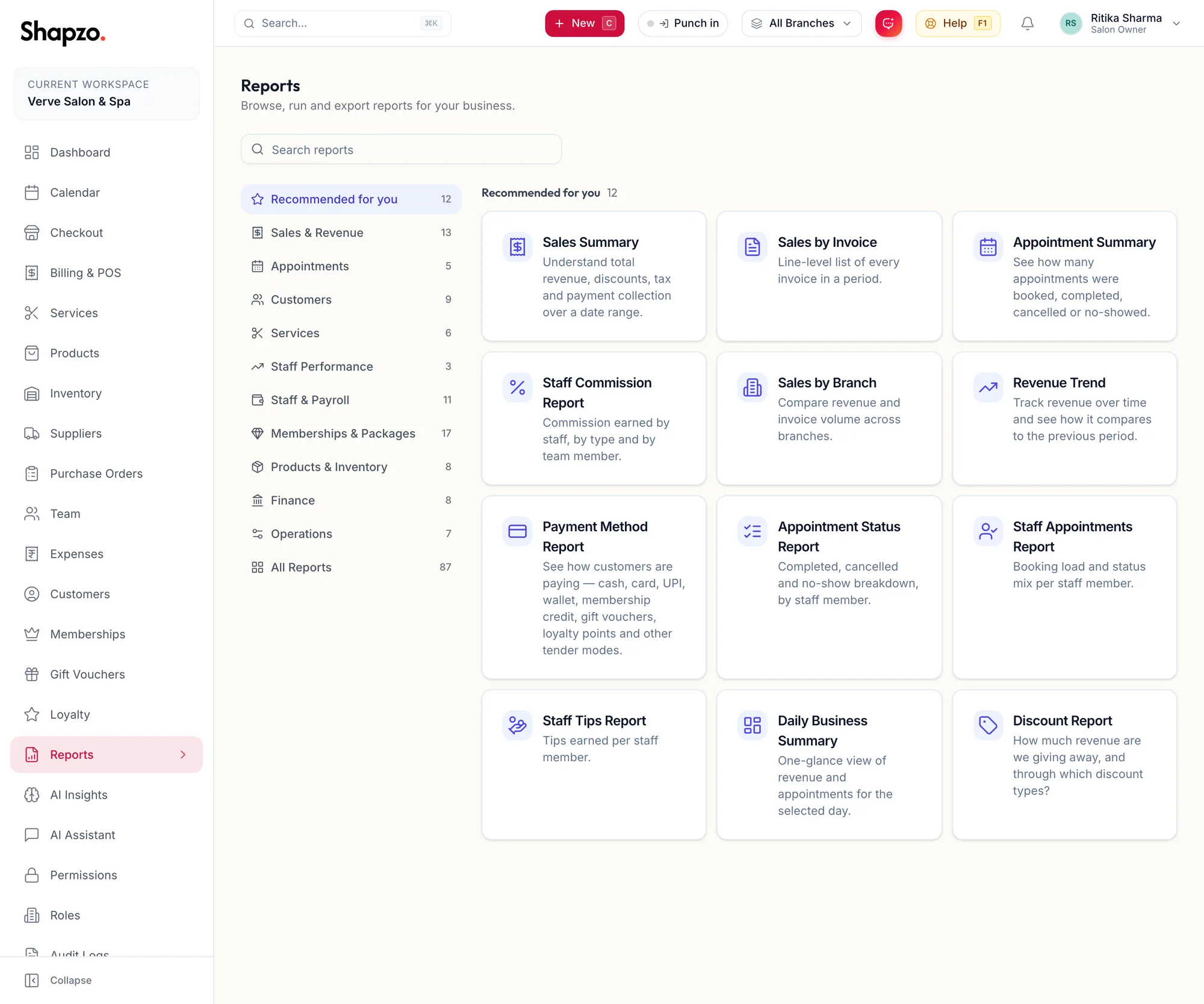
Open Reports. The sub-heading reads Browse, run and export reports for your business.
Find a report
On the web
- Type in the search box; results say {{count}} results and Clear search resets.
- Or use the tabs: Recommended for you, Sales & Revenue, Appointments, Customers, Services, Staff Performance, Staff & Payroll, Memberships & Packages, Products & Inventory, Finance, Operations and All Reports.
In the app
Tap More, then Reports. Search reports finds one by name; the tabs along the top are the same groups, starting with Recommended for you, and All Reports lists everything.
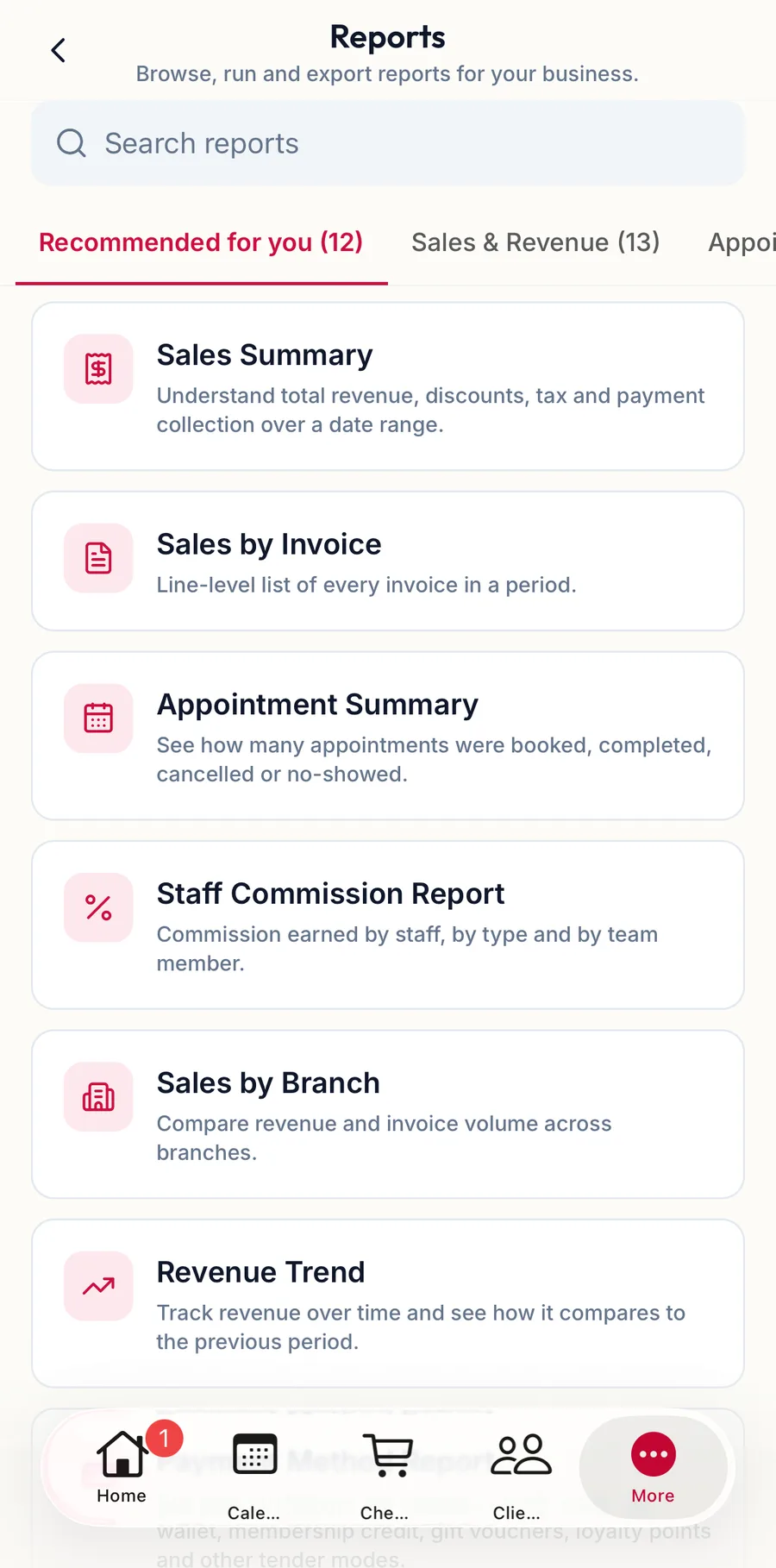
Recommended for you
The first tab picks up to twelve reports for your role: an owner sees sales and finance, a manager sees staff and stock, a stylist sees Your Performance with only their own numbers. Everyone only sees reports their permissions allow.
Each card
On the web
The report's name and a one-line description. Click to run it; see Run, filter and drill into a report. The full list is in Report catalogue.
In the app
Tap a card to run the report.
Related articles
- Run, filter and drill into a report · Reports & AI
- Export a report · Reports & AI
- Report catalogue · Reports & AI