
Export a report
Download a report as CSV for Excel, Google Sheets or your accountant, using the filters you have set.
Export a report to CSV
On the web
- Open the report and set the Date range and Branch.
- Click Export CSV. It is shown on reports that support export.
- Wait for Preparing your file…, then click Download CSV.
The file contains every row for the range, not just the page on screen, so it works for ranges the live view refuses.
If it says Export failed, click Try again. Very large ranges can take a minute.
In the app
-
Open the report and set the Date range and Branch.
-
Tap Export CSV under the filter bar.
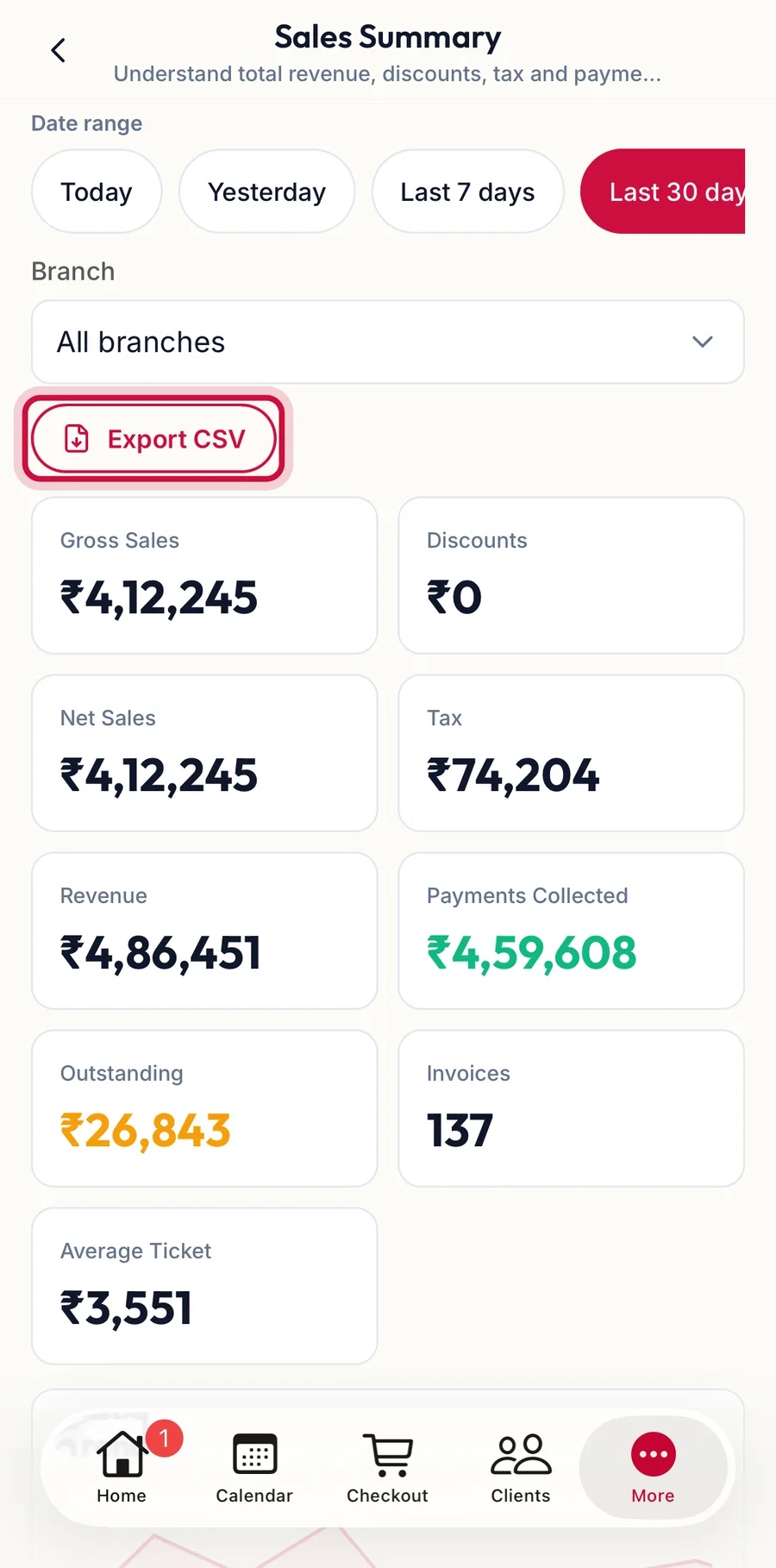
A report in the app with the Export CSV button highlighted -
Wait for Preparing your file…, then tap Download CSV. The phone's share sheet opens so you can save the file or send it to any app.
Related articles
- Run, filter and drill into a report · Reports & AI
- Export invoices to CSV · Billing & POS