
Freeze, unfreeze, top up, renew, cancel
The lifecycle actions on an active membership, from pausing it for a trip to renewing it after expiry.
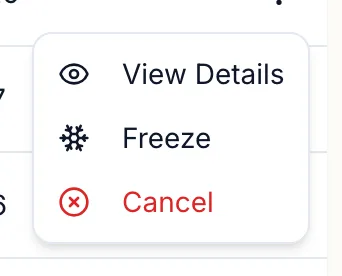
Open Memberships, the Active Memberships tab, find the member (search by name, phone or MEM number) and open the row menu. The actions offered depend on the status.
| Action | Offered when | The dialog asks | Result |
|---|---|---|---|
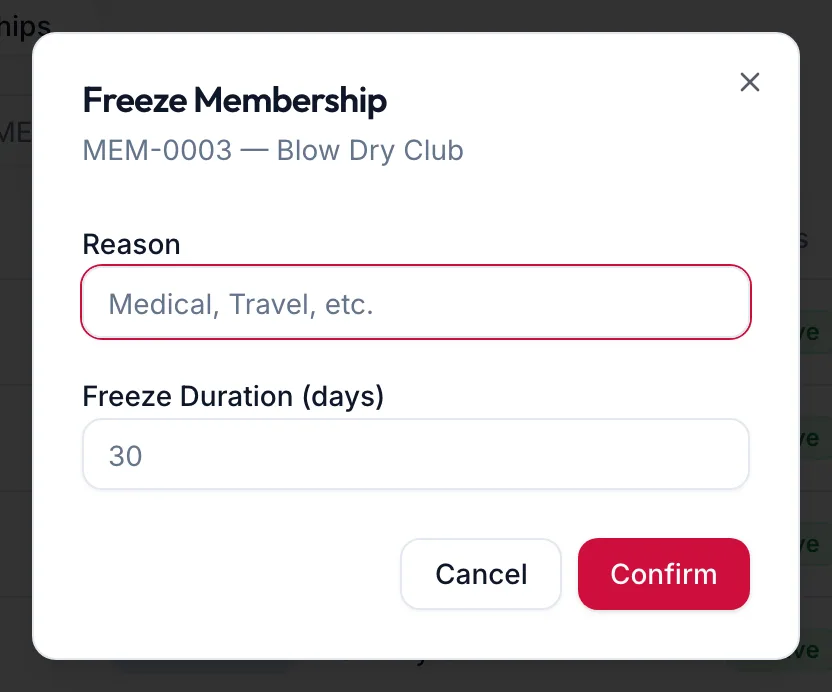
| Freeze | Active, and the plan allows freezing | Reason and Freeze Duration (days) | Status Frozen; benefits stop; toast Membership frozen |
| Unfreeze | Frozen | Confirms: This will resume the membership and extend the expiry date by the frozen days. | Status Active; toast Membership resumed |
| Top Up | Active prepaid plan with top-ups allowed | Top-Up Amount (₹) | Credit added, with the plan's bonus; toast Top-up successful |
| Renew | Expired | Amount (₹) and Payment Mode | A new validity period; toast Membership renewed |
| Cancel | Active or frozen | Reason | Status Cancelled; toast Membership cancelled |
Notes
On the web
- Freezing a membership also frozen on the family member who shares it.
- Cancelling does not refund. Refund the original invoice under Billing & POS if money is owed back.
- The stat cards at the top count Active, Frozen, Expired, Total Revenue and Expiring Soon, and the dashboard's expiring memberships widget lists who to call.
In the app
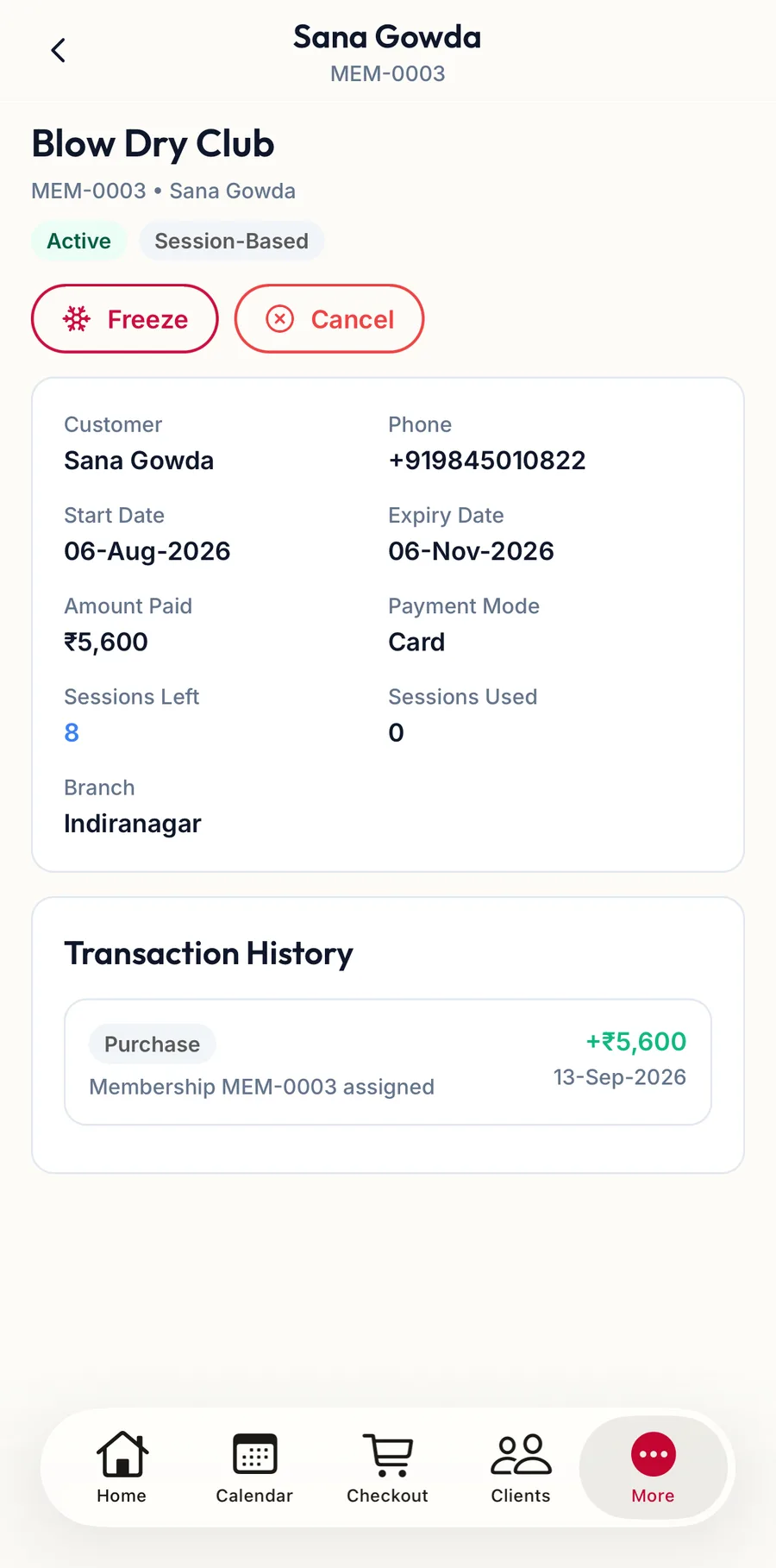
In the app, open the membership from the Active Memberships tab; the actions the status allows, such as Freeze and Cancel, sit under its name and ask the same questions.
Related articles
- Membership details and history · Memberships
- Wallet and advances · Customers