
Wallet and advances
Take money in advance, keep it on the customer's wallet, correct the balance with a reason, and spend it at checkout.
The wallet holds money a customer has paid before the service: a deposit for a bridal booking, or a top-up they leave on account. It is separate from membership credit and from loyalty points.
See the balance
Open the customer and the Wallet tab. It shows Advance / Wallet Balance and a ledger with Date, Type, Description, Amount and Balance.
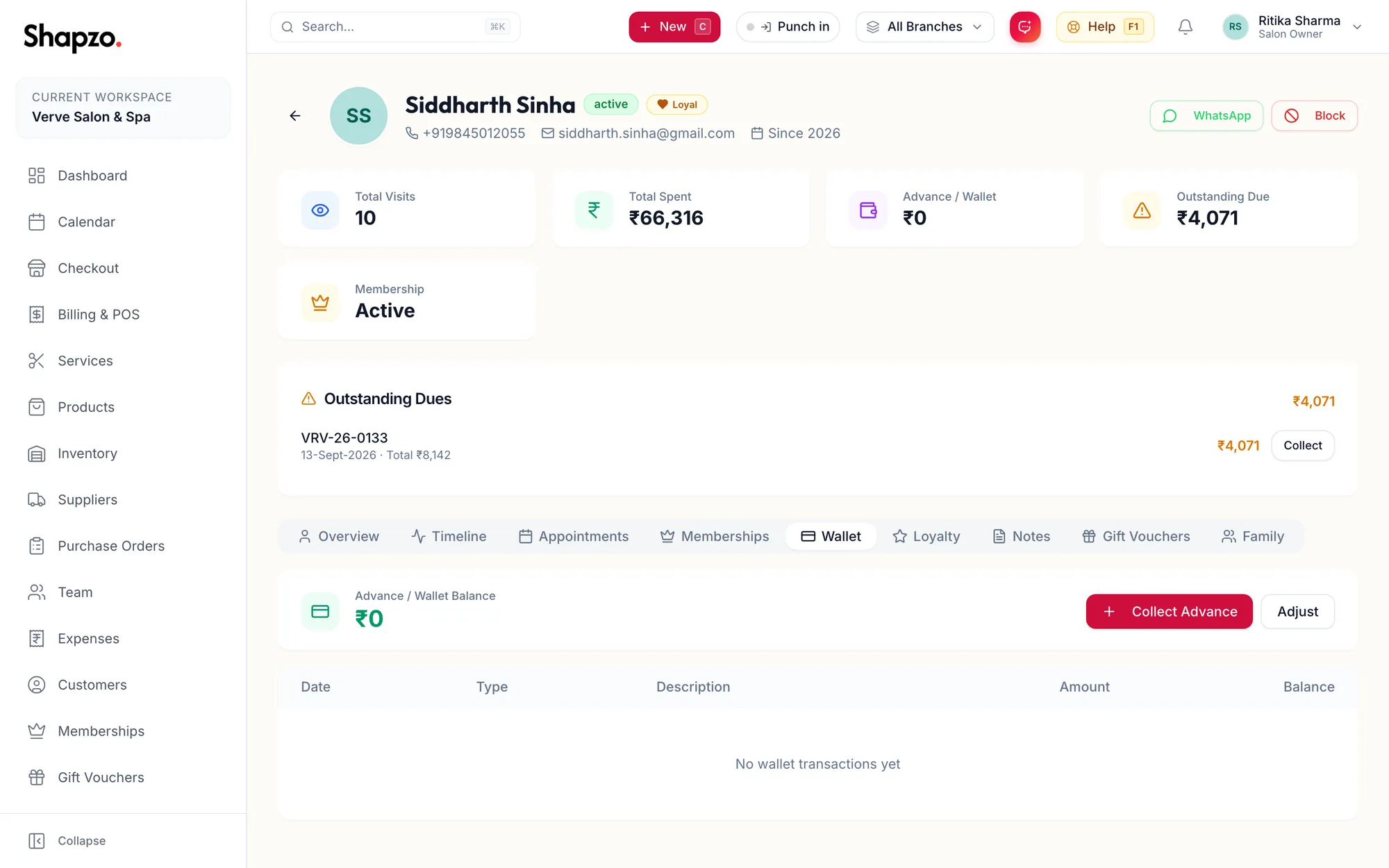
Take an advance
Click Collect Advance, enter the amount and how it was paid, and confirm. The ledger gains a credit line and the header card shows the new balance.
Correct the balance
-
Click Adjust.
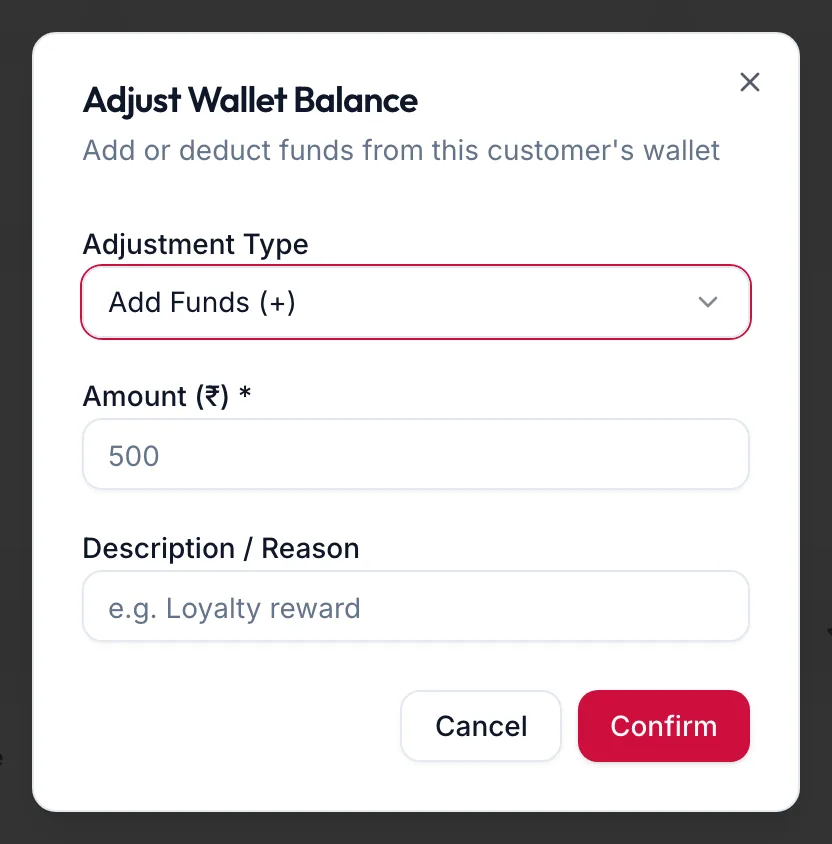
The Adjust Wallet Balance dialog -
Choose the Adjustment Type: Add Funds (+) or Deduct Funds (-).
-
Enter the Amount (₹) and a Description / Reason, for example a goodwill credit after a delay.
-
Click Confirm.
Adjustments are permanent ledger entries, so write the reason for whoever reads it later.
Spend it
At checkout, a customer with a balance sees an Advance line in the payment panel. See Use an advance or wallet balance.
Related articles
- Use an advance or wallet balance · Checkout
- The customer profile · Customers