
Export customers
Download every customer as a spreadsheet for a mailing, a migration or your own records.
Steps
-
Open Customers and click Import / Export.
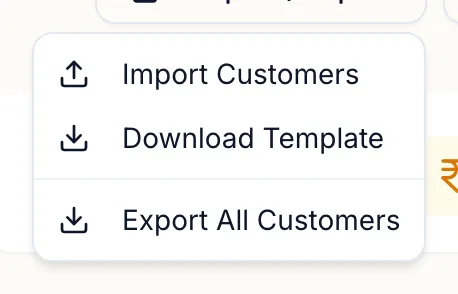
The Import and Export menu -
Click Export All Customers.
The file downloads with one row per customer: name, phone, alternative phone, email, gender, dates, address, referral source, communication preference, marketing consent, tags, visit and spend totals.
The template for importing is on the same menu as Download Template.
Related articles
- Import customers from Excel · Customers
- Find and filter customers, and use smart segments · Customers