
Tags
Label customers your own way, filter by tag, and manage the tag list.
Segments are computed by the portal; tags are yours. Use them for anything the data cannot know: "Bridal 2026", "Prefers Aarav", "Corporate account".
Create and remove tags
-
Open Customers and click Manage Tags.
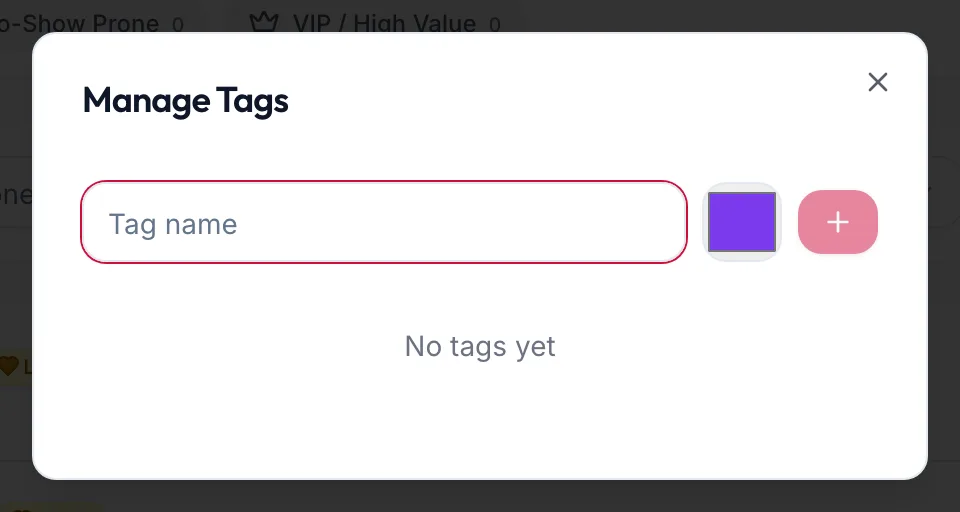
The Manage Tags dialog -
Type a Tag name and add it. Each tag shows how many customers carry it.
-
Delete a tag from the same dialog. It is removed from every customer.
Tag a customer
On the list, open the row's Row actions menu and choose Add “{{tag}}”. The same menu offers Remove “{{tag}}” for tags the customer already has.
Tags show as chips on the profile header and on the list.
Filter by tag
Use the tag dropdown in the filters (it reads All Tags by default) to see everyone with a tag.