
Expense reports
Where the money went, by category, branch, month, person and vendor, with unpaid and overdue totals and a comparison with the previous period.
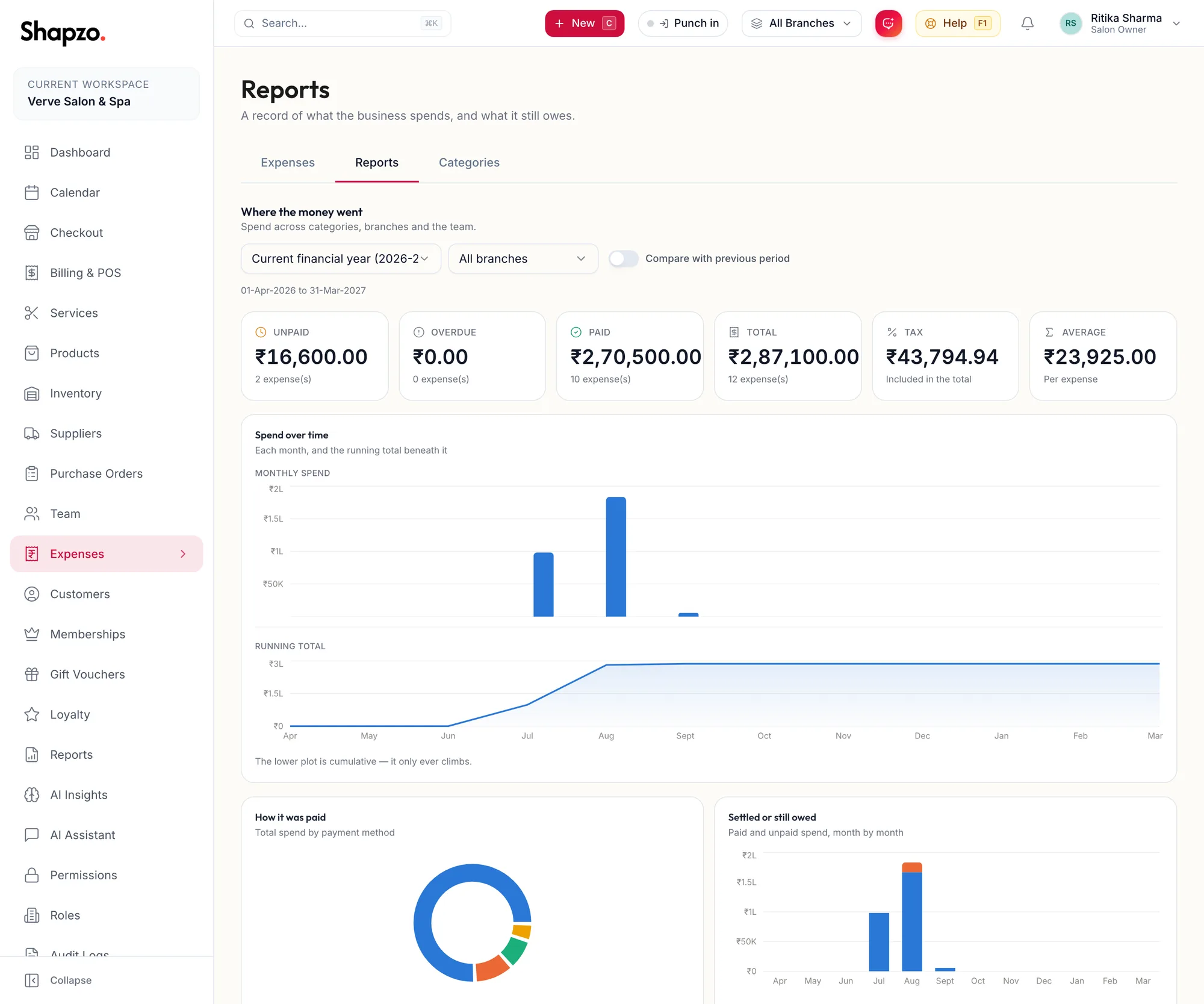
Open Expenses and Reports. Pick the range: Current financial year, Previous financial year, This month, Last month, This quarter, Last 12 months or Custom range. Tick Compare with previous period for the change against the period before.
The tiles
On the web
Unpaid, Overdue, Paid, Total, Tax (Included in the total) and Average (Per expense).
In the app
Tap More, then Expenses, then the Reports tab. The same tiles and charts follow, one under the other; the Period and Branch controls sit at the top.
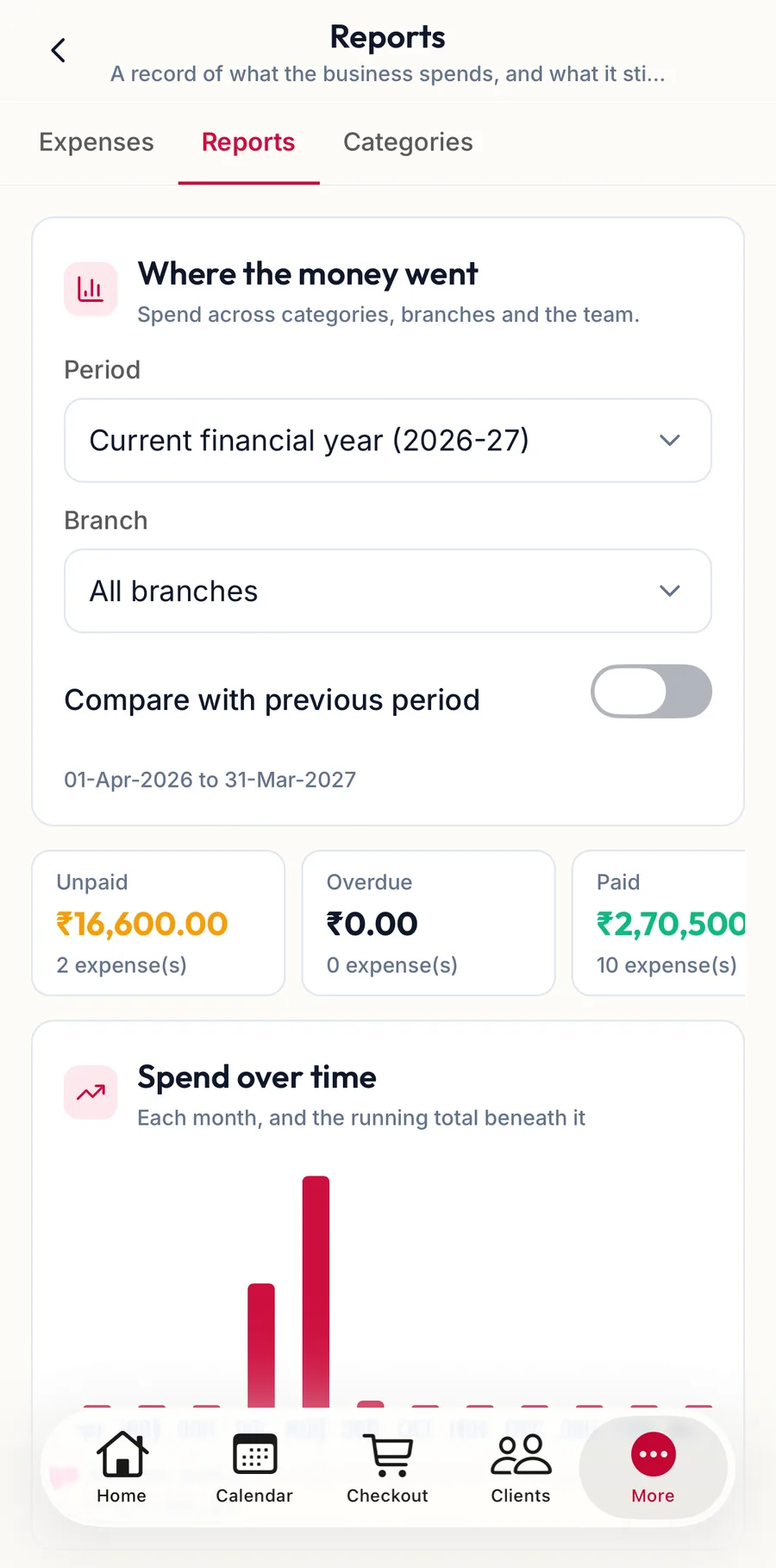
The charts
By category, Month by month, By branch, Who is recording, Spend over time (Monthly spend or Running total), How it was paid, Settled or still owed, Top vendors, Largest expenses and How overdue (Not due yet, 1–30 days over, 31–60 days over, 61–90 days over, 90+ days over, No due date).
Expenses with no category show as Uncategorised, with no branch as No branch, with no merchant as No vendor.
Related articles
- Mark paid or unpaid; due dates · Expenses
- The report library and Recommended for you · Reports & AI