
Void an invoice
Cancel a bill that should never have existed. The number stays on record with a reason, and nothing about it counts towards sales.
GST invoices are never deleted. Voiding keeps the number and marks the bill cancelled, with the reason.
Steps
On the web
-
In Billing & POS, click Void invoice on the row, or open the invoice and click Void Invoice.
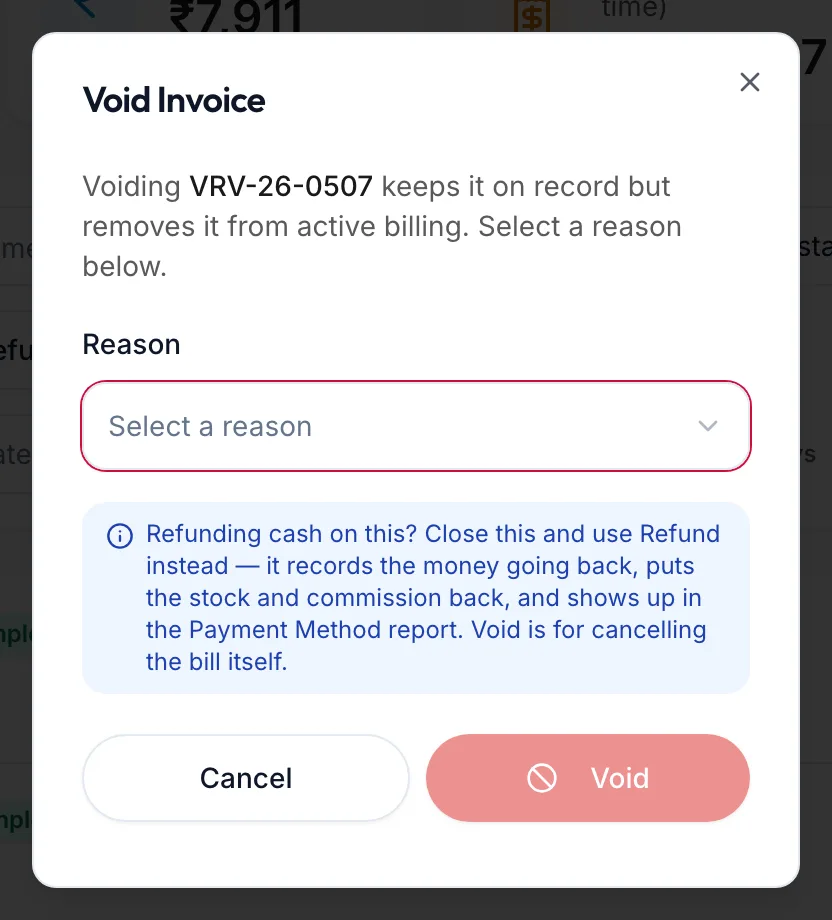
The Void Invoice dialog -
Choose a Reason from the list.
-
Click Void.
In the app
-
Under More, open Invoices & payments. Tap Void under the invoice's row, or open the invoice and tap Void.
-
The Void Invoice dialog asks for a Reason. Tap one.
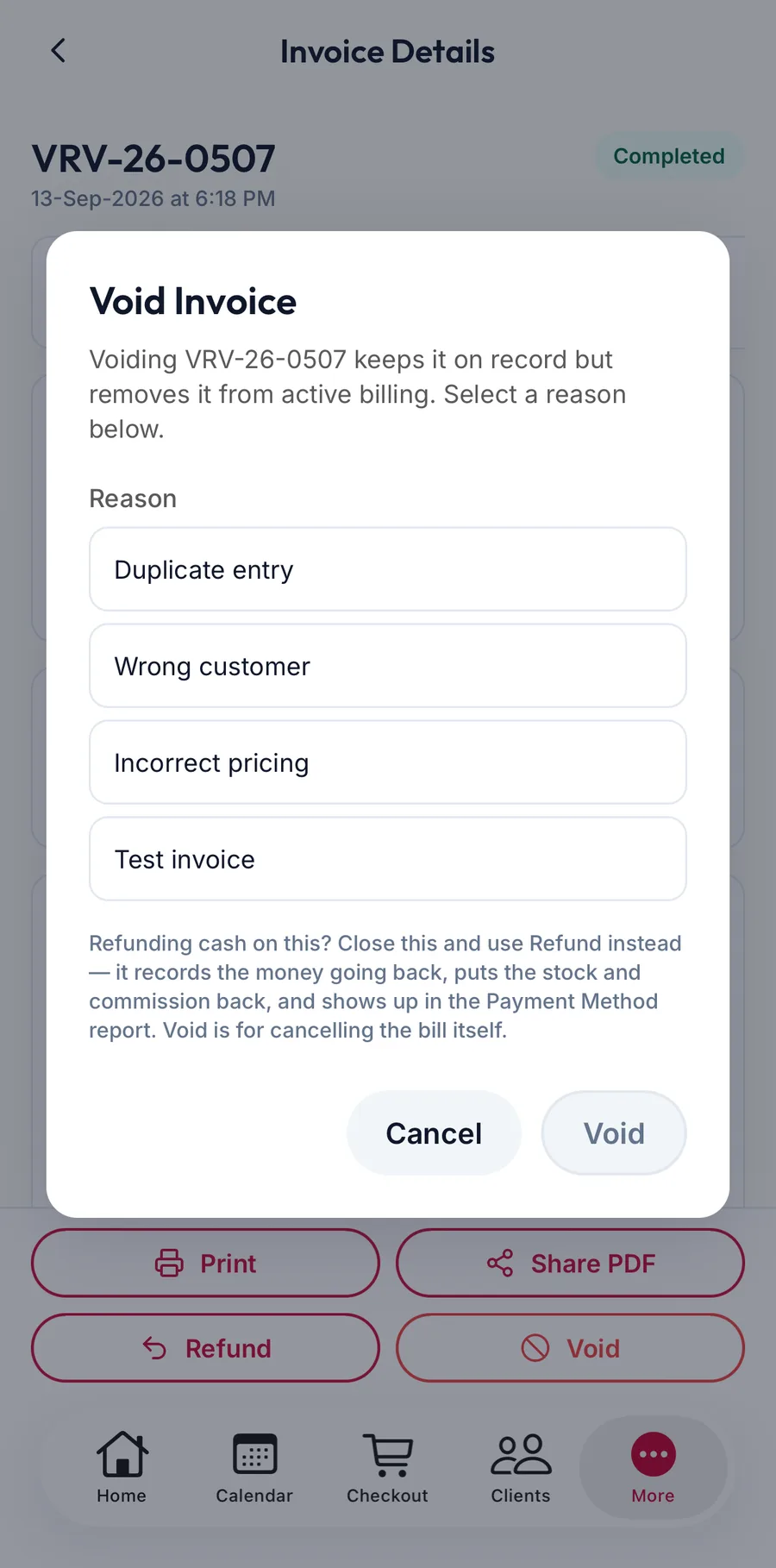
The Void Invoice dialog in the app -
Tap Void.
The invoice's status becomes Voided. Its amount leaves the day's revenue, its products go back to stock and the provider's commission is reversed.
When to refund instead
The dialog itself says it: if you are giving cash back on a real sale, close the dialog and use Refund. Refund records the money going back and shows up in the Payment Method report; void is for cancelling the bill itself.
Things that block a void
- This bill has {{count}} refunds still due, {{amount}} in total. Voiding cancels those refunds; make sure no money has actually gone back yet.
- This bill cannot be voided yet: followed by what stands in the way, for example a payment that must be dealt with first.
- No deletion reasons are configured. Add them in POS → Invoice Settings first. The list of reasons is empty. Add reasons under Settings, Point of Sale, Invoice Settings.
Related articles
- Refund an invoice · Billing & POS
- Point of Sale: invoice numbering and behaviour · Settings