
Privacy & Data
The legal documents you accepted, who accepted them and when, and the customer notice to print for your counter.
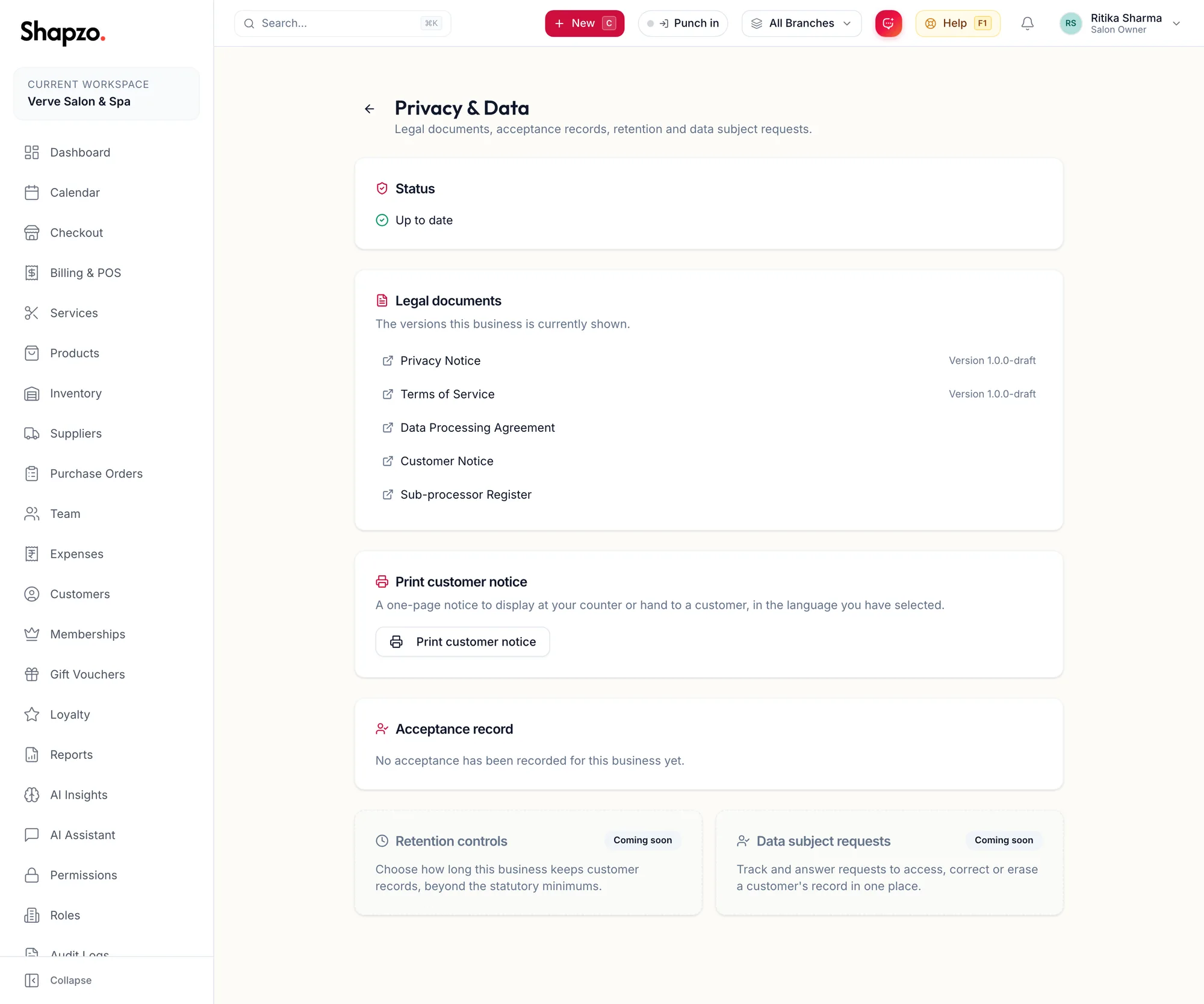
Open Settings, Privacy & Data.
Status
On the web
Up to date, A newer version needs accepting or Not yet accepted. When a document changes, the next sign-in by an owner shows Please review our terms; accepting there is the only way to accept, and it updates this status.
In the app
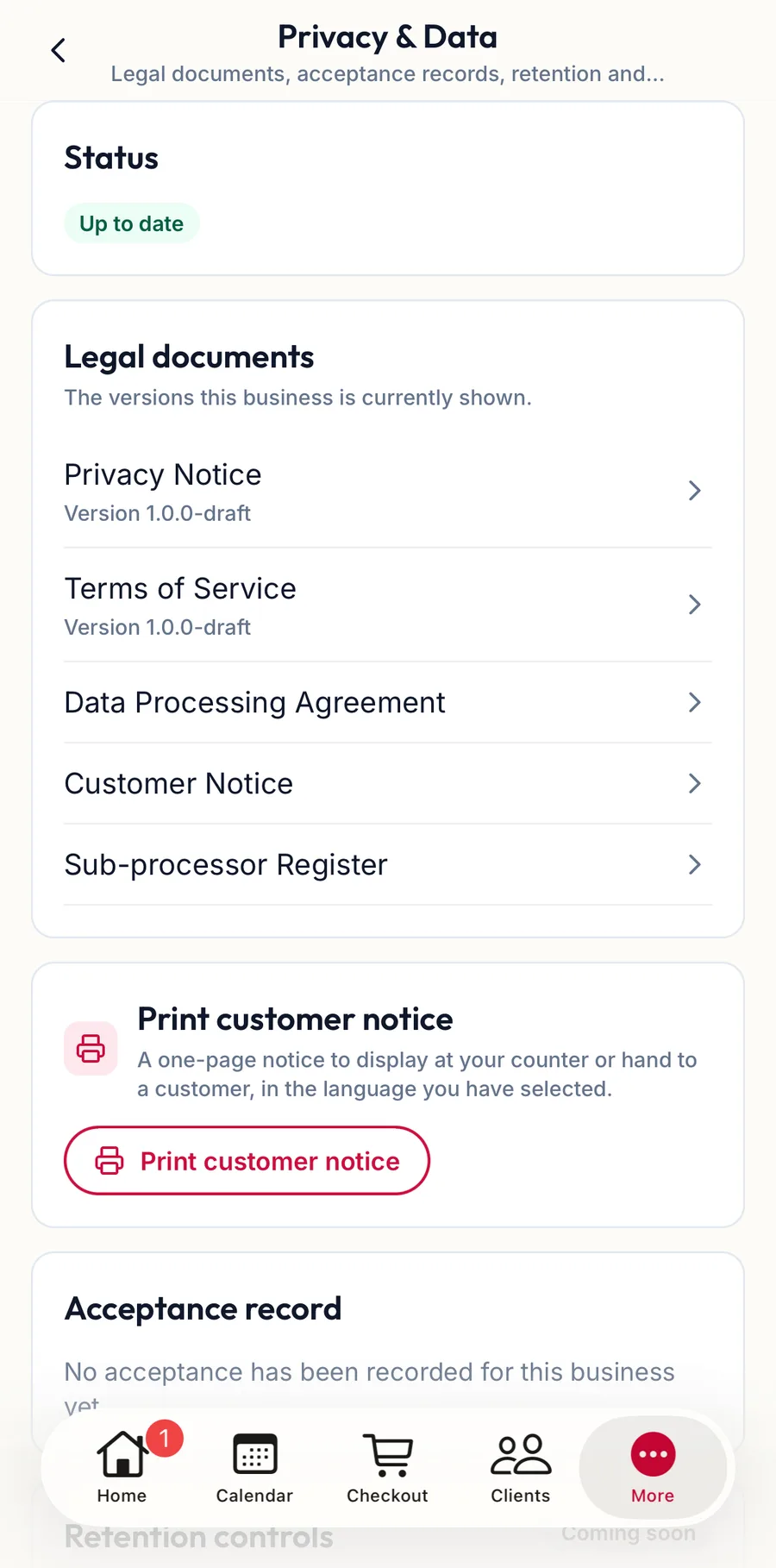
Tap More, then Settings, then Privacy & Data. The Status, the Legal documents with their versions, Print customer notice and the Acceptance record are the same as on the web; the notice opens as a PDF you can print or share from the phone.
Legal documents
Privacy Notice, Terms of Service, Data Processing Agreement, Customer Notice and Sub-processor Register, each with its Version {{version}}. Open any of them to read or print.
Print customer notice
A one-page notice to display at your counter or hand to a customer, in the language you have selected. It tells customers what you collect and why, which the DPDP Act expects you to make available.
Acceptance record
Every acceptance, as Accepted {{date}} by {{name}}, or No acceptance has been recorded for this business yet.
Your obligations in practice
- Record Marketing Opt-in on the customer only when they have agreed; see Add a customer.
- Honour a deletion request with Erase client data; see Block, deactivate or erase a customer.
- Keep exports safe; see Export customers.
Related articles
- Block, deactivate or erase a customer · Customers
- Export customers · Customers
- Audit logs · Roles, permissions & audit