
Language for yourself vs the business default
Your own language always wins. The business default only decides the language new team members start in.
Open Settings, then Language & Region. The page has two cards, and they do different jobs.
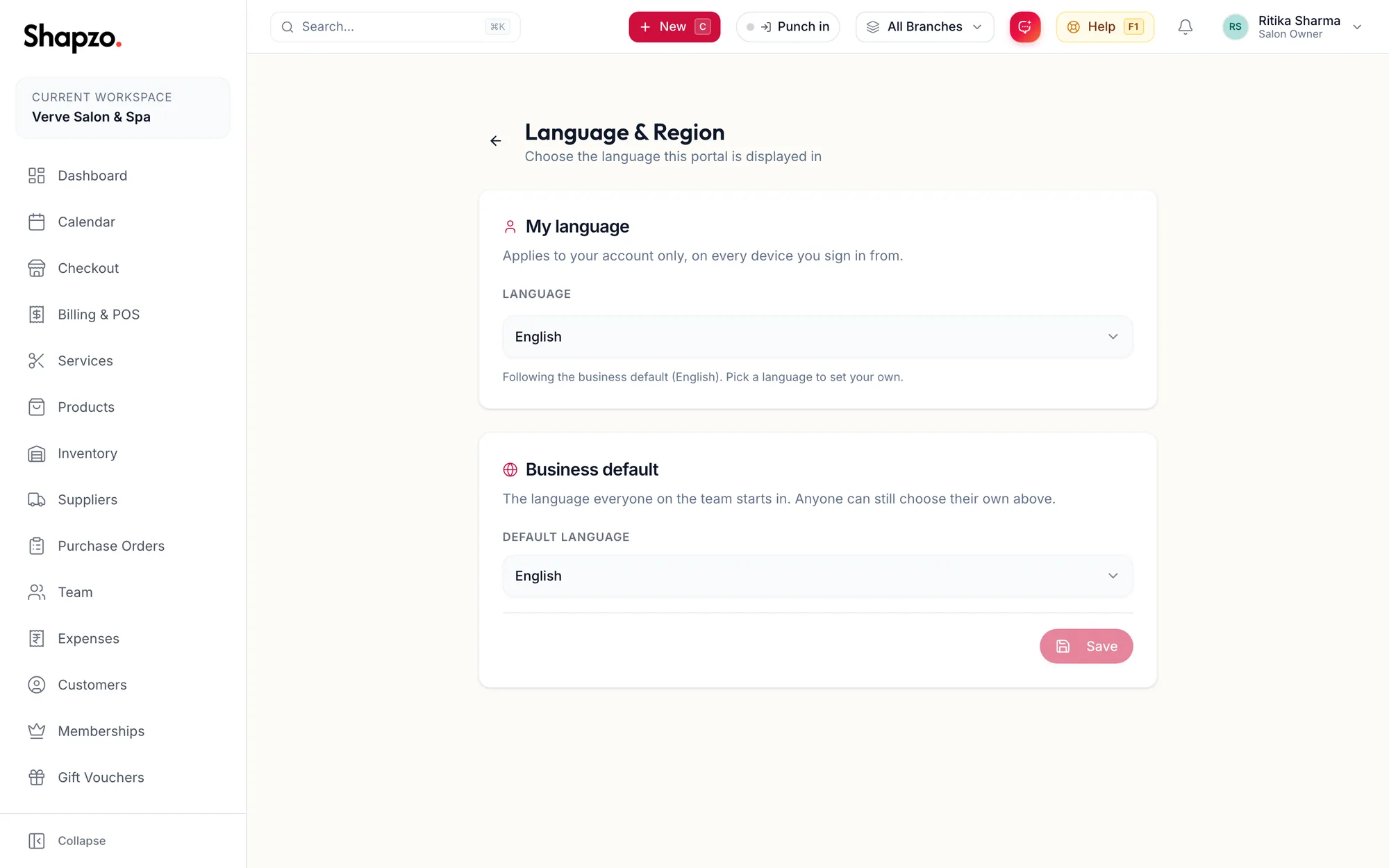
My language
On the web
Applies to your account only, on every device you sign in from. Pick a language in My language and the portal switches at once. The status line tells you whether you are on your own choice or following the business default.
In the app
Tap More, then Language, and pick a language. The app switches at once and your account remembers it, so the web portal follows too. The chips on the sign-in screen do the same before you sign in.
Business default
Shown to owners and managers with settings access. It is the language everyone on the team starts in before they choose their own. Pick it and click the save button under Business default. Changing it does not override anyone who has already chosen a language for themselves.
Which one should I change?
- You want the portal in Hindi for yourself: My language.
- Most of the team reads Tamil and new joiners should start in Tamil: Business default.
Related articles
- Change your language · Around the portal