
Switch between branches
The branch selector in the top bar changes which location the calendar, stock, billing and reports show, or combines them all.
If your business has more than one location, the branch selector sits in the top bar. It applies to every screen at once: pick a branch and the calendar, stock levels, invoices and reports switch to it.
Steps
On the web
-
Click the branch name in the top bar. It reads All Branches when you are looking at every location together.
-
Choose a branch from the Branches list, or All Branches to aggregate across locations.
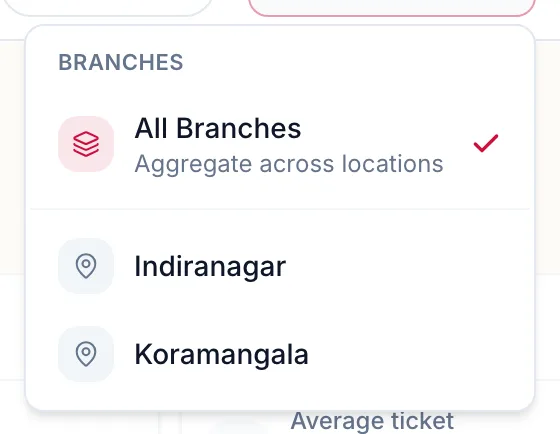
The branch selector open, listing every branch and the All Branches option
The portal confirms the switch with a short overlay and reloads the screen for that branch.
In the app
-
On Home, tap the branch card under the header. It reads All branches when you are looking at every location together.
-
Choose a location, or All locations.
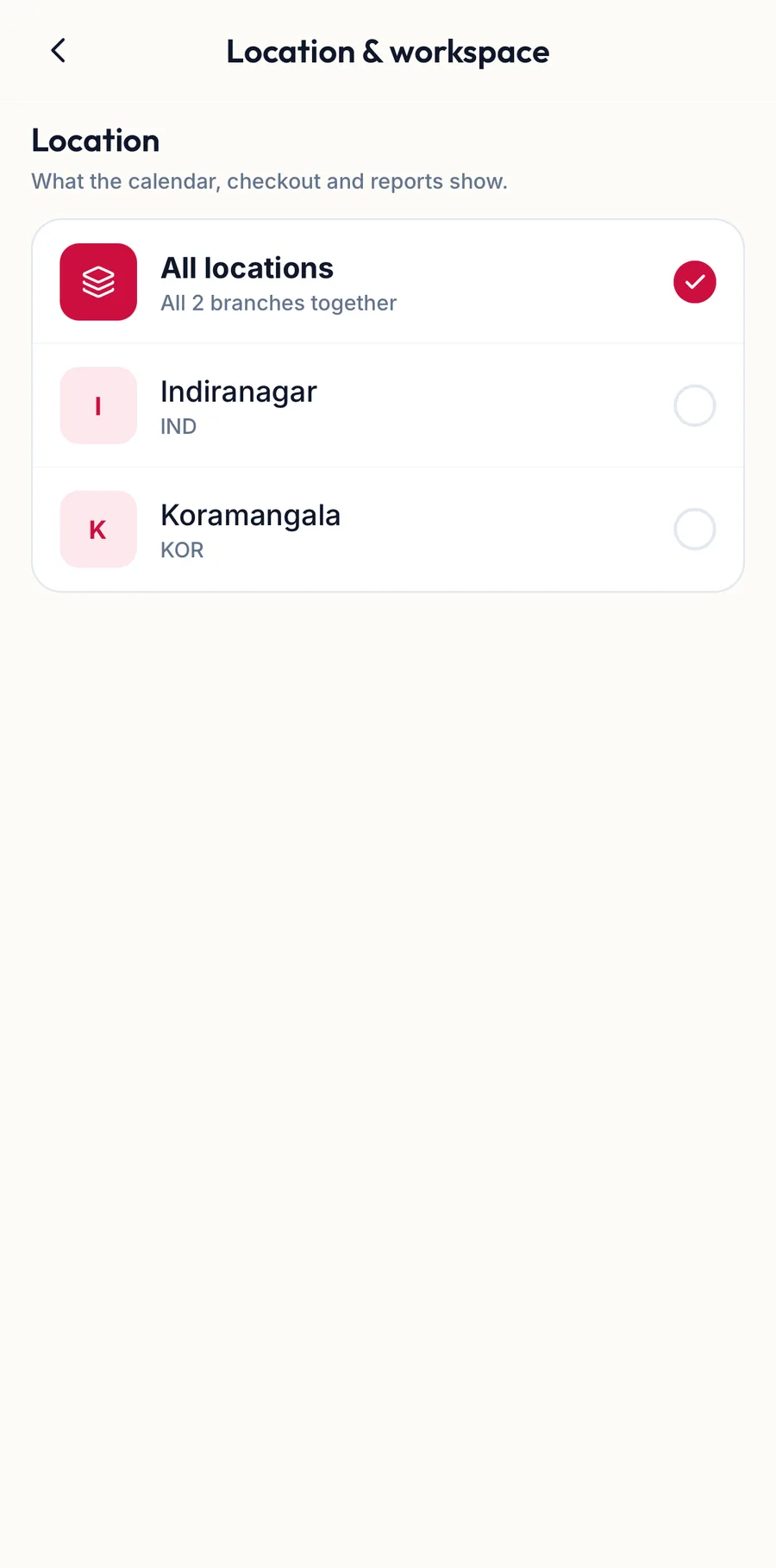
The branch and workspace switcher in the app
Every tab follows the choice. The same switcher lists your other workspaces if you belong to more than one business.
What follows the branch, and what does not
- Follows the branch: the calendar's team columns, stock levels and movements, the billing list and its totals, most reports, and where a new booking or invoice is created.
- Some dashboard widgets are tenant-wide, for example client health and expiring memberships. They carry an All branches badge so you know the figure ignores the selector.
- Team members work at the branches you assign them to under Locations in their record. A person assigned to one branch only sees that branch in the selector.
Troubleshooting
- A branch is missing from the list. You are not assigned to it. The owner can add it under your team member record, Locations.
- Bookings and stock look wrong. Check the selector first. All Branches combines numbers; a single branch shows only its own.
Related articles
- The sidebar and the top bar · Around the portal