
Search everything
Find a customer, invoice, service, product or page from anywhere with the global search.
The search box at the top of every screen looks across your customers, services, packages, products, invoices, appointments, team members, suppliers, purchase orders, gift vouchers and membership plans at once. It also jumps to any page you have access to.
Steps
On the web
-
Click the search box at the top of the screen, or press ⌘K on a Mac and Ctrl K on Windows.
-
Type at least two characters. Results are grouped by type as you type.
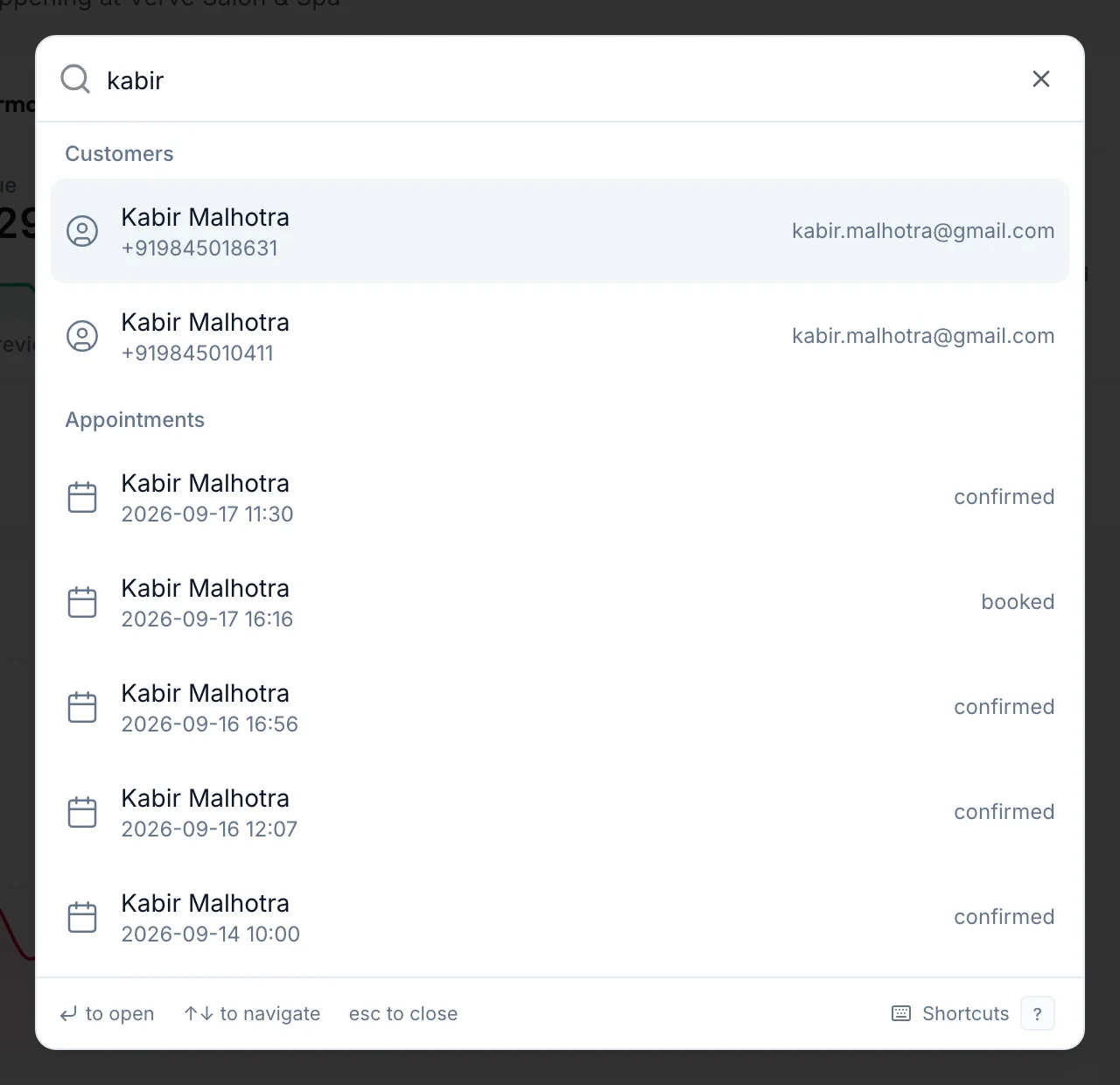
The global search open with results for a customer name -
Use the arrow keys to move through the results and press Enter to open one, or click it.
-
Press Esc to close the search.
In the app
-
Tap More, then Search at the top.
-
Type at least two characters. Screens and settings match at once; records need one more letter, as the line Type one more letter to search records too. says.
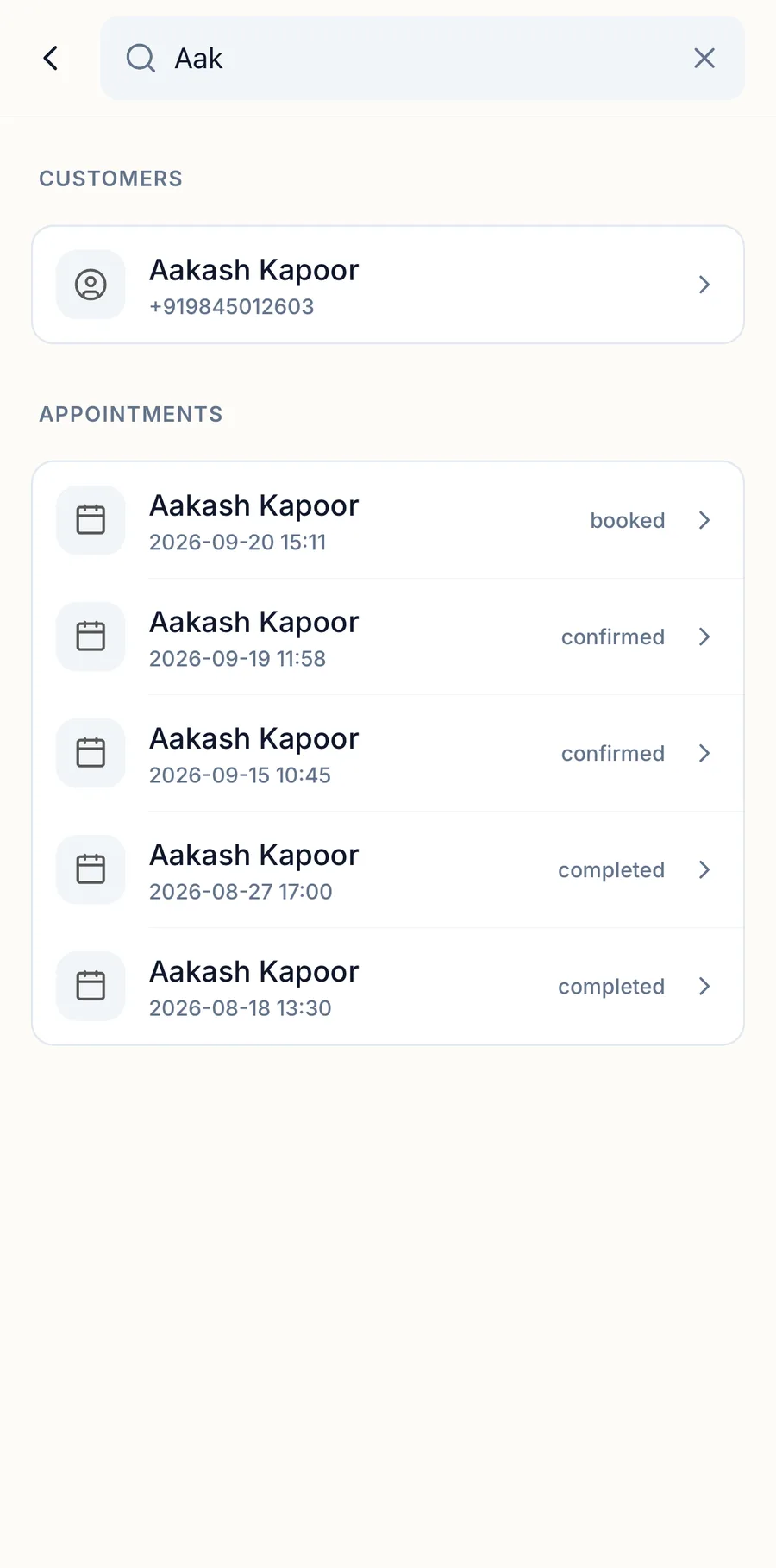
The search screen in the app with results for a customer name -
Tap a result to open it.
Before you type, the screen shows your Recent searches, Quick actions and a Jump to list of screens.
Tips
- Before you type, the dialog shows your Recent searches and a Go to list of pages. Both respect your permissions, so you only see what you can open.
- Searching for an invoice number opens that invoice in Billing & POS. Searching for a phone number finds the customer.
- The Shortcuts link at the bottom of the dialog opens the full list of keyboard shortcuts.
Troubleshooting
- "Type at least 2 characters": the search needs two letters or digits before it runs.
- A record you know exists does not appear. You may not have permission to see that type of record, or it belongs to a branch you are not assigned to.
Related articles
- Book an appointment · Calendar