
What "No access configured yet" means
You can sign in but your account has no role, so there is nothing to show. The business owner assigns one in your team member record.
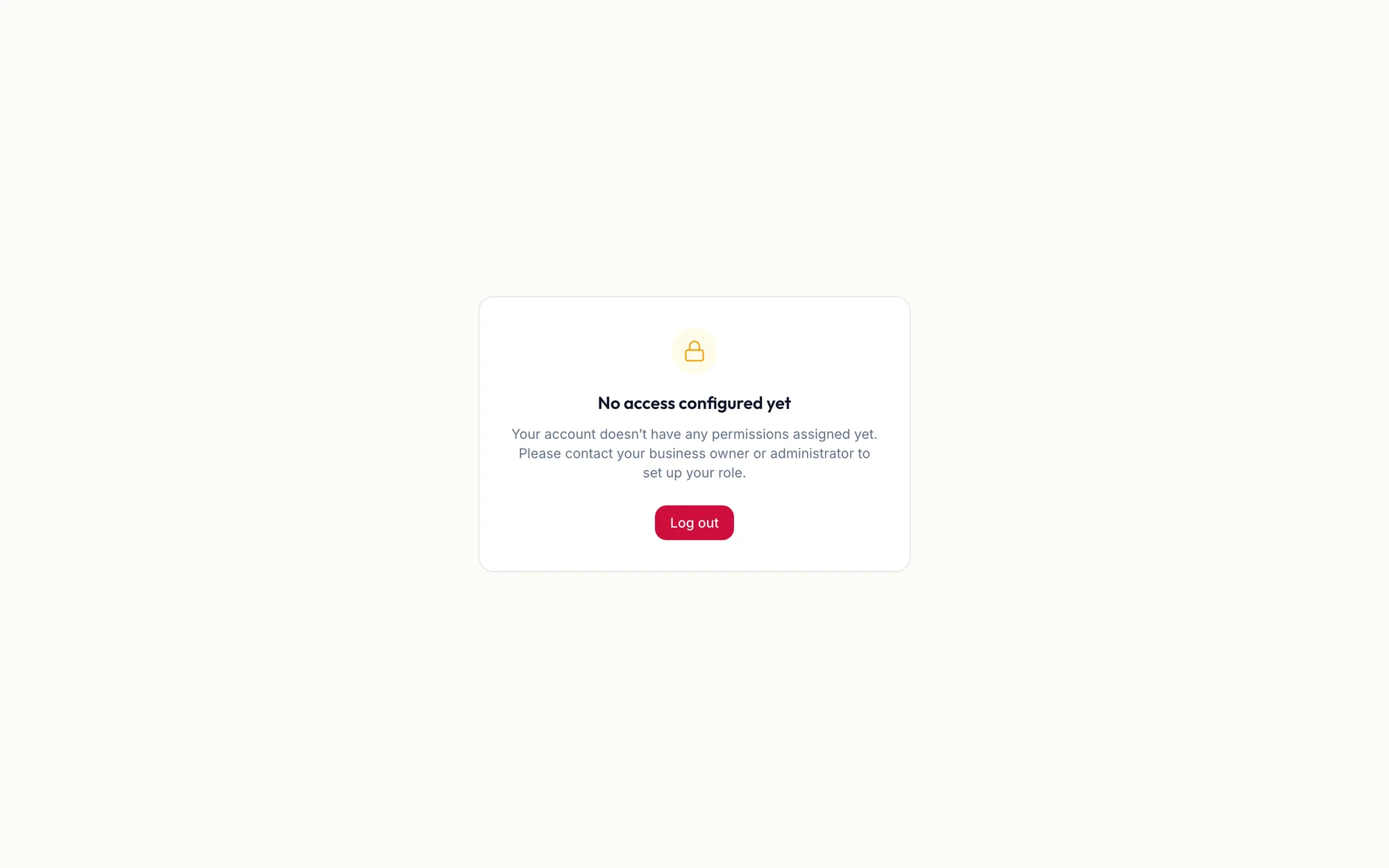
This screen appears when your login exists but no role has been assigned to it. A role is what decides which modules you can open, so without one the portal has nothing to show.
If you see this screen
Ask the business owner or a manager to assign your role. Click Log out in the meantime; you can sign in again as soon as it is set.
If someone on your team sees it
- Open Team and open their team member record.
- Go to Settings in the form.
- Under Workspace Role Permissions, choose a role and save.
They can sign in straight away; no new invitation is needed.
Related articles
- Add your team and invite them · Getting started
- Sign in and sign out · Getting started