
Blocked time and closed days on the calendar
Shaded areas on the calendar come from time off on a team member's shift, holidays and closed periods. Here is where each is set.
The calendar shades the times nobody can be booked. Nothing is created from the calendar itself; the shading reflects three settings elsewhere.
Time off on a shift
A lunch break, a training hour or a late start for one person on one day.
On the web
- Open Team, then the Scheduled shifts tab.
- Click the person's cell for that day.
- Under Time off, click Add time off, give it a Reason and a Start and End, then Save.
In the app
-
Tap More, then Team, then the Shifts tab.
-
Tap the person's cell for that day.
-
Tap Add time off, give it a Reason and a Start and End, then tap Save.
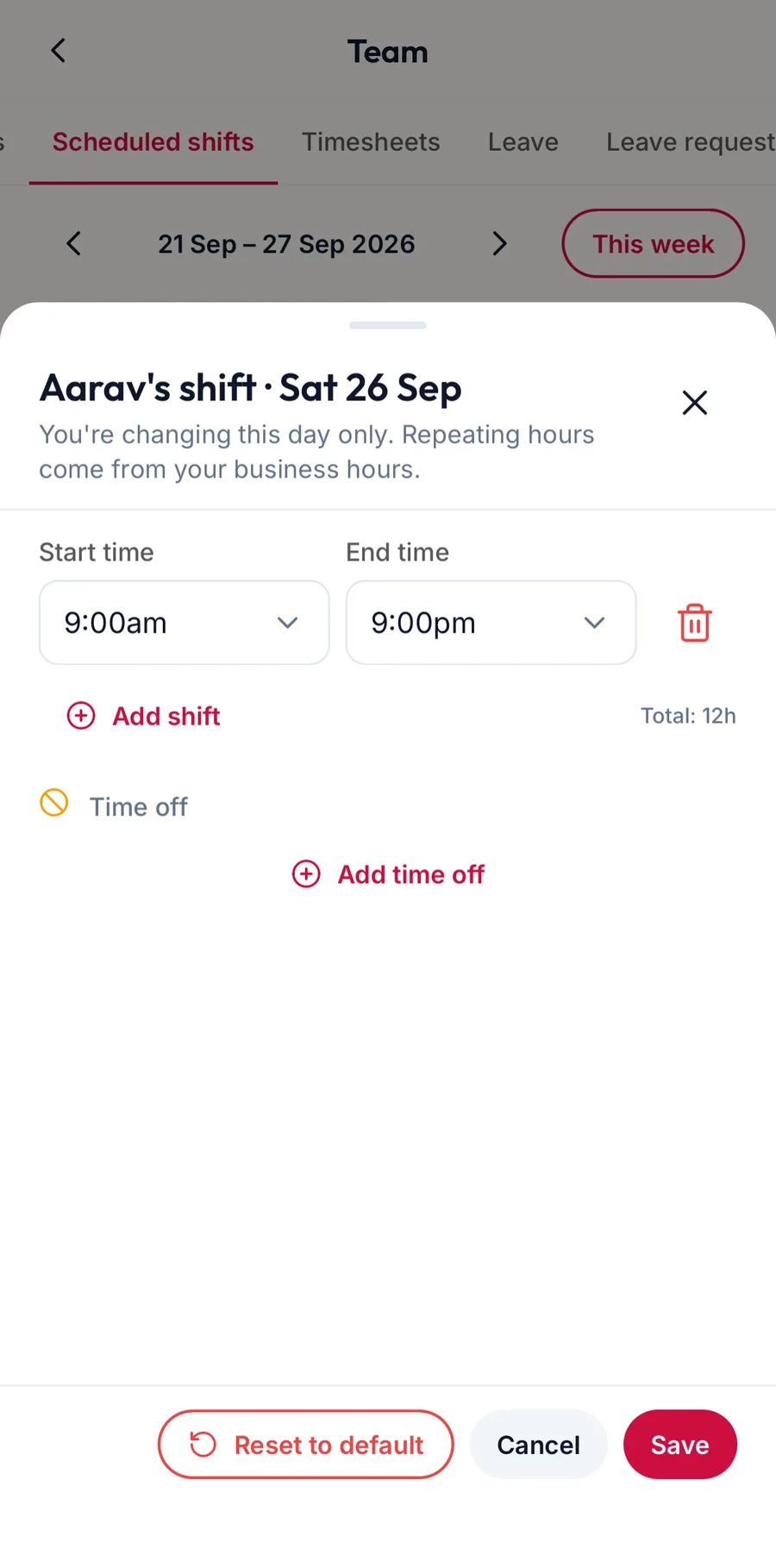
The shift editor in the app
What it does
On the web and in the app alike, the block appears in that person's column with the reason on it, and a booking for that person cannot be made or moved into it. A booking that was already there stays, and can still be edited and checked out.
The kinds of blocked time
The names offered for a block, with a default length and a colour, are kept under Settings, then Scheduling, then Blocked time types. Add a Name such as Lunch Break, a Default Duration (minutes) and a Color.
In the app they are under More, then Settings, then Scheduling, then the blocked time chip.
Holidays and closed periods
A day the whole business is shut shows as Closed across every column, with the holiday's name.
On the web
- Public holidays: Team, then Schedule settings, then Add holiday.
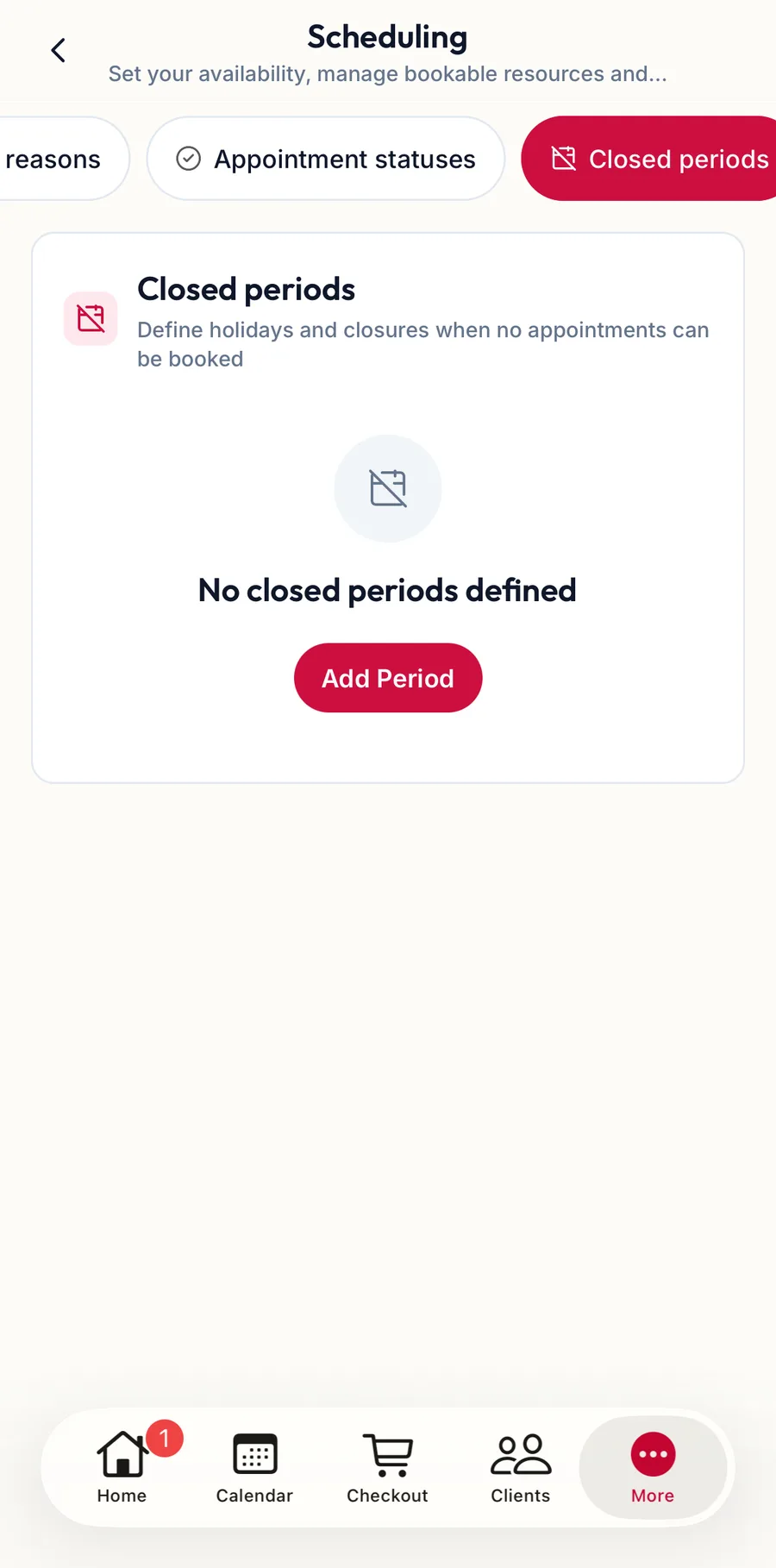
- Longer closures such as renovation: Settings, then Scheduling, then Closed periods.
In the app
Add holiday and Manage closed periods are both on the Shifts tab under More, then Team.
Related articles
- Read the calendar · Calendar