
Cancel or mark a no-show with a reason
Ending a booking asks for a cancellation reason so the reports can show why visits are lost.
Steps
On the web
-
Click the booking on the calendar to open its side panel.
-
Under Quick Actions, click Cancel or No Show.
-
The prompt asks Cancel this appointment? or Mark this appointment as a no-show?. Choose a Cancellation reason from the list.
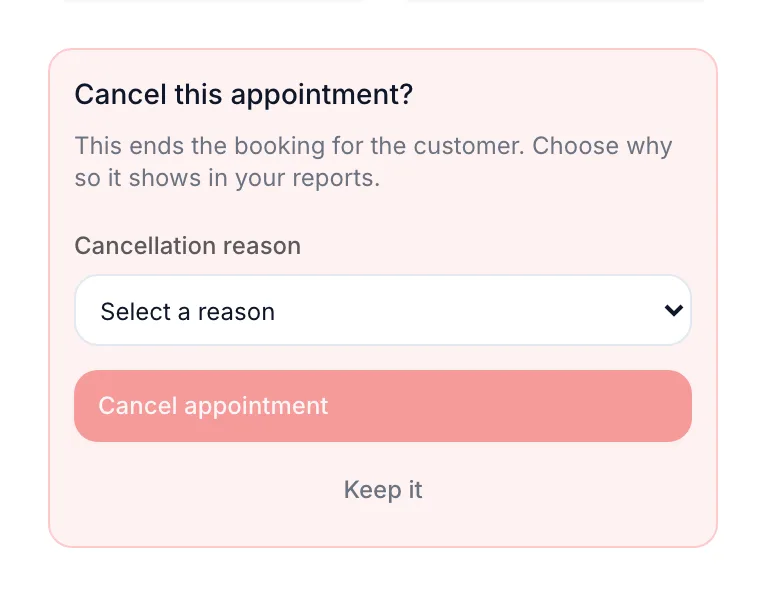
The prompt asking for a cancellation reason -
Click Cancel appointment or Mark no-show. Keep it closes the prompt without changing anything.
In the app
-
Tap the booking on the calendar to open its sheet.
-
Under Quick Actions, tap Cancel or No Show.
-
The prompt asks Cancel this appointment? or Mark this appointment as a no-show?. Tap Select a reason and choose a Cancellation reason.
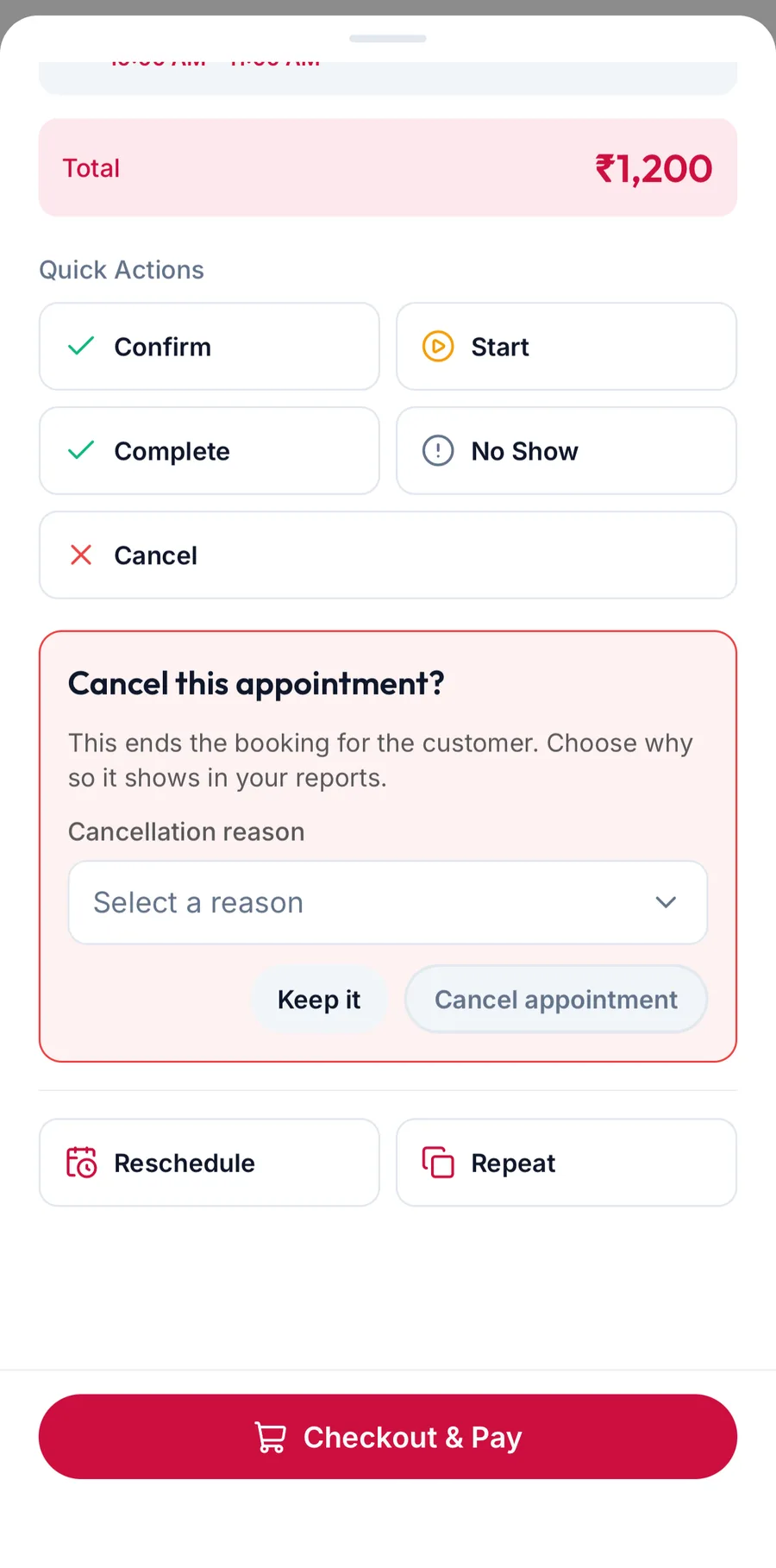
The prompt asking for a cancellation reason in the app -
Tap Cancel appointment or Mark no-show. Keep it closes the prompt without changing anything.
The booking turns Cancelled or No Show on the calendar and the slot is free again.
Recurring bookings
If the booking is part of a series, a second prompt asks whether to end This appointment only or This & all upcoming.
Where the reasons come from
The list is the business's own, kept under Settings, then Scheduling, then Cancellation reasons. The reason is saved with the booking and grouped in the Cancellation & No-Show Analysis report.
Related articles
- Open an appointment and change its status · Calendar
- Book a recurring appointment · Calendar