
Complete without billing vs Bill now
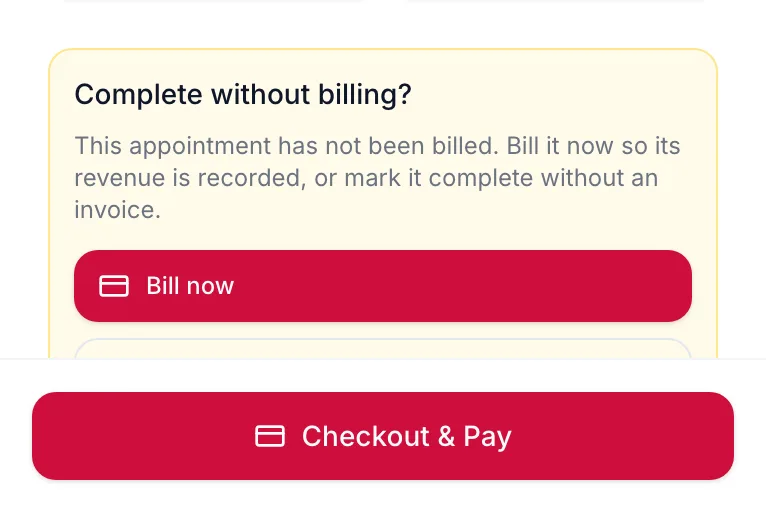
Marking a visit Completed asks whether to bill it. Bill now records the revenue; completing without billing leaves the visit unbilled.
A booking and a bill are two different records. The booking is the promise of a visit; the bill is the money. The portal keeps you from losing the second one.
What happens when you complete a visit
On the web
If the visit has not been billed, the panel asks Complete without billing?
In the app
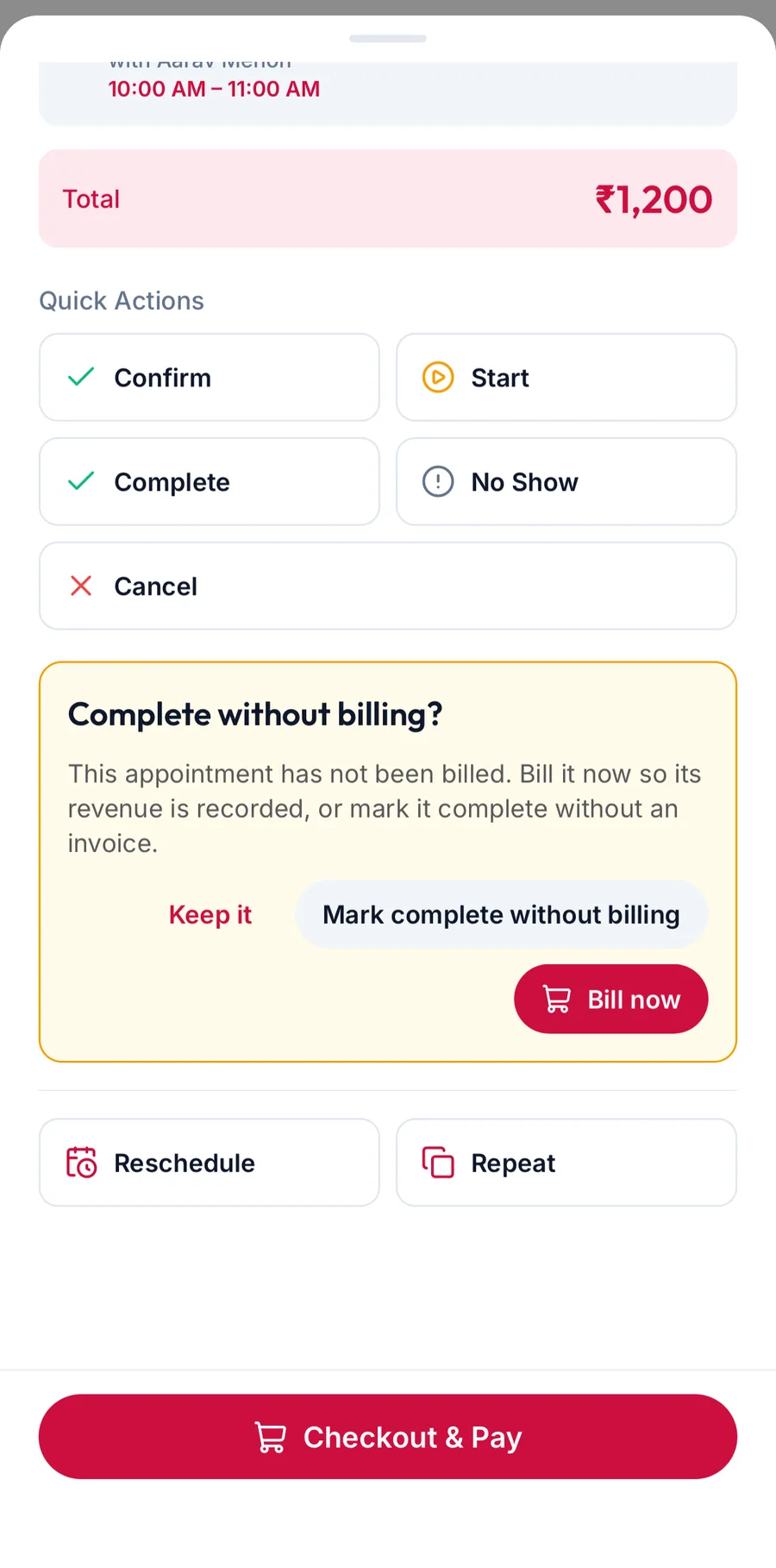
Tap Complete on the booking's sheet. If the visit has not been billed, the app asks Complete without billing? and offers Bill now, Mark complete without billing and Keep it.
The choices
- Bill now opens checkout with the booking's services already in the cart. Take the payment and the visit is completed and billed in one go. This is the normal path.
- Mark complete without billing completes the visit with no invoice. Use it for a visit that was genuinely free, or when the bill will be raised in another way. The booking keeps an Unbilled badge so it can still be billed later with Bill now from the side panel.
- Keep it changes nothing.
Why it matters
Revenue, commission, loyalty points and stock movements all come from the invoice, not from the booking. A completed but unbilled visit shows in the appointment reports but contributes nothing to sales, and the team member earns no commission on it.
Related articles
- Open an appointment and change its status · Calendar
- The checkout screen · Checkout