
Move, resize and reschedule
Drag a booking to a new time or team member, stretch it to run longer, or reschedule it from the side panel.
Drag to a new time or person
On the web
- In Day or Week view, press and hold a booking.
- Drag it to the new time. In Day view, drop it in another column to give it to another team member, or into a room column in By room mode.
- Let go. The portal confirms with Appointment moved and the customer's reminder follows the new time.
Every service in the booking moves together, keeping the same gaps between them.
Drag to make it longer or shorter
Drag the bottom edge of a booking down or up. The end time updates and the portal confirms Duration updated.
In the app
- In Day or Week view, touch and hold a booking until it lifts.
- Drag it to the new time. In Day view, drag it into another column to give it to another team member.
- Let go. The app confirms with Appointment rescheduled, or Appointment moved when the team member changed.
Drag to make it longer or shorter
A booking with one service has a short bar on its bottom edge. Drag the bar down or up straight away, without holding first: holding lifts the whole booking to move it. The end time updates and the app confirms Duration updated.
A booking with several services has no bar. Change its End time from Reschedule instead.
Reschedule from the booking
On the web
-
Click the booking to open its side panel.
-
Click Reschedule.
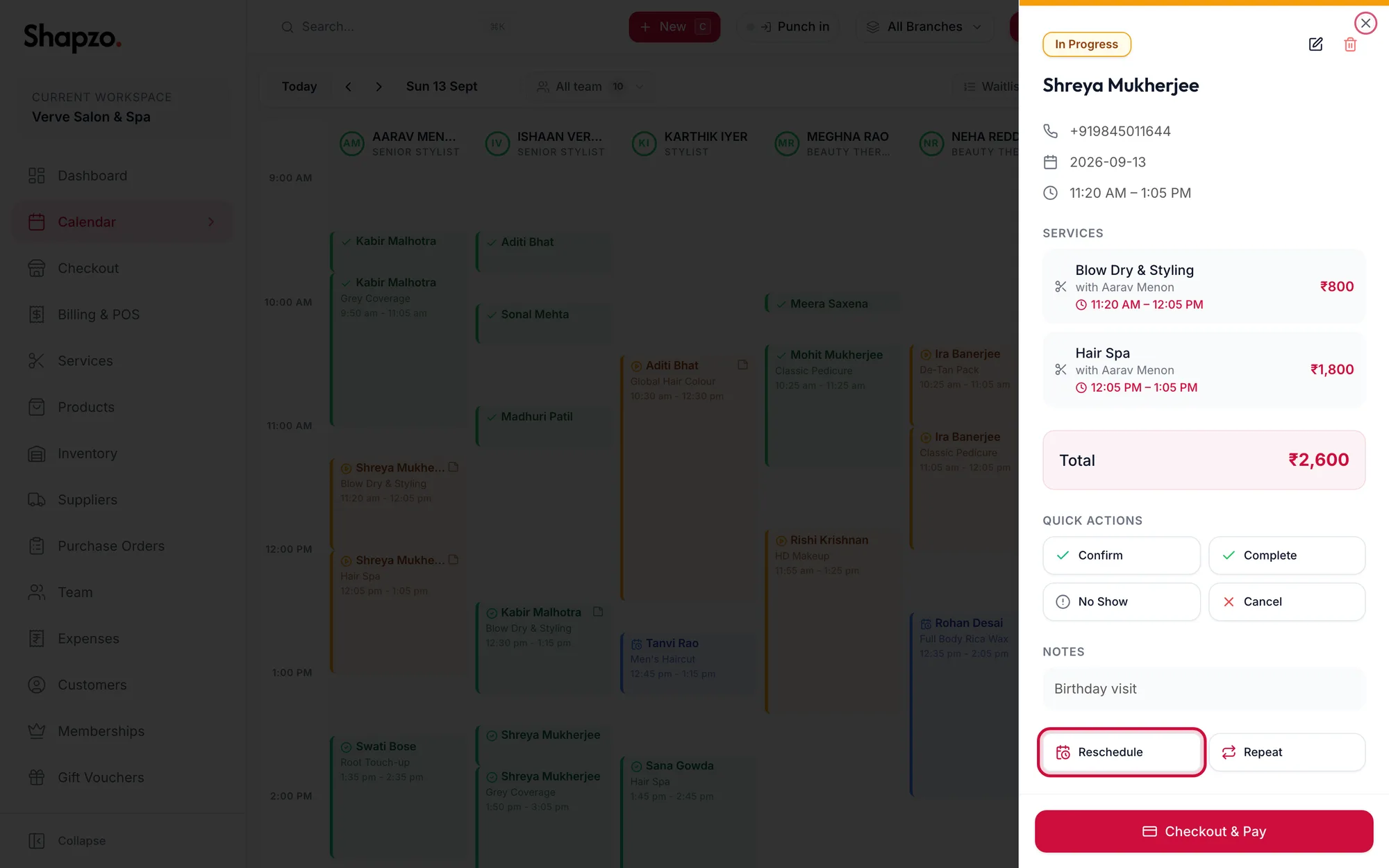
The side panel with the Reschedule button highlighted -
Change the Date, Start or End, and click Save Changes.
In the app
-
Tap the booking to open its sheet.
-
Tap Reschedule.
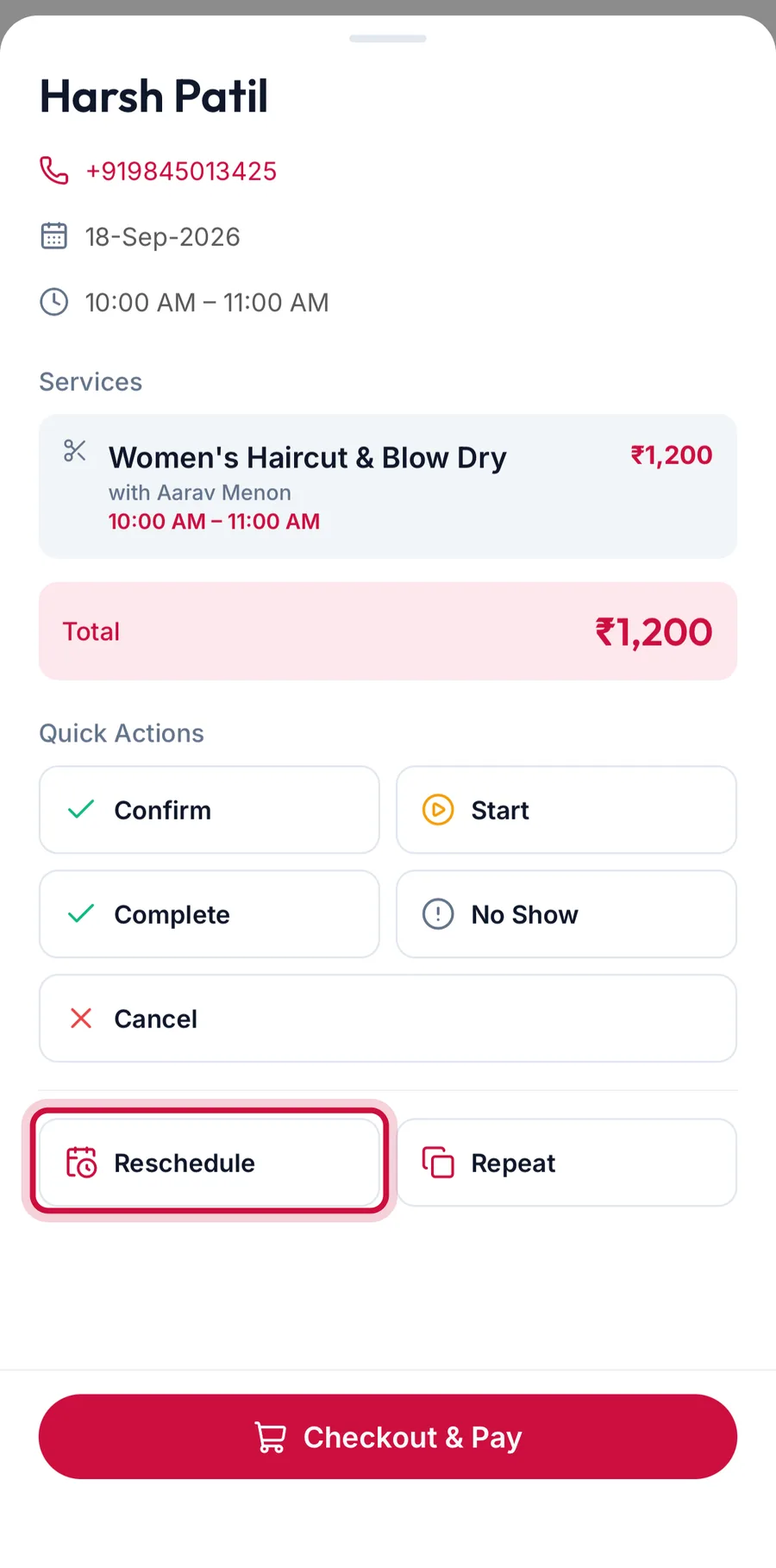
The appointment sheet with the Reschedule button highlighted -
Change the Date, Start or End, and tap Save Changes.
Use this when the new date is not on screen, for example next month.
When a move is refused
The portal keeps the booking where it was and tells you why:
- Could not move appointment: the new slot clashes with another booking for that team member or room.
- A booking cannot be dropped on a closed day or over blocked time.
- A completed or cancelled booking cannot be moved.
Related articles
- Book an appointment · Calendar
- Open an appointment and change its status · Calendar