
What happens after you apply
Your application is reviewed by Shapzo. Until it is approved, signing in shows the Application Status page.
Every new business is checked before it goes live. While that happens, you can sign in, but the portal shows only the Application Status page.
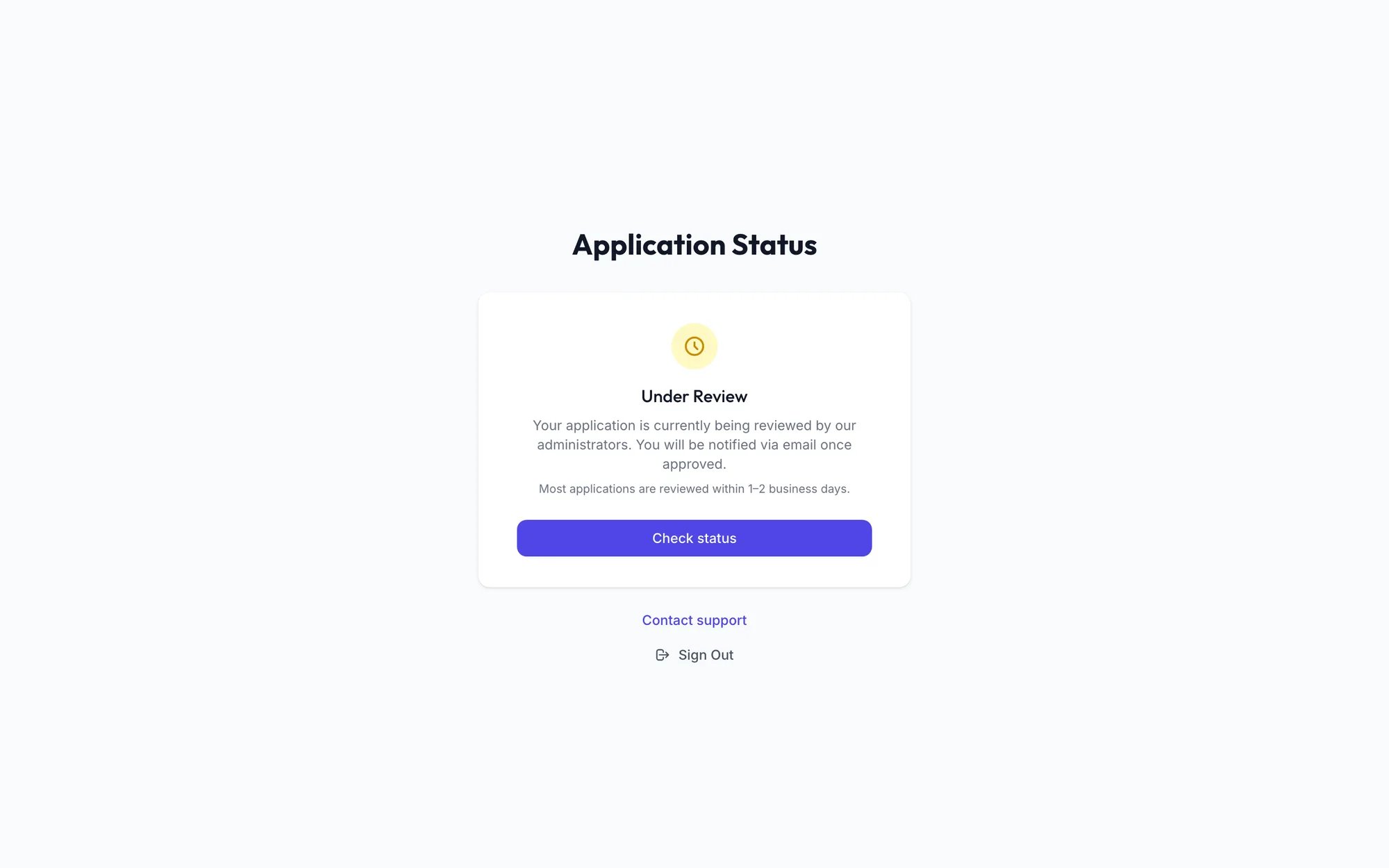
While your application is under review
- The status reads Under Review. Click Check status at any time; if nothing has changed you see Still under review — we will email you as soon as a decision is made.
- You receive an email as soon as a decision is made. Most applications are reviewed within one to two business days.
- Use Contact support on this page if you need to reach us, and Sign Out to leave.
When your application is approved
Sign in again. You land on the Dashboard and the Getting Started checklist guides you through the first setup steps. See The Getting Started checklist.
If your application is rejected
The page shows the reason we gave, or Reason not specified if none was recorded.
- Click Edit & Resubmit.
- Correct the details that were the problem: Salon Name, Phone Number, Address or GST Number.
- Click Resubmit Application.
Your application goes back into the queue and the status returns to Under Review.
Related articles
- Create your business account · Getting started
- Sign in and sign out · Getting started