
Get the mobile app
Shapzo Business for iPhone and Android runs the front desk from a phone, signed in with the same account as the web portal.
Shapzo Business is the same product on a phone: the calendar, checkout, clients, billing, stock, team and reports, with your account, your role and your language following you.
Before you start
- The app is in early access. The business owner receives the install link from Shapzo and shares it with the team; the App Store and Google Play listings follow.
- You sign in with the same email and password as the web portal. If you have never signed in anywhere, ask the owner to add you to the team first; the invitation email works in the app too.
First run
-
Install the app from the link and open it.
-
A short intro shows what the app does. Next walks through it; Skip or Get started goes to the sign-in screen.
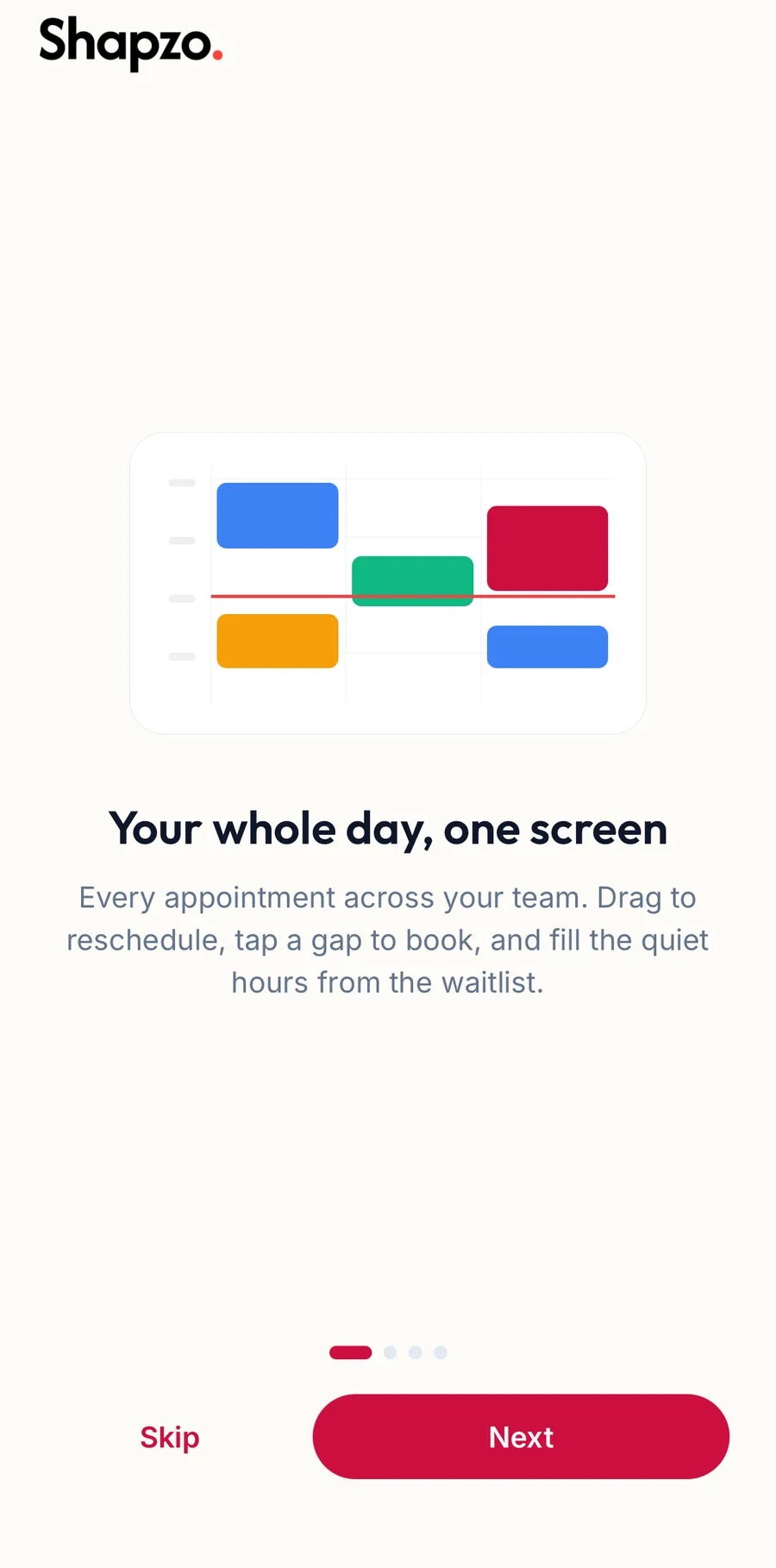
The intro on first launch -
Sign in. See Sign in and sign out.
-
If the phone asks whether Shapzo may send notifications, allow it to get new bookings and reminders as push notifications. You can change this later in the phone's settings.
You land on Home.
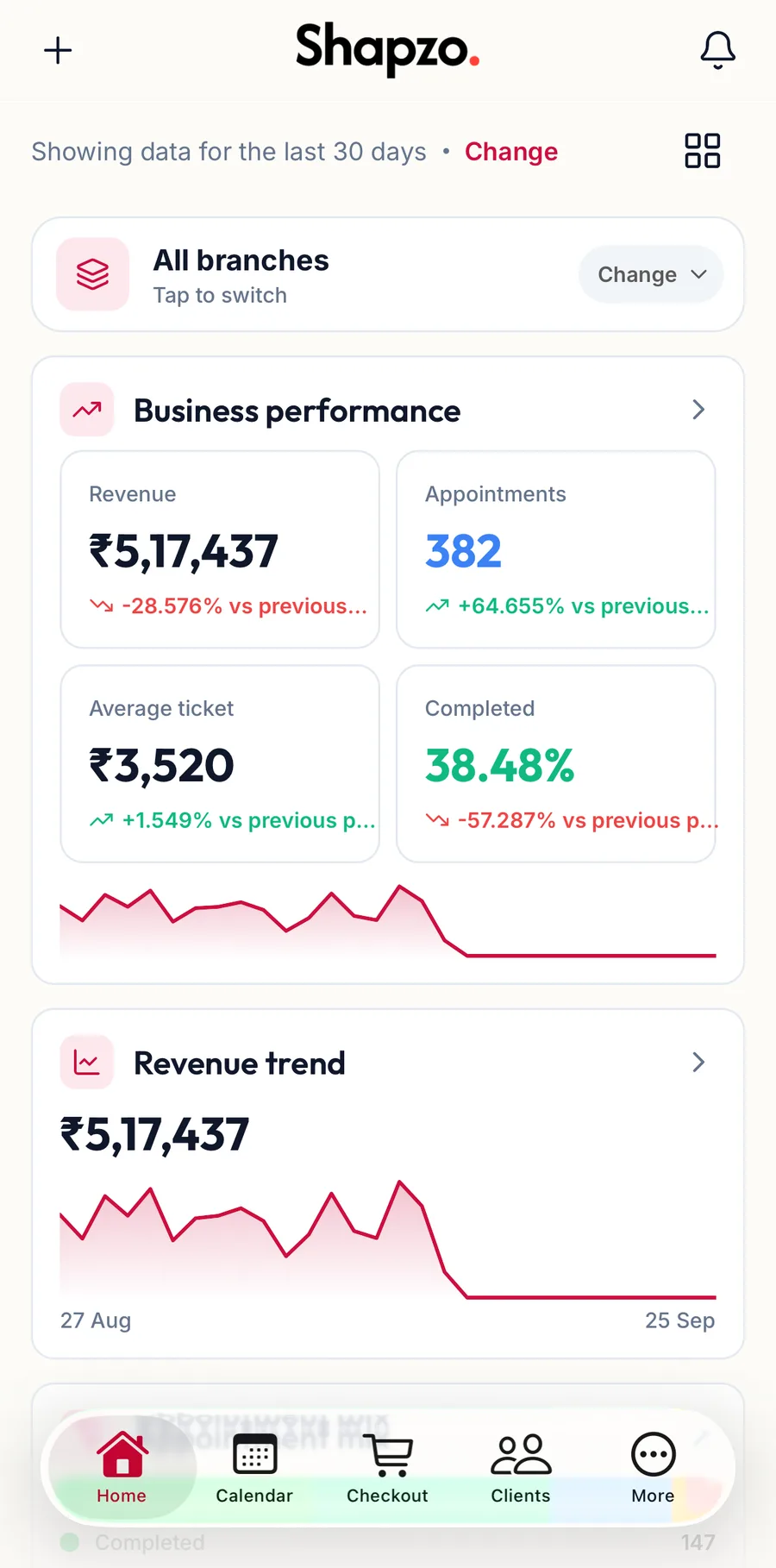
Finding your way
Five tabs along the bottom: Home, Calendar, Checkout, Clients and More. Everything else is under More. See The sidebar and the top bar for the map.
Articles in this help centre that cover the app show an App tab next to the web steps; the switch at the top of each task remembers your choice.
Related articles
- Sign in and sign out · Getting started
- The sidebar and the top bar · Around the portal
- Book an appointment · Calendar