
Movement history
Every change to stock, with its type, quantity, running balance and reason.
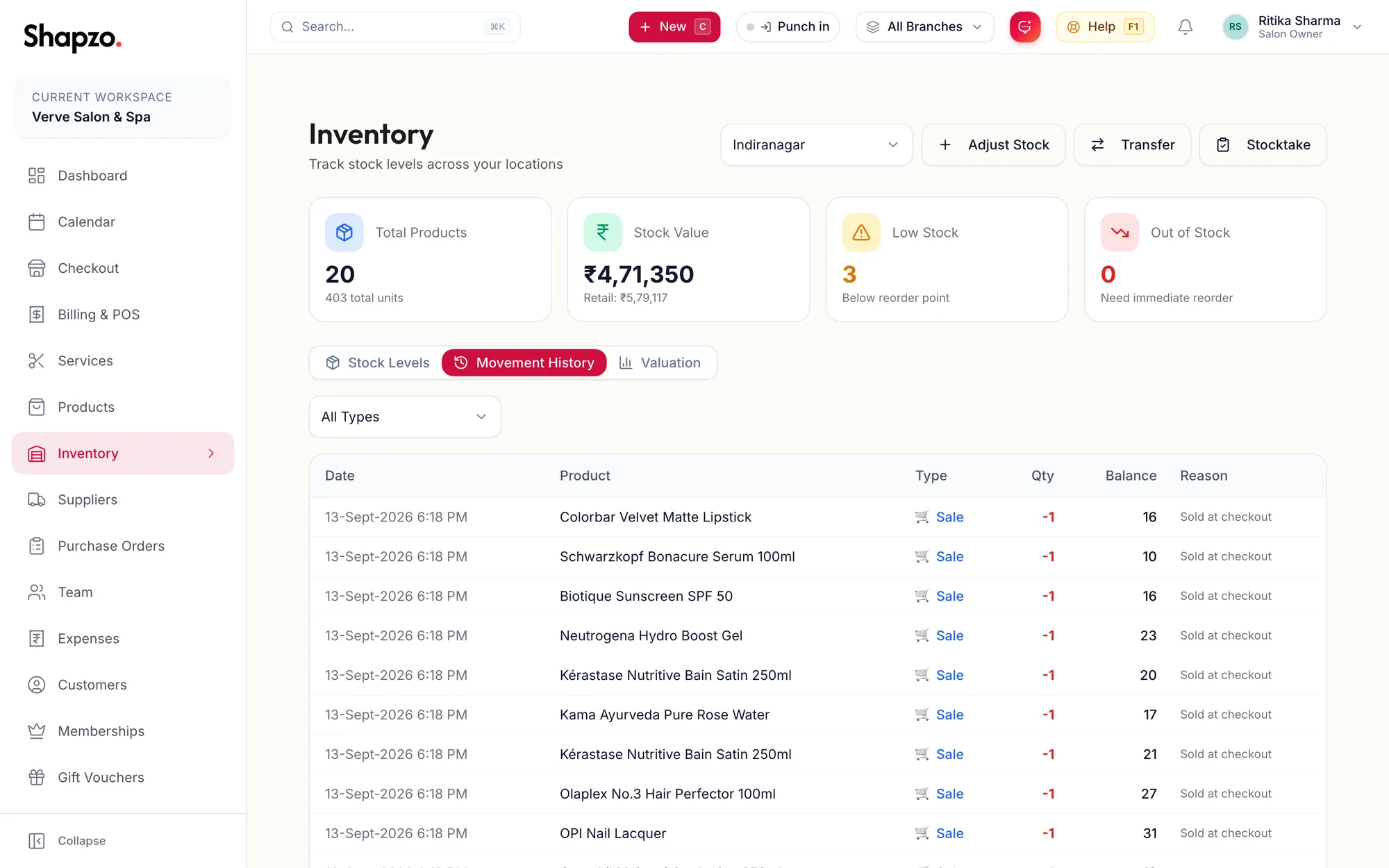
Open Inventory and the Movement History tab. Each row has the Date, Product, Type, Qty, the Balance after the movement and the Reason or note.
Movement types
On the web
Purchase Received, Sale, Internal Use, Stock Added, Stock Removed, Transfer In, Transfer Out, Customer Return, Supplier Return, Damaged/Expired and Stocktake. Filter the list to one type with the dropdown that reads All Types.
In the app
Tap More, then Inventory, then the Movement History tab. Each row has the date, product, type, quantity and the balance after it; the Type filter narrows the list.
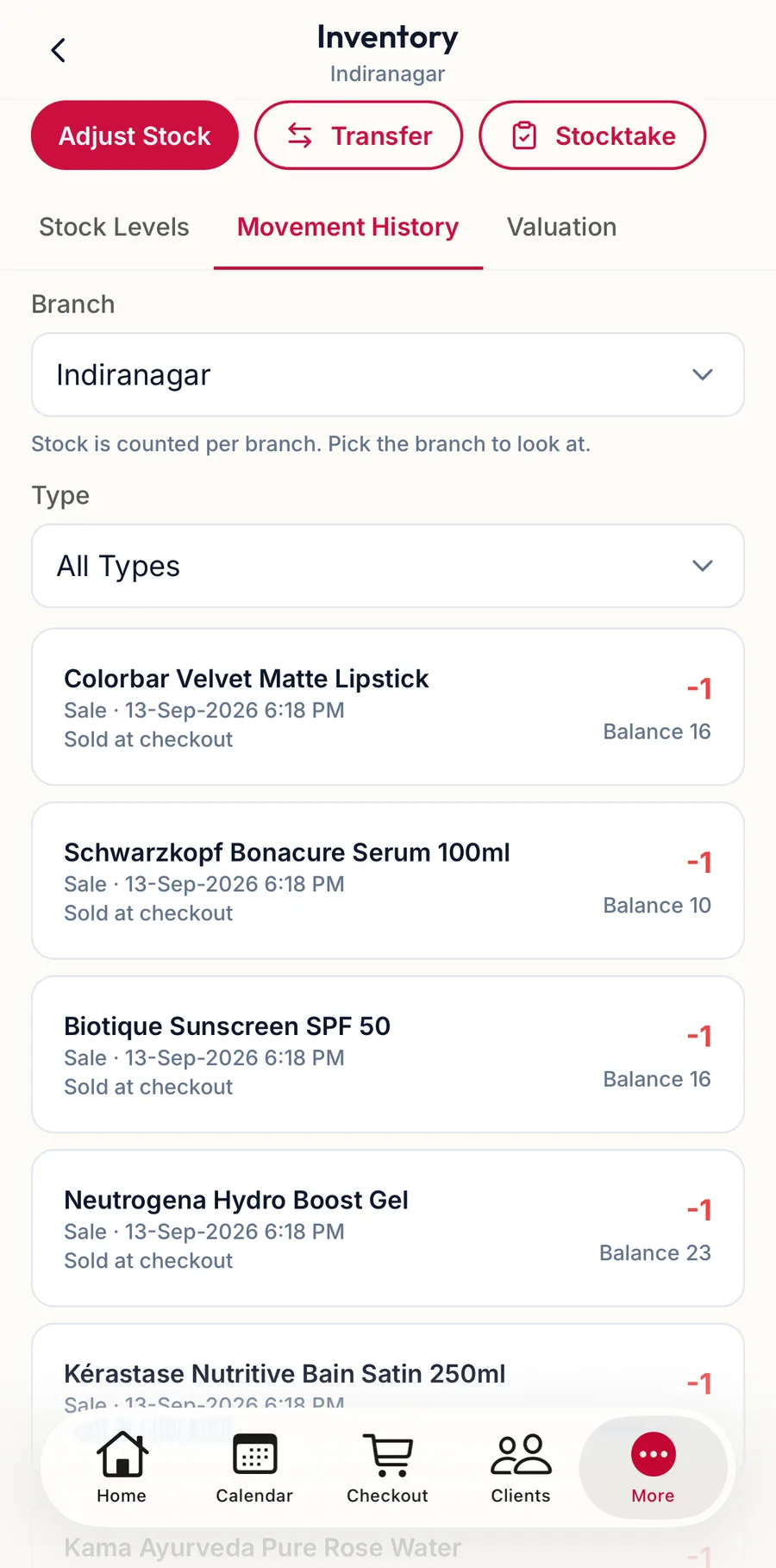
The types are the same as on the web.
Reading it
- A Sale links to the invoice; a refund shows as Customer Return.
- Purchase Received comes from a received purchase order and carries its number.
- Stocktake rows show the difference the count applied, not the counted total.
The Stock Movement Report under Reports gives the same data across branches and dates, with export.
Related articles
- Inventory: stock levels, low stock and out of stock · Products & stock
- Adjust stock · Products & stock