
Sell a membership at checkout
Add a membership plan to the order like any other item and take payment for it with the rest of the bill.
Steps
-
Choose a registered customer.
-
On the add-items bar, click Membership or press m.
-
The picker Sell membership lists the active plans. Click one.
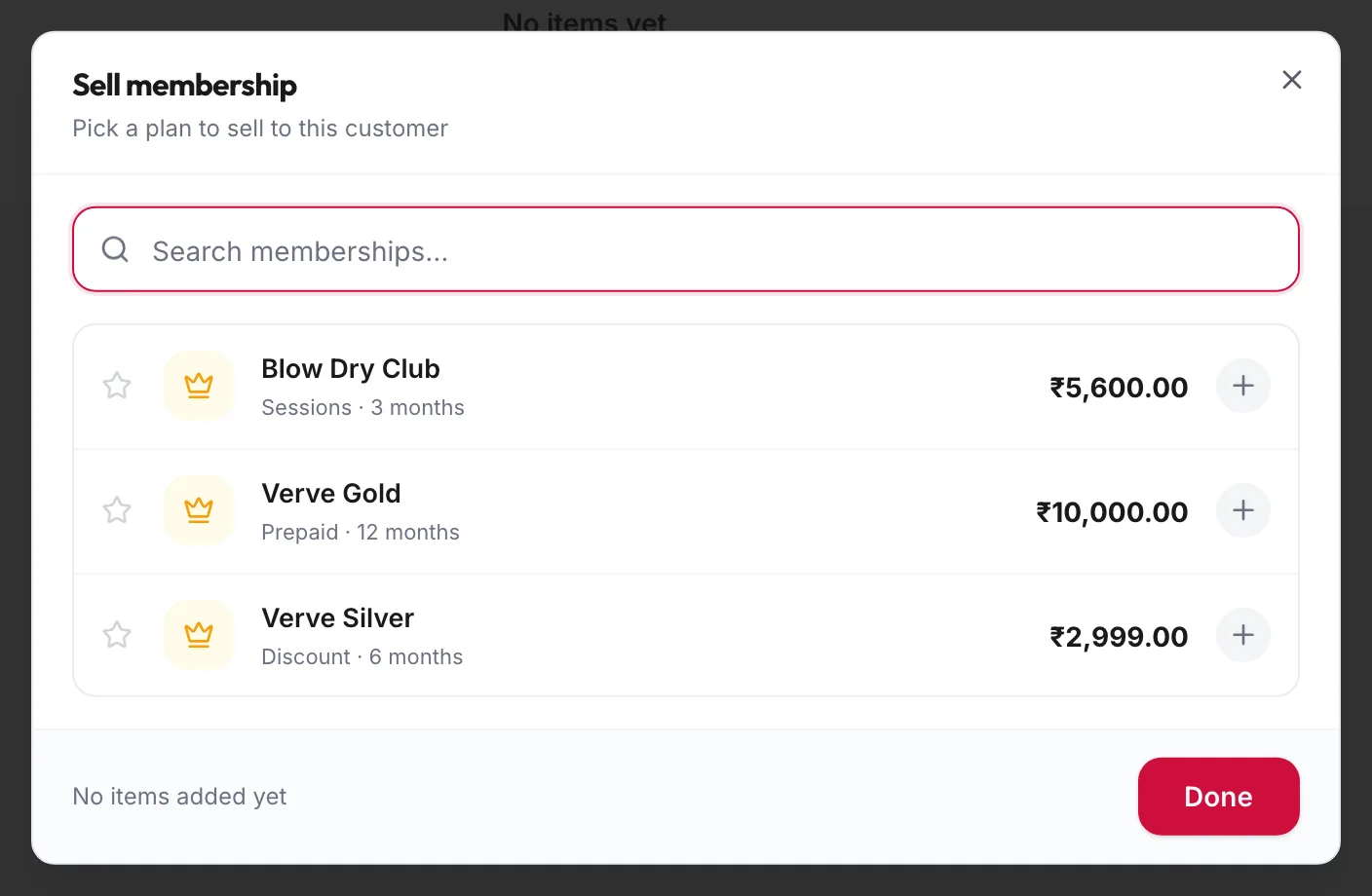
The Sell membership picker -
The plan appears as a row tagged Membership at its price. Add services or products to the same order if you like.
-
Take payment and click Checkout & Pay.
The membership starts today and appears on the customer's profile and under Memberships, Active Memberships. For a prepaid plan the credit is loaded at once and can be used from the next order.
Rules
- A membership cannot pay for itself: the portal refuses a membership tender on an order that contains a membership sale, with A membership can't pay for itself — choose another tender.
- If the customer already has an active membership the portal warns This customer already has an active membership and asks you to Go back or Sell another anyway.
- Selling needs the permission to create memberships; the picker's Create a plan button needs the permission to manage them.
Related articles
- Redeem membership benefits at checkout · Checkout
- Assign a membership · Memberships