
Discount restrictions
Cap the discount staff can give at checkout so a generous moment does not become a habit.
Cap the discount staff can apply
-
Open Settings, Point of Sale, Discount Restrictions.
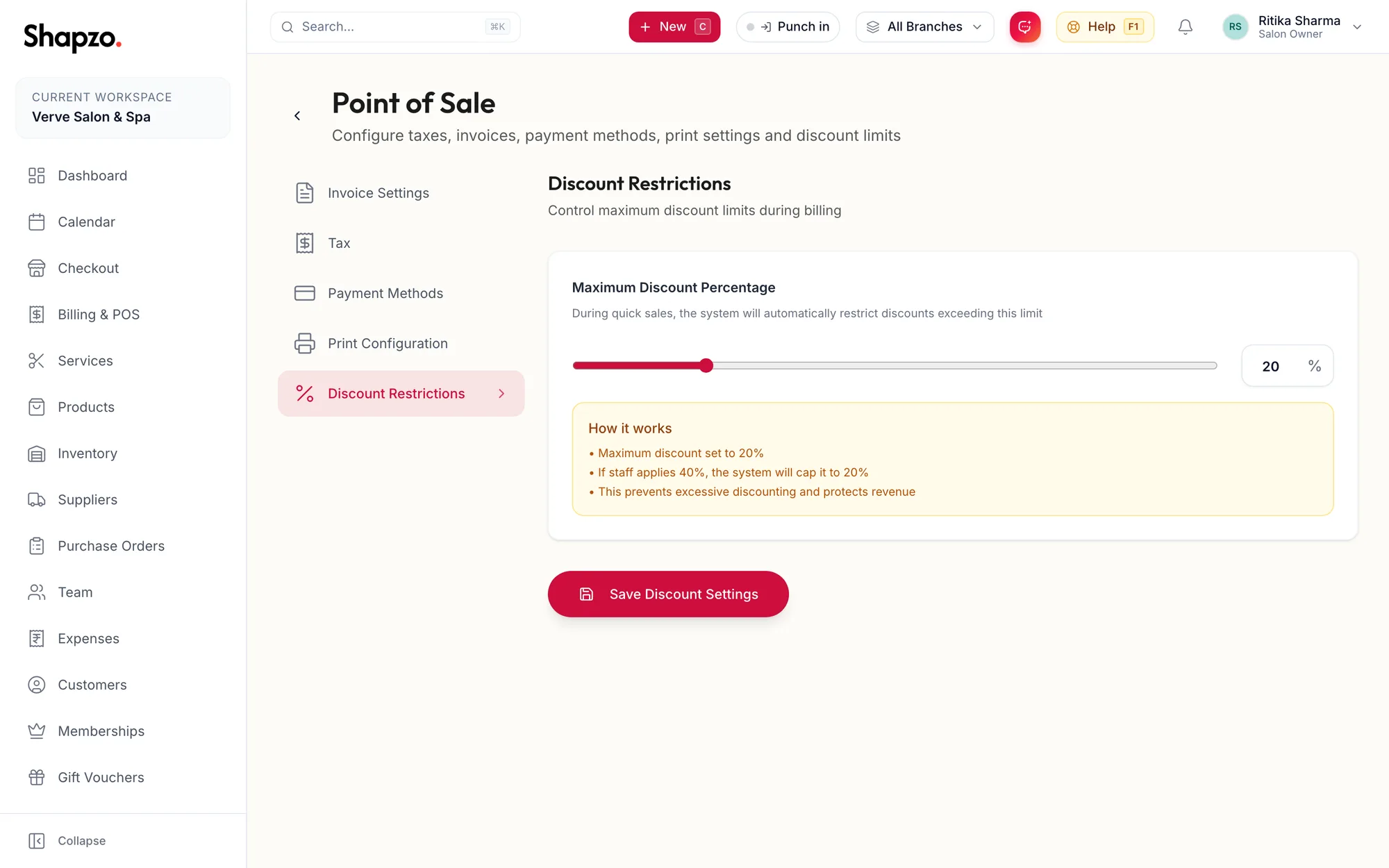
The Discount Restrictions section -
Set the Maximum Discount Percentage.
-
Read the summary: • Maximum discount set to {{percent}}%, • If staff applies {{applied}}%, the system will cap it to {{cap}}%, • This prevents excessive discounting and protects revenue.
-
Click Save Discount Settings. The toast reads Discount settings saved.
The cap applies to item discounts and bill discounts at checkout, for every role including the owner. Membership and campaign benefits are not discounts in this sense and are not capped.
Related articles
- Discounts on items · Checkout
- Point of Sale: invoice numbering and behaviour · Settings