
Payroll: PF, ESI, professional tax and TDS rules
The statutory rates and ceilings pay runs use, versioned by effective date, and the optional approval step.
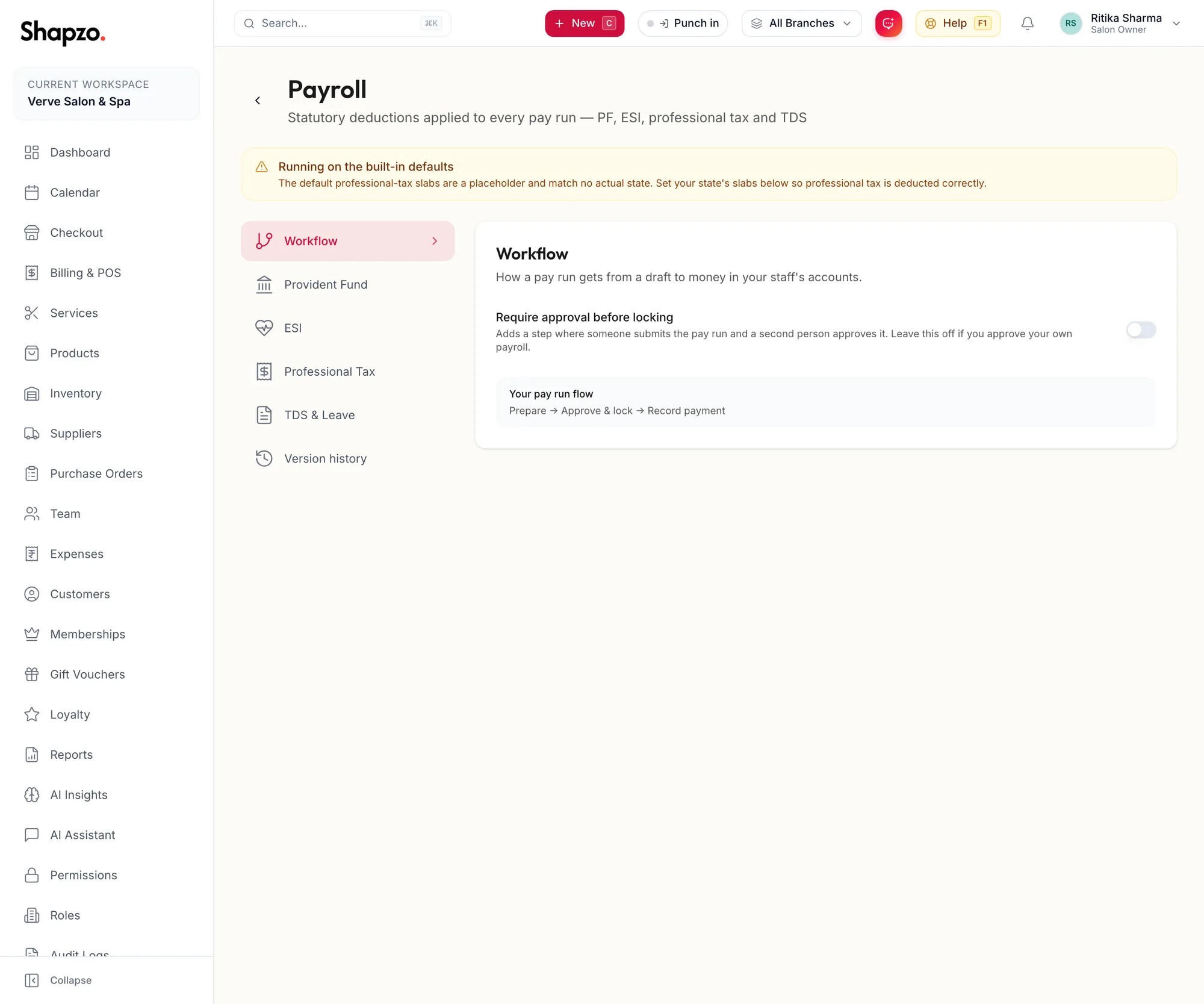
Open Settings, Payroll. The rail lists Workflow, Provident Fund, ESI, Professional Tax, TDS & Leave and Version history.
Workflow
On the web
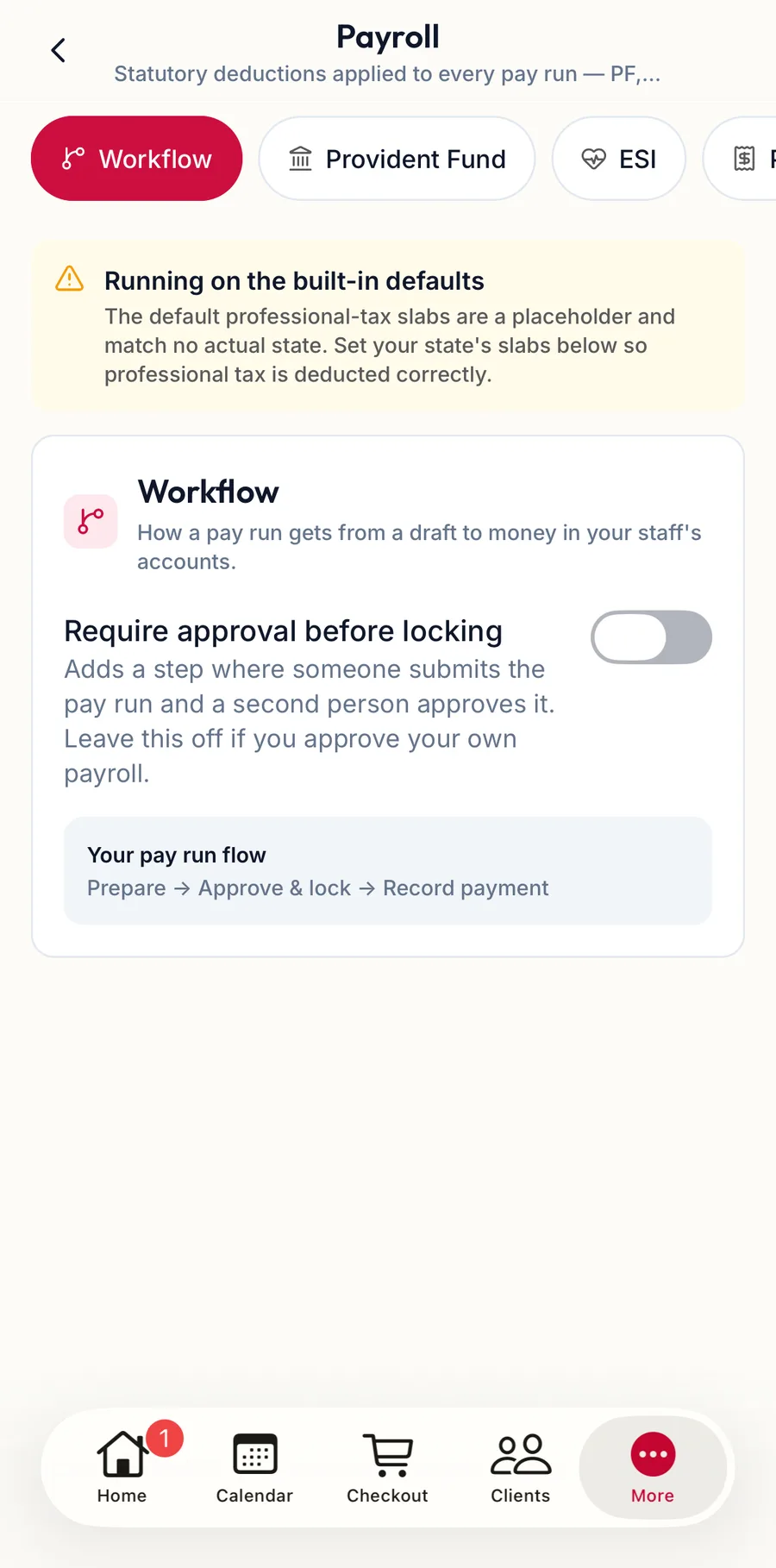
Switch Require approval before locking on if a pay run needs a second person: it Adds a step where someone submits the pay run and a second person approves it. Leave this off if you approve your own payroll. With it on, a draft must be submitted for approval before it can be approved and locked. See How a pay run works.
In the app
Tap More, then Settings, then Payroll. The chips at the top switch between Workflow, Provident Fund, Employees' State Insurance, Professional Tax, TDS and Unpaid leave, and Version history is underneath; the fields are the same as on the web, and Schedule these rules saves a dated version.
Provident Fund, ESI, Professional Tax
Each has an employee rate, an employer rate where it applies, a wage ceiling and what the rate is assessed on. Professional tax is a state slab table; add slabs with the add-slab control. The defaults are the current central rules; Restore Defaults brings them back. Until you set your state's slabs the page warns Running on the built-in defaults, because the default professional-tax slabs are a placeholder and match no actual state.
TDS & Leave
TDS is entered by hand on each pay run line; this section records the regime used for reference, and whether unpaid leave reduces statutory wages.
Versions
Rules are versioned. The page says Rules must take effect from a future date, so payroll already run stays reproducible. Set Effective from, then Schedule these rules or Save as a new version. Badges show In force, Scheduled and Superseded; Version history lists them with Restore and a note on Why these rules changed. Every pay run keeps a snapshot of the rules it used under Statutory rules used.
Related articles
- How a pay run works · Pay runs
- Salary, bank and statutory details · Team