
Scheduling: time and calendar
The calendar's slot size, hours, default view and behaviour switches, and the punch clock settings.
Open Settings, Scheduling. The rail on the left lists Time and calendar, Waitlist, Blocked time types, Timesheets & punch clock, Resources, Cancellation reasons, Appointment statuses and Closed periods.
Time and calendar
On the web
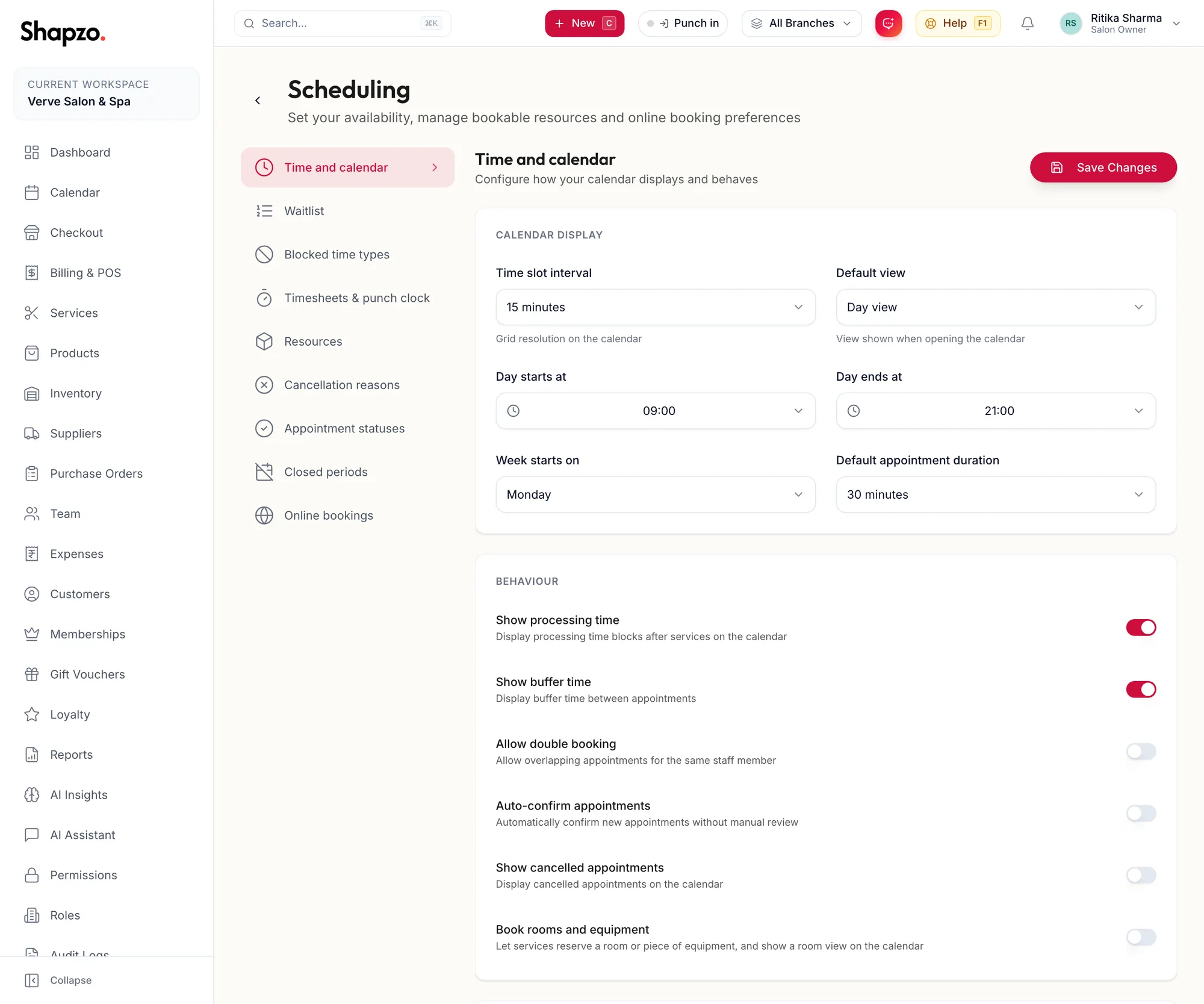
Calendar Display: Time slot interval (15 minutes is usual), Default view (Day, Week, Month or List view), Day starts at, Day ends at, Week starts on and Default appointment duration.
Behaviour:
| Switch | Effect |
|---|---|
| Show processing time | Display processing time blocks after services on the calendar |
| Show buffer time | Display buffer time between appointments |
| Allow double booking | Allow overlapping appointments for the same staff member |
| Auto-confirm appointments | Automatically confirm new appointments without manual review |
| Show cancelled appointments | Display cancelled appointments on the calendar |
| Book rooms and equipment | Turns on the resources layer; see Resources: rooms and equipment |
Appointment Reminders live on the same page; see Reminders. Click the save button; the toast reads Calendar settings saved.
In the app
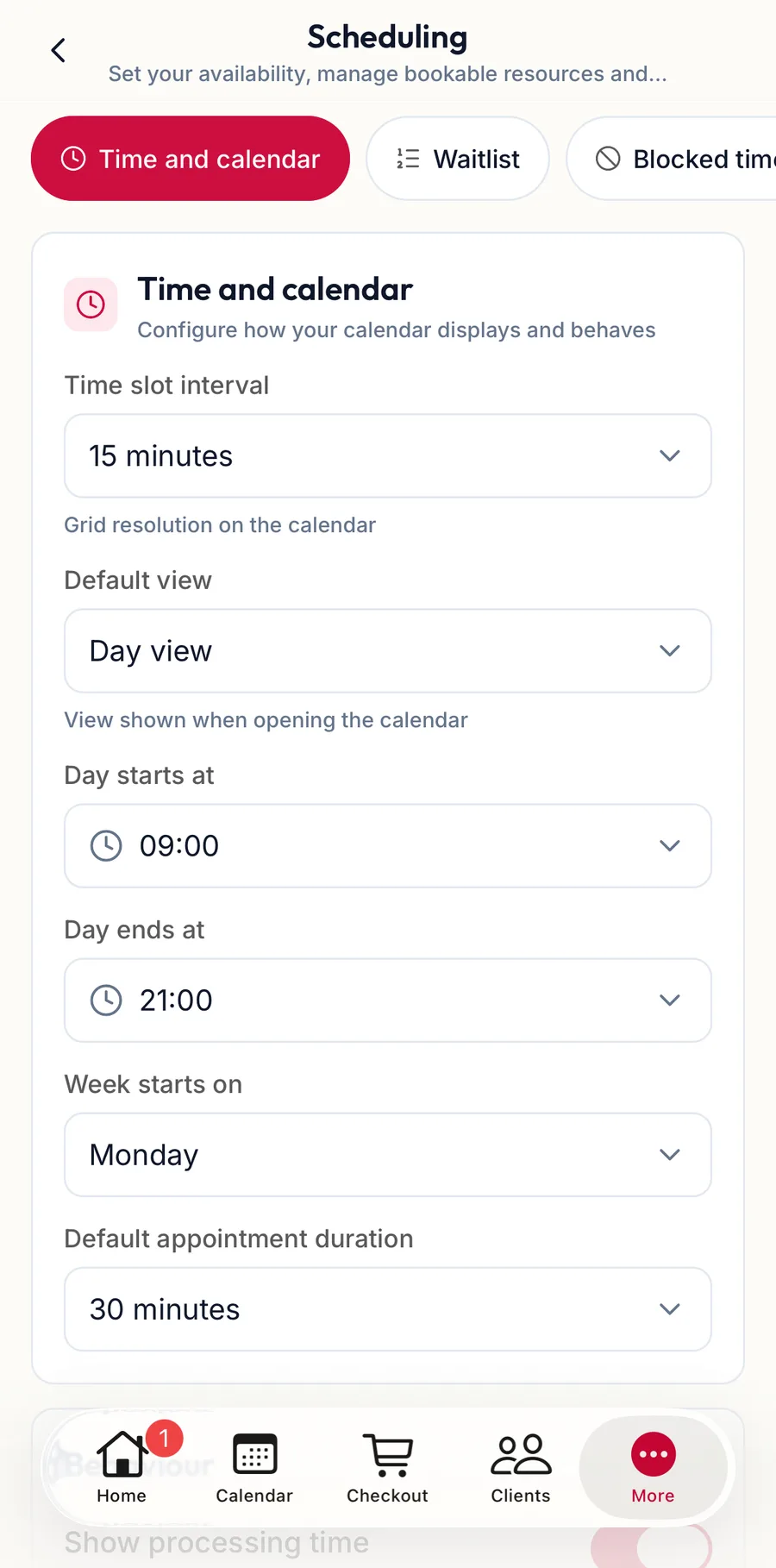
Tap More, then Settings, then Scheduling. The chips at the top switch between the same sections; the first holds the calendar display and behaviour switches.
Timesheets & punch clock
On the web
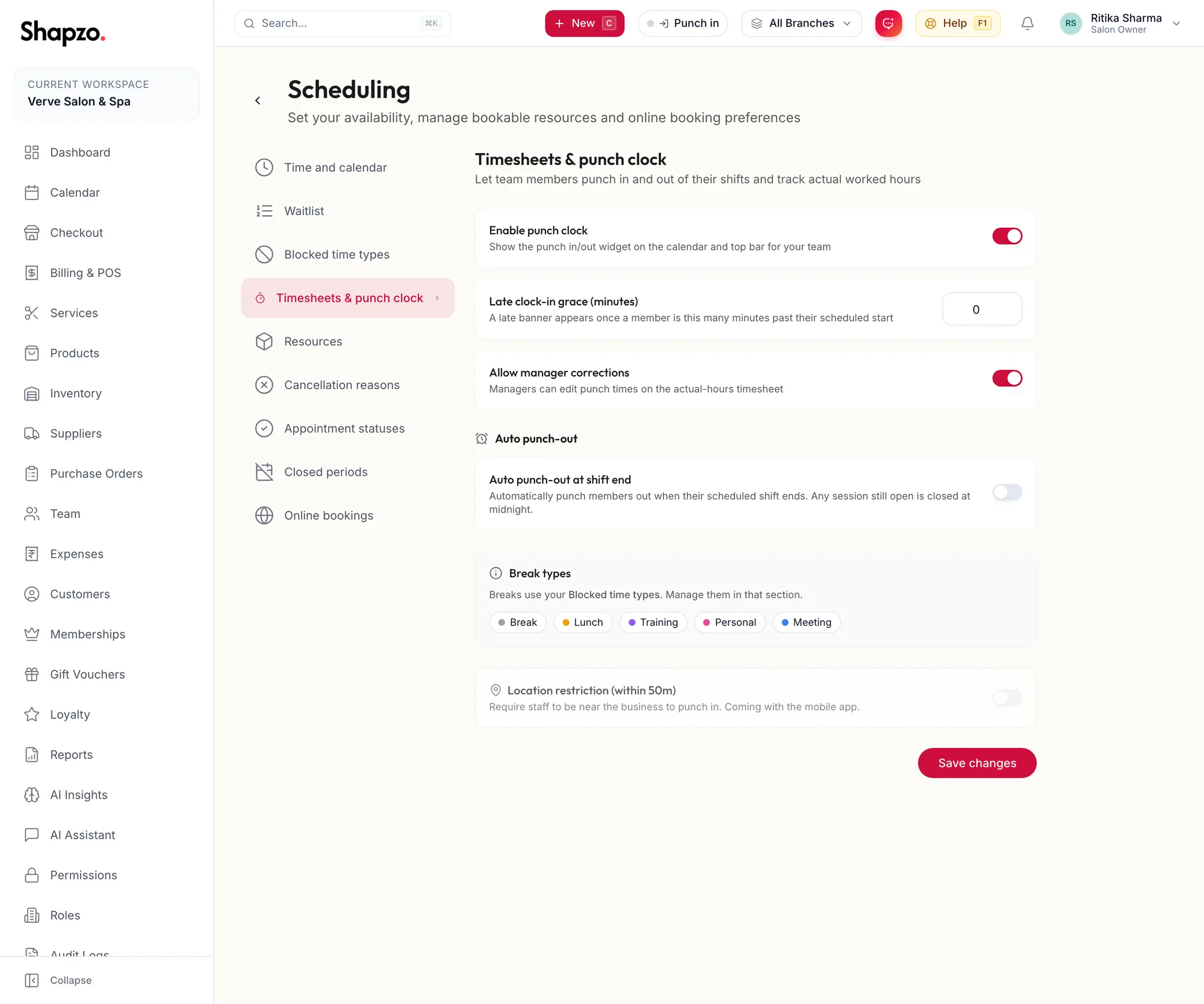
Enable punch clock shows the punch widget in the top bar. Late clock-in grace (minutes) is how late a member can be before the late banner appears. Allow manager corrections lets managers edit punch times. Switch on Auto punch-out at shift end to close open sessions automatically, then set the Grace period after shift end (minutes) and Remind before auto punch-out. Break types are your blocked time types. Location restriction is marked as coming with the mobile app and cannot be switched on yet. The toast reads Timesheet settings saved. How staff use it is in The punch clock.
In the app
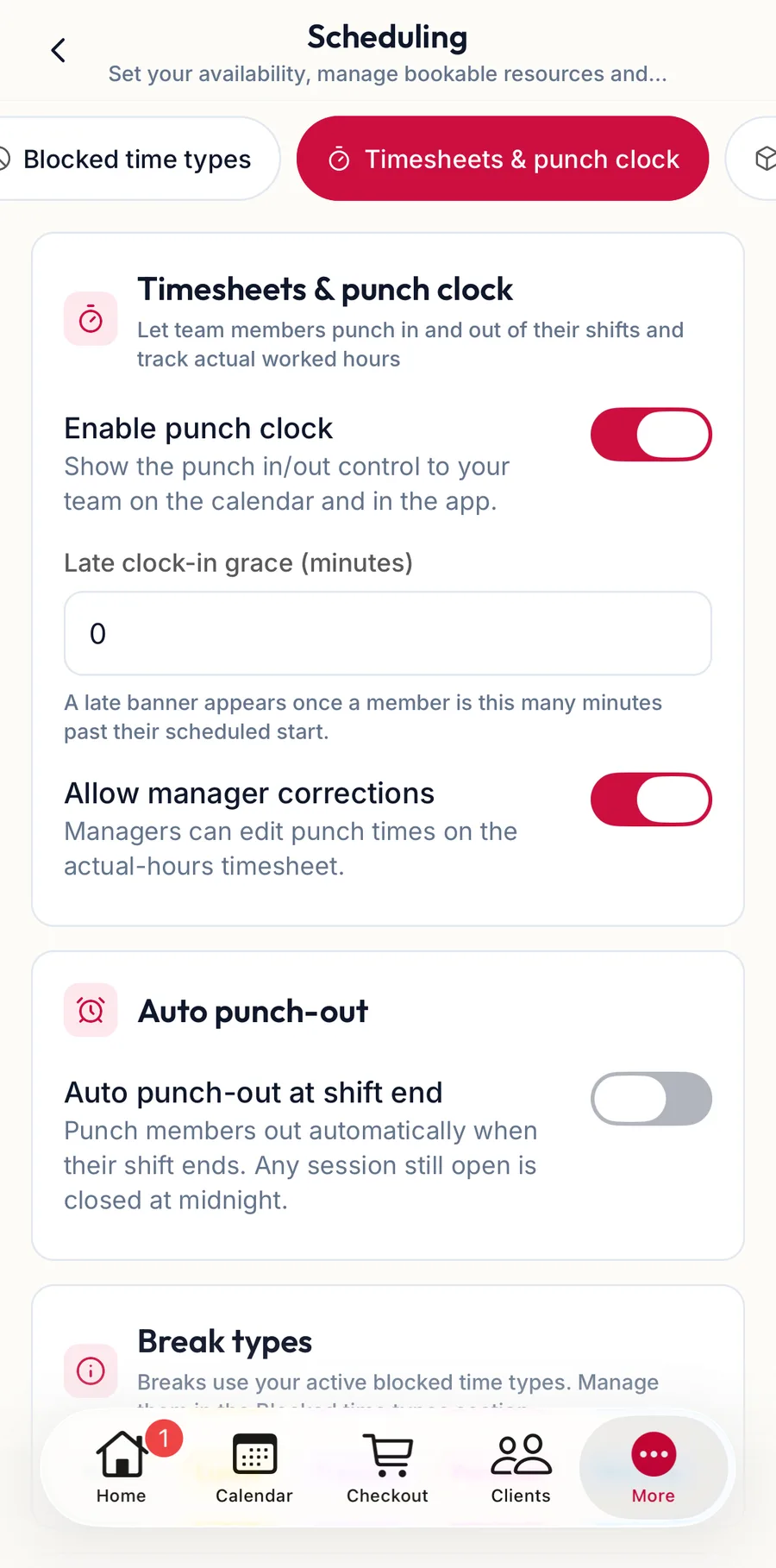
The punch chip holds Enable punch clock and the grace and auto punch-out settings.
Closed periods
On the web
Add Period blocks a date range for every branch or one. Find Best Dates and AI Holiday Suggestions propose low-impact dates with an Impact Preview of bookings and revenue at risk. See Blocked time and closed days.
In the app
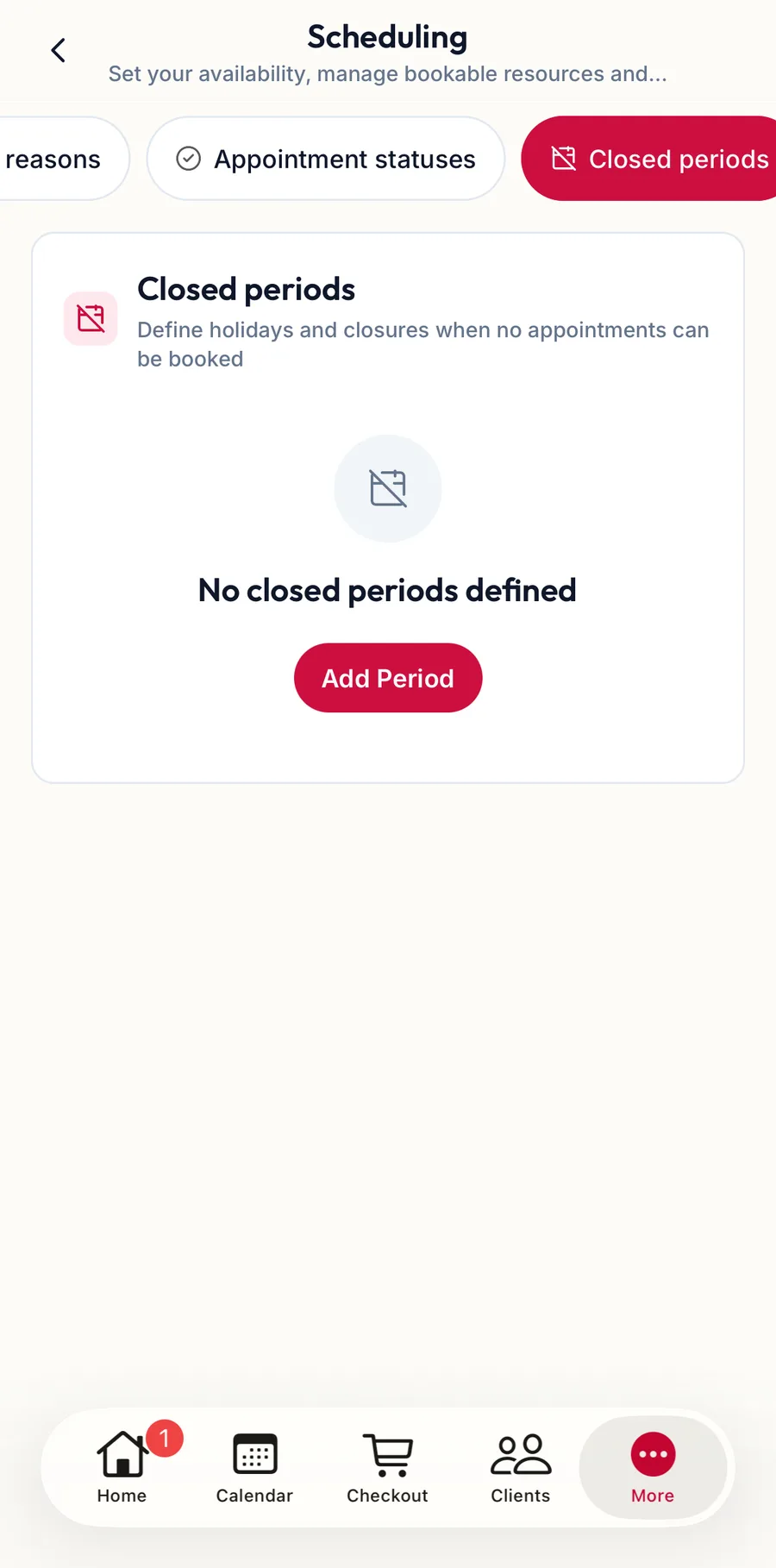
The closed periods chip lists them and adds one.
Related articles
- Read the calendar · Calendar
- Reminders · Settings
- The punch clock: widget, late banner, auto punch-out and snooze · Team