
Correct a timesheet entry
Fix a missed or wrong punch with a reason, leaving a visible correction mark on the entry.
Steps
-
Open Team, Timesheets, in Actual mode, and click the day on the member's row.
-
In the drill-in, click Correct entry next to the punch.
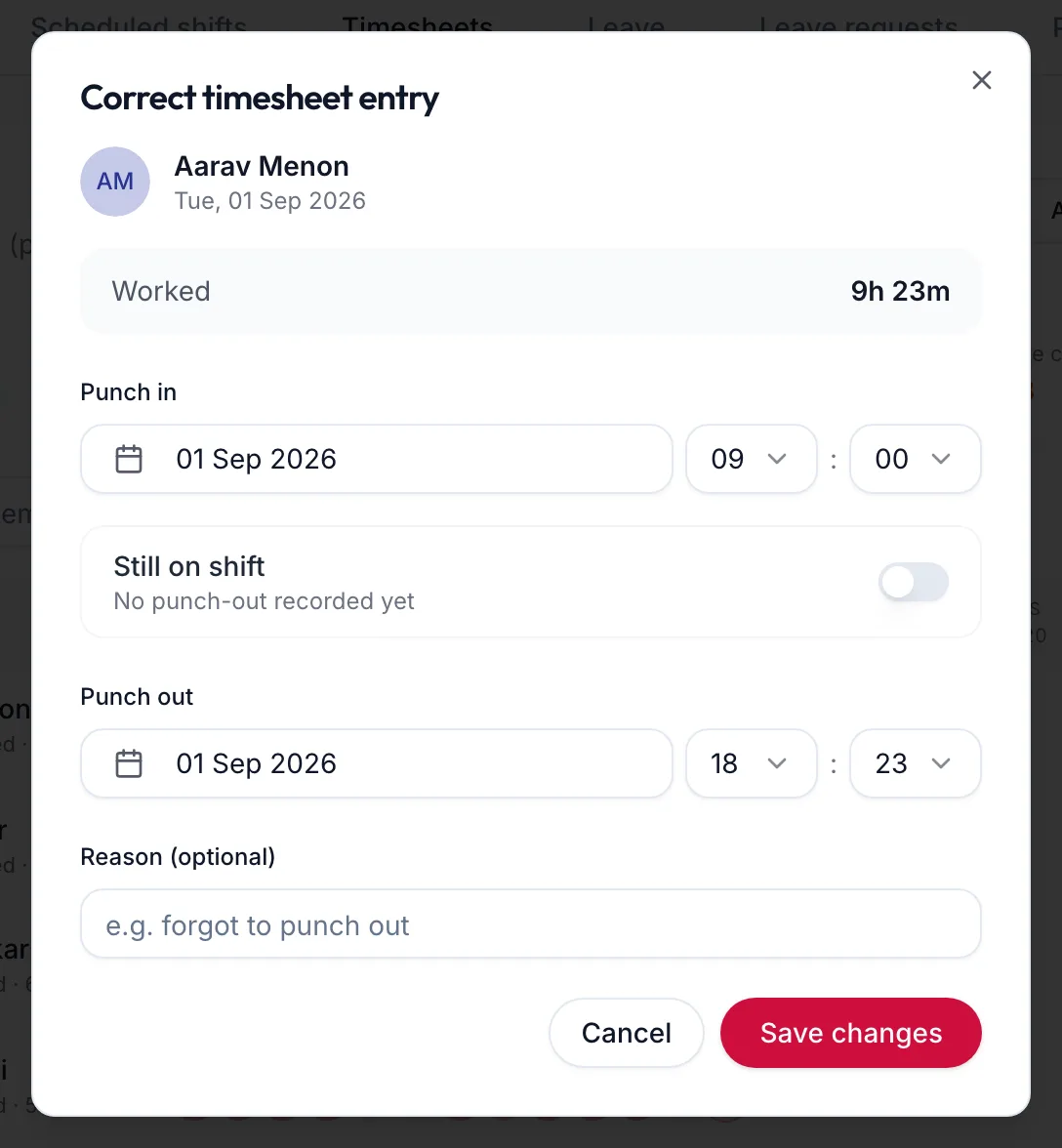
The Correct timesheet entry dialog -
Change Punch in and Punch out. An open session reads Still on shift; setting a punch-out closes it.
-
Write a Reason (optional), such as forgot to punch out.
-
Click Save changes. The portal confirms Timesheet updated.
The entry now shows Corrected by manager with the reason, and the worked hours are recalculated. The original times are kept on the audit log.