
Commission profiles: fixed, tiered, per item
Set how a team member earns commission on services, products, memberships and vouchers, with a flat rate, slabs, or per-item exceptions.
Commission is tracked at checkout from whoever is the provider on each line, and paid through pay runs.
Set it up
On the web
-
Open the member and go to Commission. If nothing is set it says No commission set up; click Set up now.
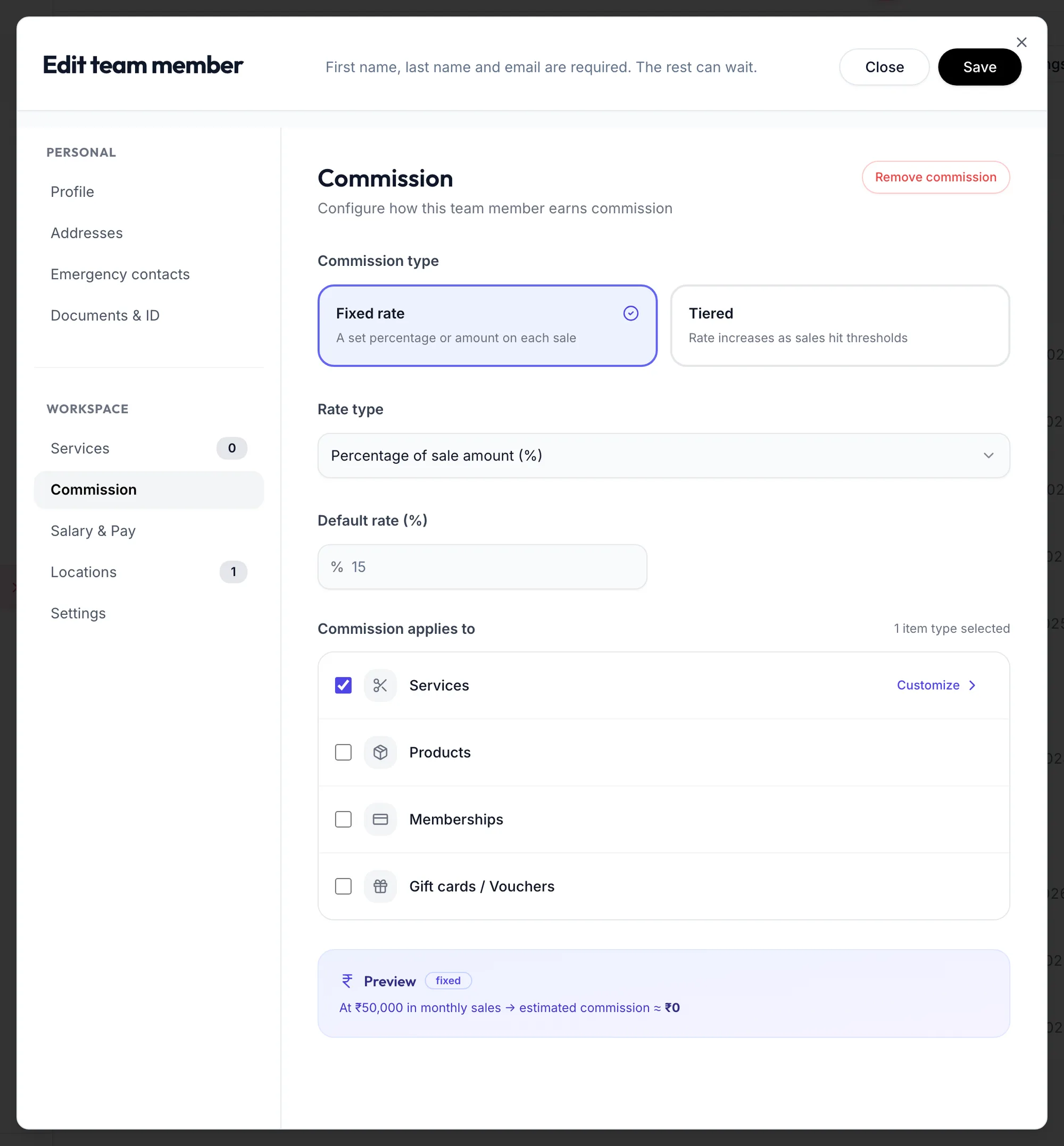
The Commission section of the team member form -
Choose the Commission type:
- Fixed rate: one rate on everything.
- Tiered: the rate depends on how much they sell in a Sales period (Daily to Quarterly). Under Tiers, set From (₹), Up to (₹) and the Rate for each slab, with Unlimited on the last. Calculation mode Retroactive applies the reached slab's rate to everything; Progressive applies each slab's rate only to the sales inside it.
-
Choose the Rate type: Percentage of sale amount (%) or Fixed value per sale (₹), and the Default rate.
-
Under Commission applies to, tick Services, Products, Memberships and Gift cards / Vouchers as needed.
-
To treat certain items differently, click Customize. For each item pick Default rate, Custom %, Custom ₹ or No commission. Click Done.
-
Check the Preview and click Save.
Remove commission clears the profile.
In the app
-
Open the member from the Staff tab and tap Commission in the row of sections at the top. If nothing is set it says No commission set up; tap Set up now.
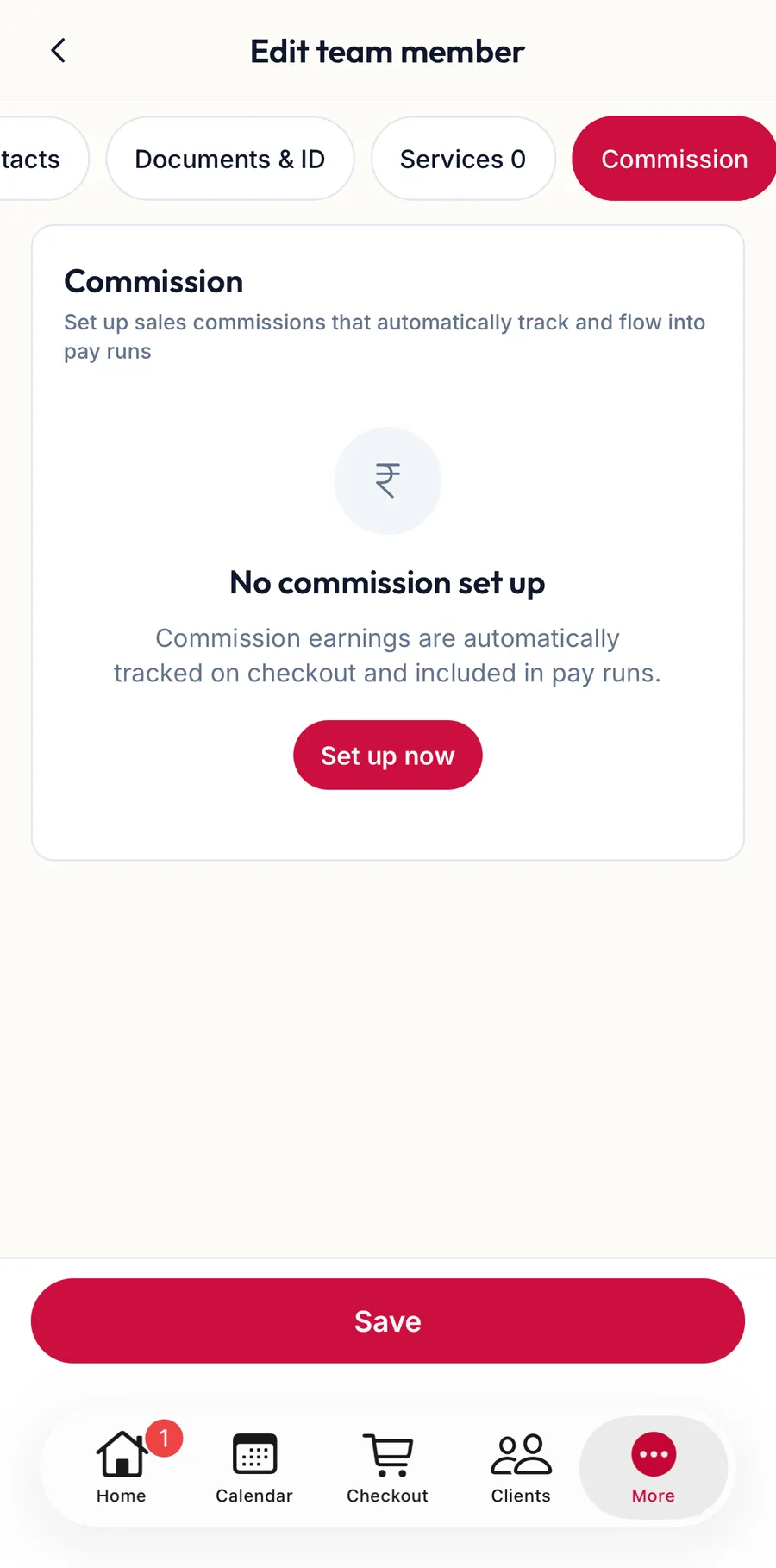
The Commission section of the team member form in the app -
Choose Fixed rate or Tiered (with a Sales period and Tiers), the Rate type and the Default rate.
-
Under What earns commission, tick the item types; Customize sets a rate per item.
-
Check the Preview and tap Save. Remove commission clears the profile.
Where it shows
- My Account, Salary, under Commission, the member sees what they earned by month.
- Each pay run line has the commission under Earnings.
- Performance and the Staff Performance reports show commission per member.
Related articles
- Add a team member · Team
- How a pay run works · Pay runs
- My Salary: payslips, commission and advances · Your account