
Services and proficiency per member
Decide which services each team member performs, and give a custom price, duration or skill level per person.
Only members assigned to a service appear as its provider on the booking form and at checkout.
Assign services
On the web
-
Open the member and go to Services.
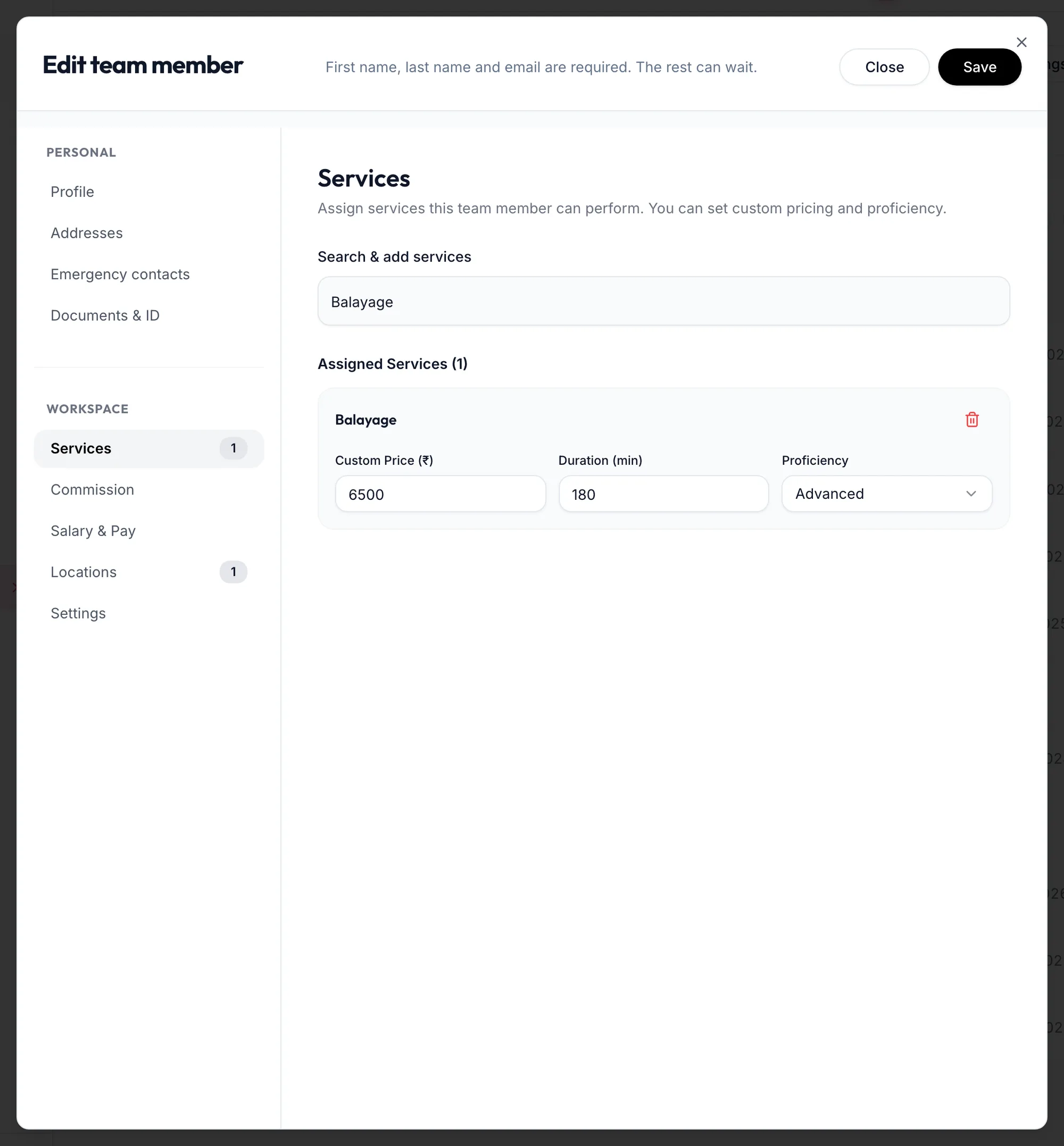
The Services section of the team member form -
Under Search & add services, type a name and add it. It moves to Assigned Services ({{n}}).
-
For each service, optionally set a Custom Price (₹), a Duration (min) and a Proficiency: Expert, Advanced, Intermediate or Learning.
-
Click Save.
In the app
-
Open the member from the Staff tab and tap Services in the row of sections at the top.
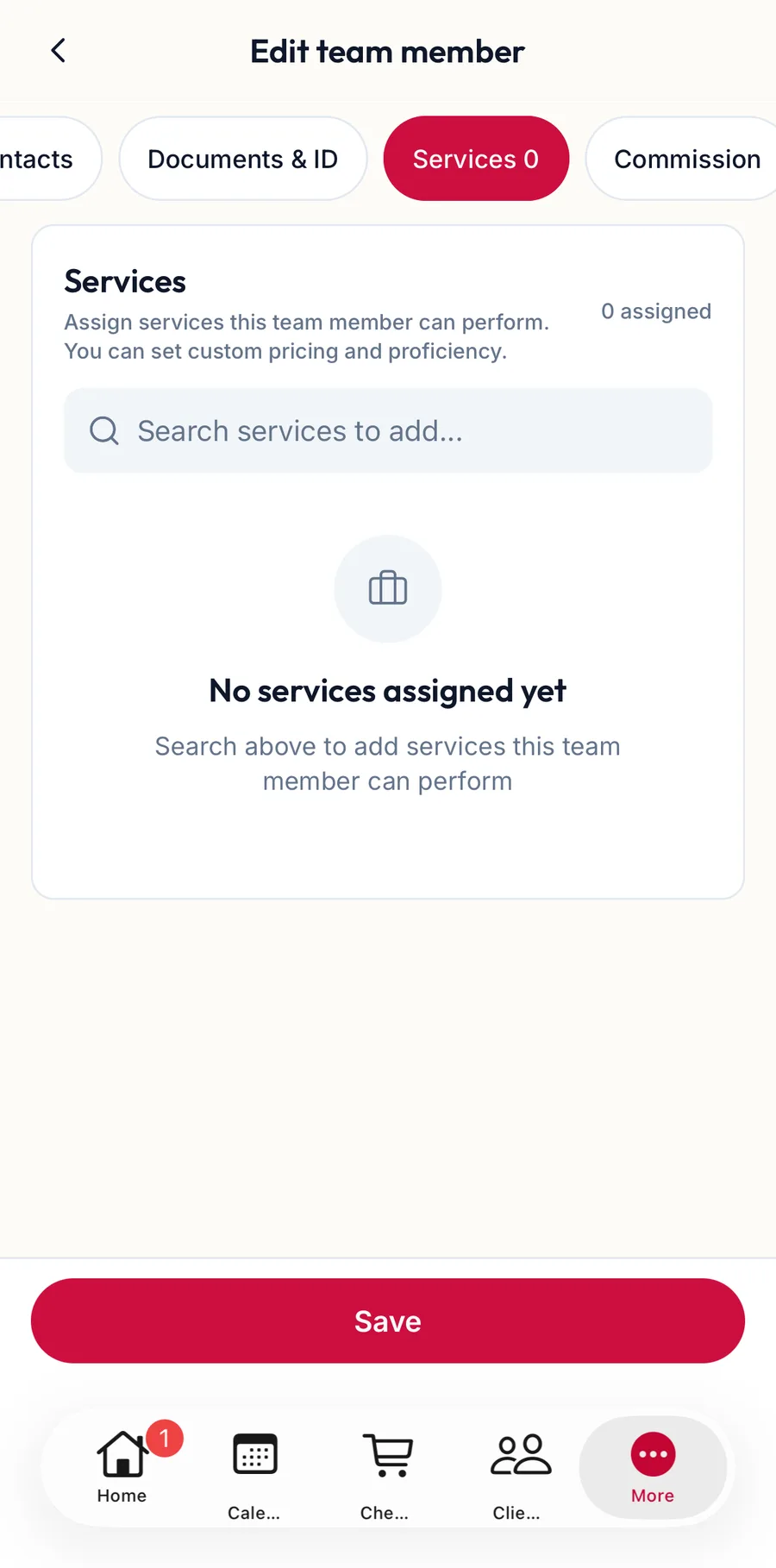
The Services section of the team member form in the app -
Under Search & add services, type a name and add it. For each service, optionally set a Custom Price (₹), a Duration (min) and a Proficiency.
-
Tap Save.
Where it shows
- The booking form lists this member under the service, using their custom duration.
- Checkout uses the custom price when this member is the provider.
- The service form's Team members tab shows the same assignments from the other side.
Related articles
- Add a team member · Team
- Add a service · Services & packages
- Prices per location and team member · Services & packages