
Performance
Revenue, appointments, completion, average ticket, tips and commission per team member, with a leaderboard and a per-member breakdown.
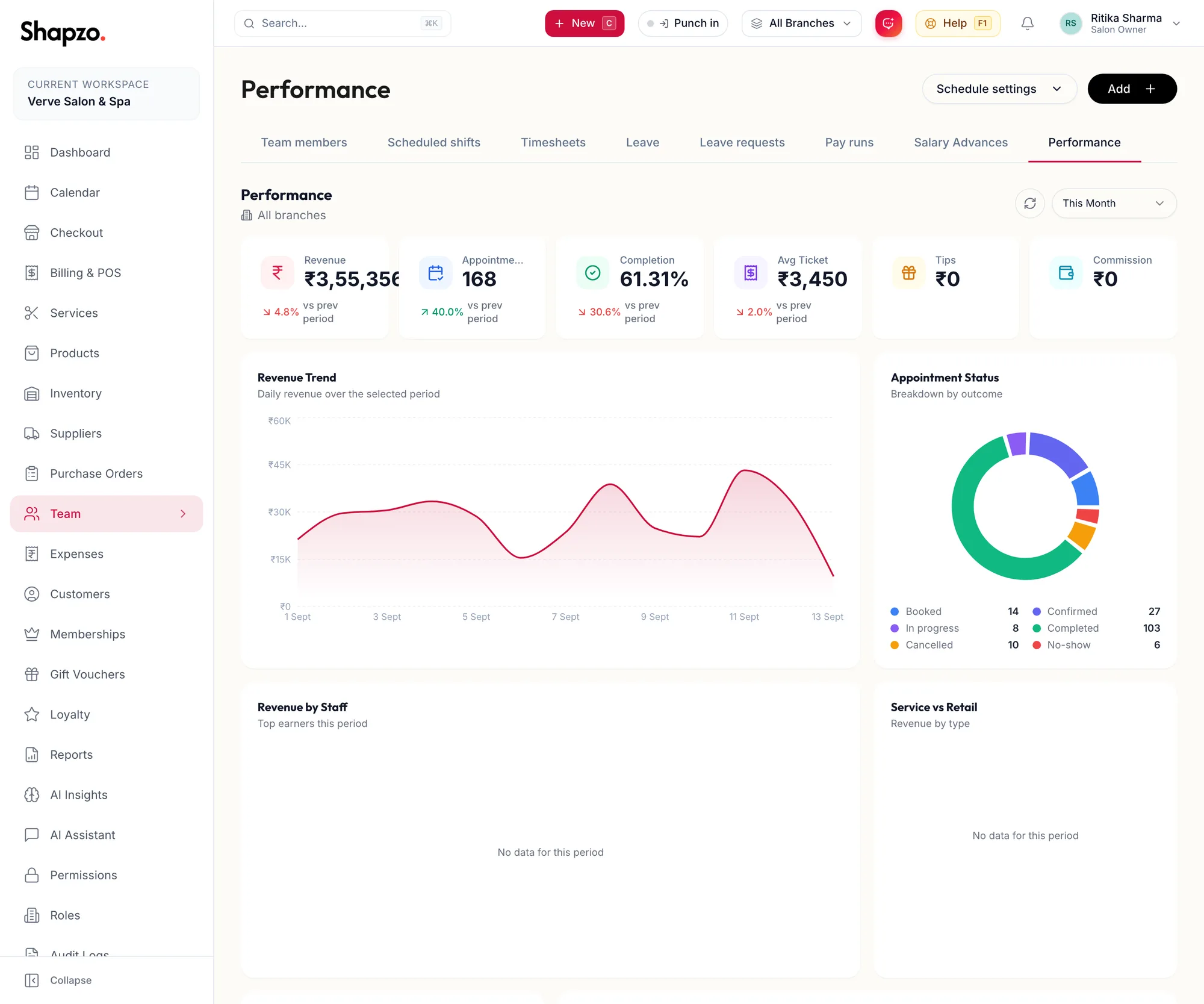
Open Team and Performance. Choose the branch (All branches or one) and the range: This Week, This Month, Last Month, This Quarter or This Year.
The tiles
On the web
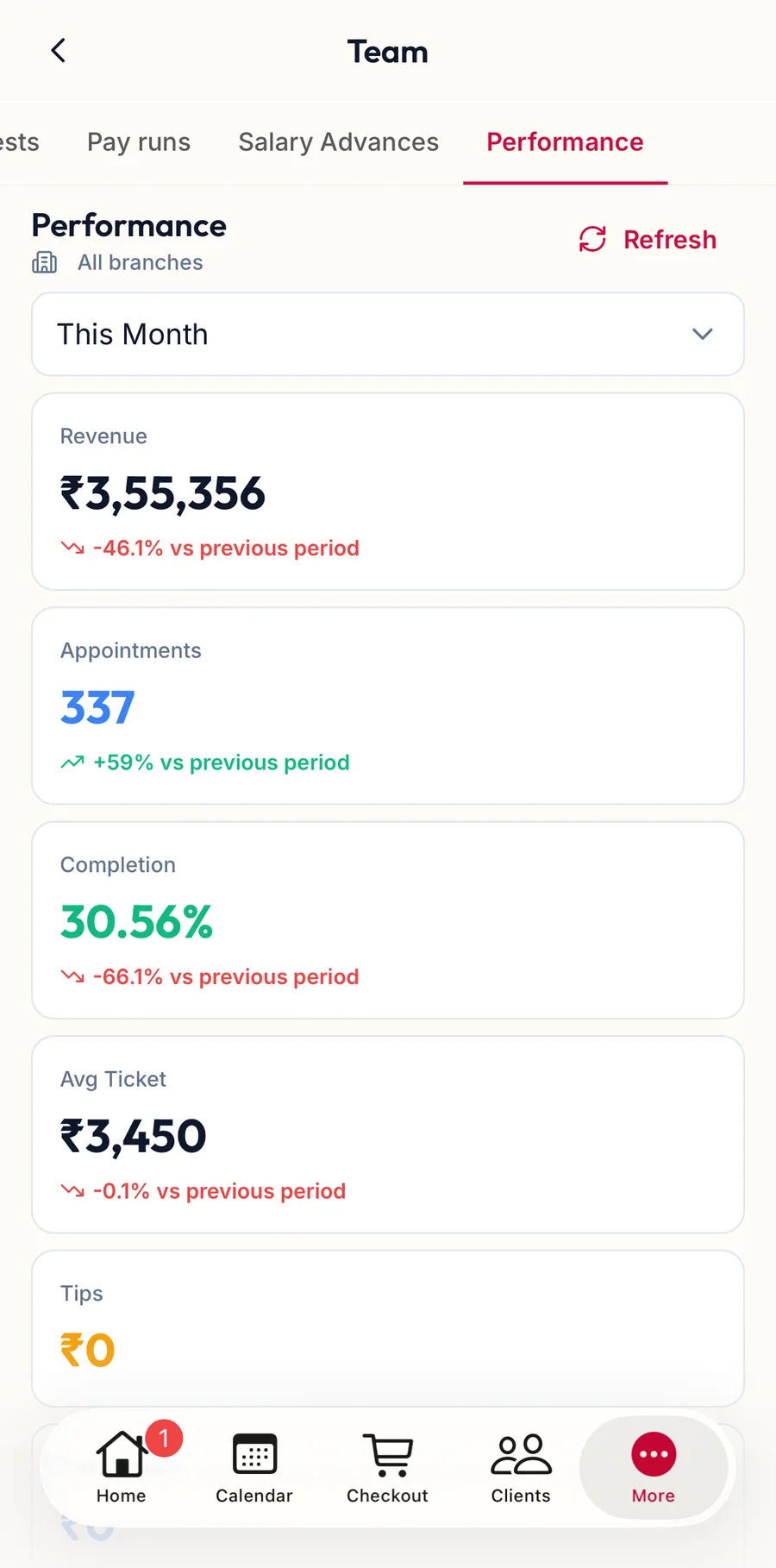
Revenue, Appointments, Completion, Avg Ticket, Tips and Commission, each with vs prev period.
In the app
Tap More, then Team, then the Performance tab. The Period and branch controls sit at the top; the tiles, charts and Staff Leaderboard follow one under the other.
The charts
Revenue Trend by day, Appointment Status by outcome, Revenue by Staff, Service vs Retail, Top Services and Busiest Times (By day or By hour).
Staff Leaderboard
Ranked by revenue · click a row for the full breakdown. Columns: Revenue, Appts, Avg Ticket, Commission, Tips, Rating, Utilization and Completion.
Click a member for their own page: Total, Done, Cancel and No-show counts, a Revenue trend, Rebooking rate, Utilization (booked time against scheduled time) and Avg rating. Under Recent reviews, Add a review records an internal rating with an optional comment.
Related articles
- The report library and Recommended for you · Reports & AI
- Commission profiles: fixed, tiered, per item · Team